

Fix Common Marvel Rivals Error Codes Easily
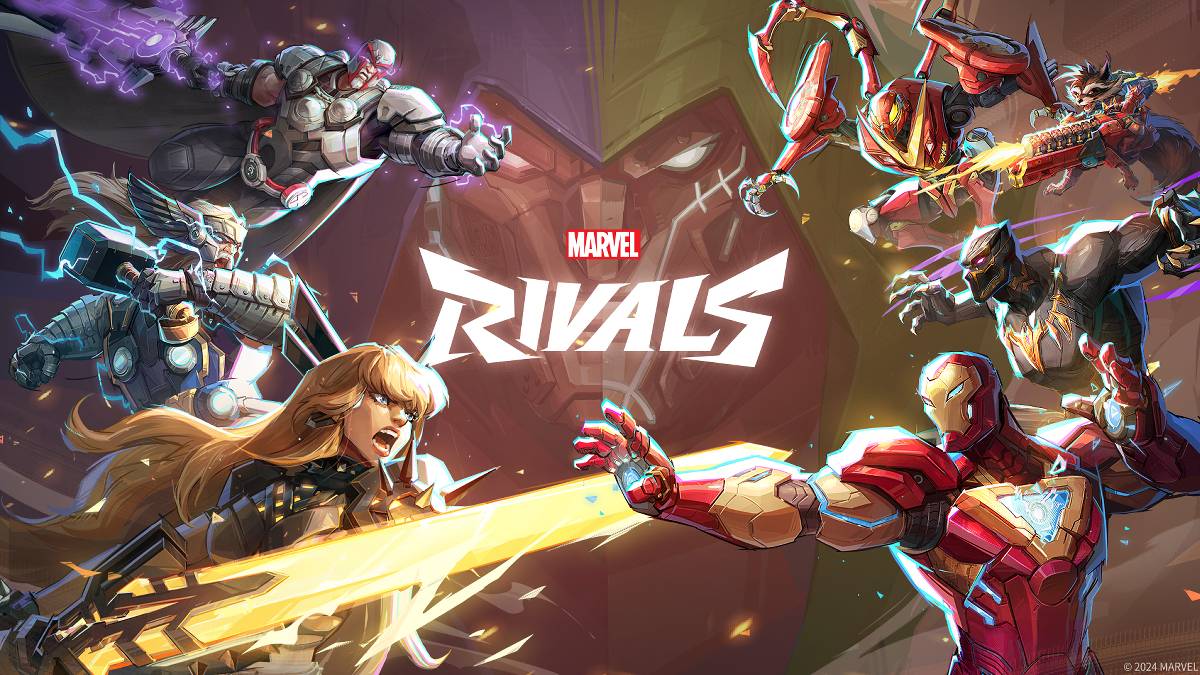
Bugs and error codes are an inevitable part of modern gaming, and *Marvel Rivals* players are no strangers to these issues. If you're facing challenges due to these errors, here's a comprehensive guide to help you troubleshoot and get back to enjoying the game.
All Solutions to Common Marvel Rivals Error Codes
While playing *Marvel Rivals*, you might come across various error codes and bugs that can hinder your gameplay, from preventing you from starting the game to causing crashes, lags, or stutters. Fortunately, most of these issues have solutions to help you get back into the action.
| Error Code | Description | Solution |
|---|---|---|
| Error 4 | This infamous error usually appears on PlayStation but can also occur on the PC version of *Marvel Rivals*. | Check your internet connection Check server status Relaunch *Marvel Rivals* |
| 99% loading bug | Players may get stuck at 99% while loading a match. Although you might still enter, it can take a long time. | Check your internet connection Close background programs Adjust your Network Diagnostic Settings |
| Error 211 | Commonly encountered by players launching *Marvel Rivals* via Steam, this error is caused by connection issues. | Check server status Disable 3rd party server blockers Check internet connection Verify game files |
| Error 10 | This error may appear when launching *Marvel Rivals* due to a poor internet connection. | Check your internet connection Relaunch *Marvel Rivals* Check server status |
| Error 220 | This error might be caused by the server location or firewall settings. | Modify your security firewalls Adjust DNS Settings Disable 3rd party server blockers Use VPN |
| Error 21 | Xbox players may encounter Error 21 when launching *Marvel Rivals*. | Restart your console Reset your router Check server status Disable IPv6 on internet connection Use VPN |
| Error 5 | PlayStation players might suffer from this code due to high ping and packet loss from high latency spikes. | Check your internet connection Close background programs Adjust your Network Diagnostic Settings |
| Error 26 | This error prevents you from playing the game. | Check your internet connection Disable your VPN Clear Cache Files Verify game files |
| Packet Loss Error | You experience extremely high ping and packet loss caused by high latency spikes. | Check your internet connection Close background programs Adjust your Network Diagnostic Settings |
| DX12 Not Supported | Players are unable to launch *Marvel Rivals* because DX12 is not supported, often due to issues with Windows updates or an incompatible GPU. | Update to the latest Windows version Update your GPU driver Reinstall *Marvel Rivals* |
| Error Code 258 | You may encounter this error if you fail to log into the game via the PC launcher, particularly with the Epic Game Store. | Check your anti-virus Verify game files Reinstall the game |
| Error LS-0014 | Players using Epic Game Store may encounter this annoying code. | Check your anti-virus Verify game files Reinstall the game |
| Igniting the Timestream | You may encounter this during the matchmaking process. | Check server status Restart the game Check internet connection |
| Version mismatch | Players may get this error after updating the game. | Verify game files Check updates Check internet connection |
| Out of video memory | This bug prevents players from playing the game due to insufficient VRAM. | Check your VRAM Update your GPU driver Close background programs |
| Blue screen error | One of the worst issues you can encounter in *Marvel Rivals*, though relatively rare. | Clean install your GPU driver Lower graphic settings Run the Windows Memory Diagnostic Tool |
| Server Connection Failed | A common error that occurs due to internet connection issues. | Check server status Check internet connection |
Related: All Marvel Rivals Ultimate Voice Lines & What They Mean
These are the common *Marvel Rivals* error codes you might encounter while playing. Many of these issues stem from connection problems, so ensuring your Wi-Fi is stable is crucial. Restarting your device can also often resolve the problem.
Marvel Rivals is now available on PS5, PC, and Xbox Series X|S.
-
 Lazy JumpGet ready for chaos in Lazy Jump as you guide a floppy ragdoll through 300+ physics-based puzzle levels. Your character moves like a wet noodle, so quick thinking and a solid grasp of inertia are key to overcoming challenges—from scoring goals to an
 -
 Lunch with Ronan modIndulge in a provocative and intimate adventure with Lunch with Ronan, a sensual standalone spin-off from Notes of Hearts. This captivating visual novel places you in the role of Ronan's workplace colleague, uncovering a realm of passion, intimacy,
 -
 TRUE FITNESS SingaporeReady to begin your fitness journey? The True Fitness Singapore app is your perfect starting point! With convenient locations islandwide, premium facilities, and diverse class options like Yoga, Dance, and Cycling, True Fitness offers everything req
 -
 Barri Money TransferMeet the Barri Money Transfer app – your quick and effortless solution for sending funds to loved ones. Send money anytime, anywhere with just a few taps, eliminating delays and inconvenience. Monitor real-time transaction updates to know precisely w
 -
Cat Maid Gathering!Step into a whimsical universe brimming with charming cat maids in Cat Maid Gathering! This delightful touch-based game delivers effortless and intuitive gameplay, free from convoluted mechanics. Engage with a delightful cast of feline maids while e
-
 Khmer eRadio+Explore a world of entertainment with the Khmer eRadio+ app! This exceptional app brings together diverse media in a single platform. Listen to your favorite radio stations, stay updated with the latest news, and stream popular TV shows—right at you




