
| 應用程式名稱 | BeautyPro Symmetry App Interna |
| 開發者 | Beauty Angels International |
| 分類 | 美容時尚 |
| 大小 | 2.4 MB |
| 最新版本 | 1.1.10 |
| 可用於 |


The ideal solution for precisely measuring eyebrow design symmetry.
Specially crafted for microblading and permanent makeup professionals.
This user-friendly application simplifies the process into just six straightforward steps:
Step 1: Launch the application.
Simply tap the BeautyPro Symmetry App International icon on your device's screen to begin.
Step 2: Position the client's face.
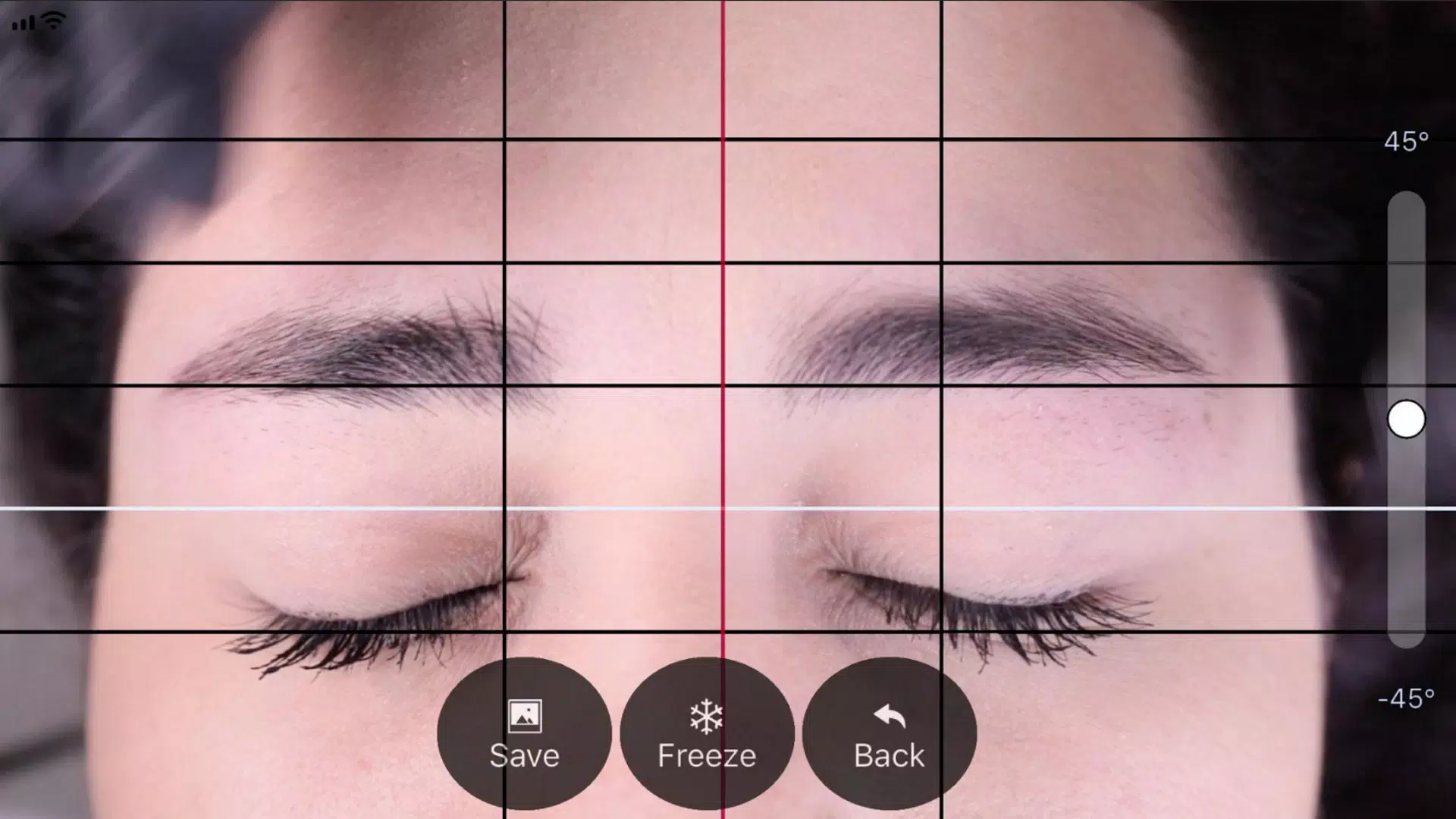
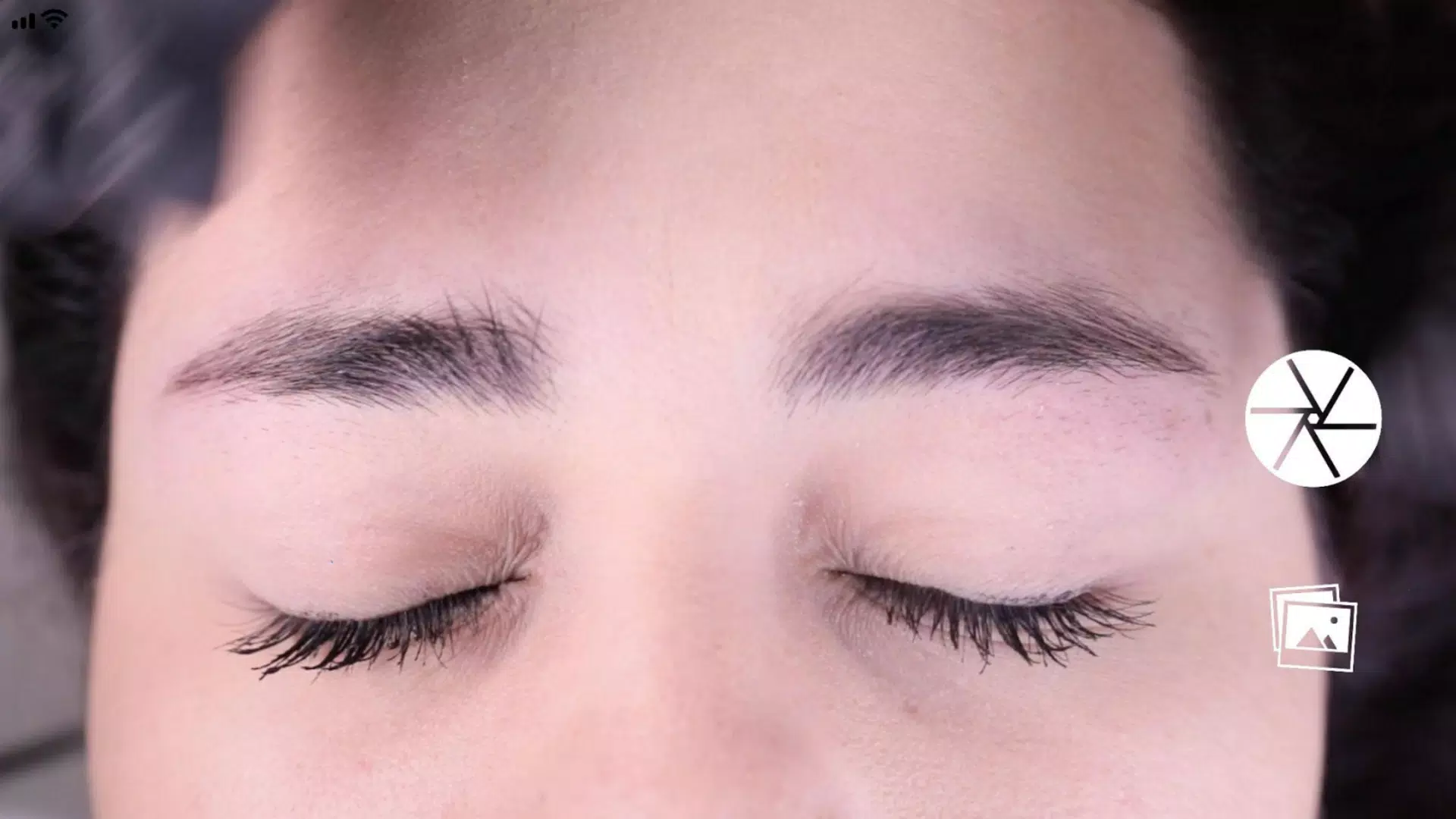
Hold your phone horizontally and align the face within the guide lines - position the two horizontal lines at the eyebrow arches (point 2) and center the vertical line along the nose bridge's midline.
Step 3: Take the photo.
With the face properly aligned as described in step 2, capture the image using the central button on the right side of the screen.
Step 4: Activate the grid tool.
After capturing, the image displays with 4 black horizontal lines and 1 white line. Adjust and lock these guides by tapping the "Grid" function button.
Step 5: Fine-tune vertical alignment.
Similarly adjust the vertical grid lines - a central red line flanked by two black lines. Center the red line on the nose bridge midline, then use the black lines to set eyebrow spacing.
Step 6: Optimize image settings.
Make final adjustments by rotating the image vertically using the right-side slider or zooming in/out with a two-finger pinch gesture.
Step 7: Once perfectly aligned, save the image to your device's gallery by pressing "SAVE", or restart the process by selecting "BACK" to capture a new photo.