

"Modding Stardew Valley: A Step-by-Step Guide"
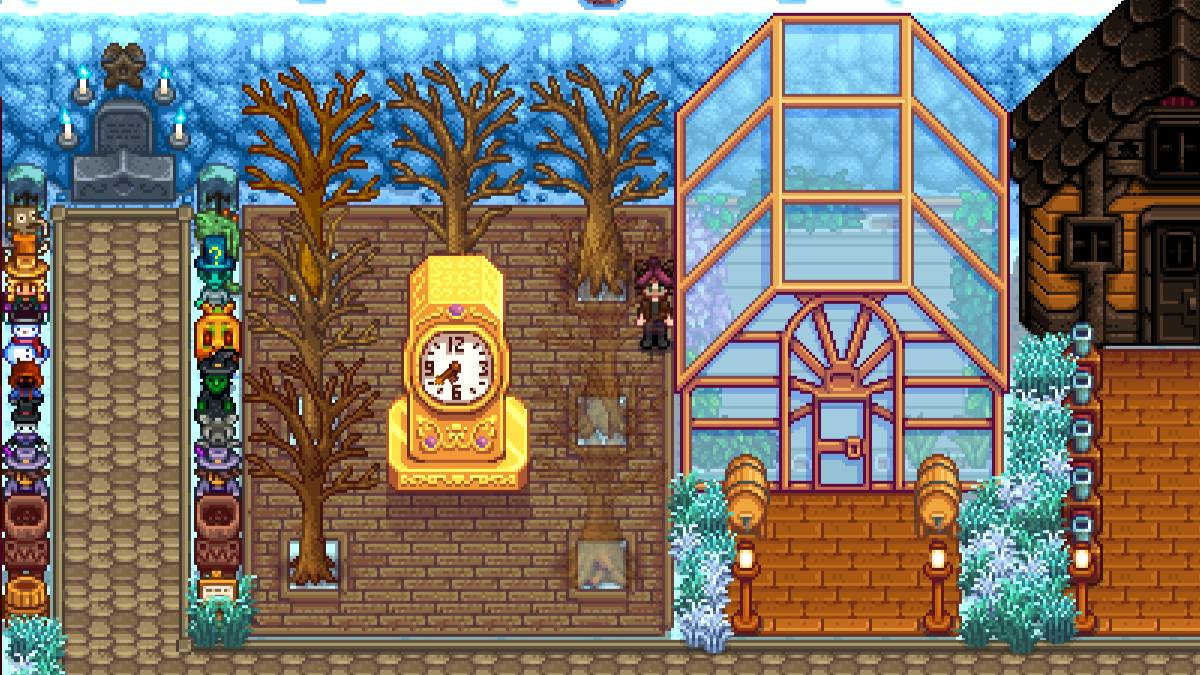
While the latest update of *Stardew Valley* has captured the community's attention, the world of mods has long been a playground for players looking to expand their experience. From enriching NPC storylines to introducing new cosmetic items, modding allows you to tap into your creativity and personalize your game. Here's a step-by-step guide on how to mod *Stardew Valley* on Windows.
How To Mod Stardew Valley For Windows:
Step One: Back Up Your Save File
This step is highly recommended. Backing up your save files ensures your farm remains safe and secure, no matter what. If you're starting a new game, this isn't necessary, but if you've invested hours in building relationships and expanding your artisanal empire, losing that progress would be devastating.
To back up your save file:
- Press Win + R to open the Run dialog box.
- Type %appdata% and press Enter.
- Open the 'Stardew Valley' folder.
- Open the 'Saves' folder.
- Copy and paste the contents to a safe location on your laptop or PC.
Step Two: Install SMAPI
SMAPI is a Mod Loader that seamlessly integrates your chosen mods into the game. You can download SMAPI directly from their official website.
Related: How To Get Multiple Pets in Stardew Valley

After downloading, extract the SMAPI ZIP file to a convenient location on your computer, such as your desktop or downloads folder. Remember, SMAPI is not a mod itself but a mod loader that facilitates the integration of mods. Do not extract it into the mod folder.
Once extracted, run SMAPI and select "install on Windows." Follow the on-screen prompts to complete the installation.
Step Three: Configure Your Game Client
If you're running *Stardew Valley* through platforms like Steam, GOG Galaxy, or the Xbox App, you might need to take additional steps to ensure playtime tracking and achievements continue to work. You can find detailed instructions on configuring your game client here.
Step Four: Installing Mods
Now comes the exciting part—installing mods.

Nexus Mods is the go-to site for downloading *Stardew Valley* mods, offering a vast array to keep players engaged. Mods are usually downloaded as ZIP files, which you'll need to extract. After extraction, move the files into the Mods folder, which is automatically created during SMAPI installation. You can find the Mods folder in the following locations:
- Steam: C:\Program Files (x86)\Steam\steamapps\common\Stardew Valley
- GOG Galaxy: C:\Program Files (x86)\GOG Galaxy\Games\Stardew Valley
- Xbox App: C:\XboxGames\Stardew Valley
With over 1000 mods available on Nexus alone, there's no shortage of ways to enhance your *Stardew Valley* experience, whether you're a new or seasoned player.
*Stardew Valley is available now*.
-
 Lunch with Ronan modIndulge in a provocative and intimate adventure with Lunch with Ronan, a sensual standalone spin-off from Notes of Hearts. This captivating visual novel places you in the role of Ronan's workplace colleague, uncovering a realm of passion, intimacy,
 -
 TRUE FITNESS SingaporeReady to begin your fitness journey? The True Fitness Singapore app is your perfect starting point! With convenient locations islandwide, premium facilities, and diverse class options like Yoga, Dance, and Cycling, True Fitness offers everything req
 -
 Barri Money TransferMeet the Barri Money Transfer app – your quick and effortless solution for sending funds to loved ones. Send money anytime, anywhere with just a few taps, eliminating delays and inconvenience. Monitor real-time transaction updates to know precisely w
 -
Cat Maid Gathering!Step into a whimsical universe brimming with charming cat maids in Cat Maid Gathering! This delightful touch-based game delivers effortless and intuitive gameplay, free from convoluted mechanics. Engage with a delightful cast of feline maids while e
-
 Khmer eRadio+Explore a world of entertainment with the Khmer eRadio+ app! This exceptional app brings together diverse media in a single platform. Listen to your favorite radio stations, stay updated with the latest news, and stream popular TV shows—right at you
 -
 Eucerin® put lepoteDiscover the "Path of Beauty," Eucerin's debut digital loyalty program designed for skincare enthusiasts. Eucerin introduces its first fully digital loyalty initiative, "Beauty Path," revolutionizing how you redeem rewards. With every Eucerin pr




