

"Modding Stardew Valley: A Step-by-Step Guide"
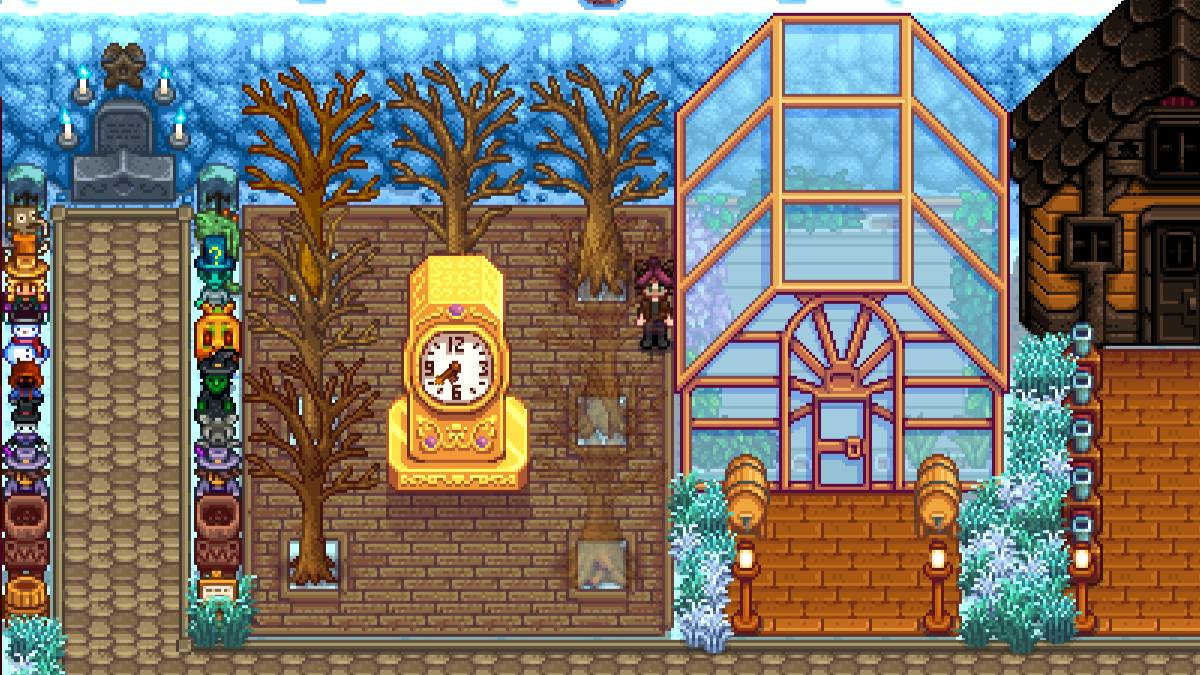
While the latest update of *Stardew Valley* has captured the community's attention, the world of mods has long been a playground for players looking to expand their experience. From enriching NPC storylines to introducing new cosmetic items, modding allows you to tap into your creativity and personalize your game. Here's a step-by-step guide on how to mod *Stardew Valley* on Windows.
How To Mod Stardew Valley For Windows:
Step One: Back Up Your Save File
This step is highly recommended. Backing up your save files ensures your farm remains safe and secure, no matter what. If you're starting a new game, this isn't necessary, but if you've invested hours in building relationships and expanding your artisanal empire, losing that progress would be devastating.
To back up your save file:
- Press Win + R to open the Run dialog box.
- Type %appdata% and press Enter.
- Open the 'Stardew Valley' folder.
- Open the 'Saves' folder.
- Copy and paste the contents to a safe location on your laptop or PC.
Step Two: Install SMAPI
SMAPI is a Mod Loader that seamlessly integrates your chosen mods into the game. You can download SMAPI directly from their official website.
Related: How To Get Multiple Pets in Stardew Valley
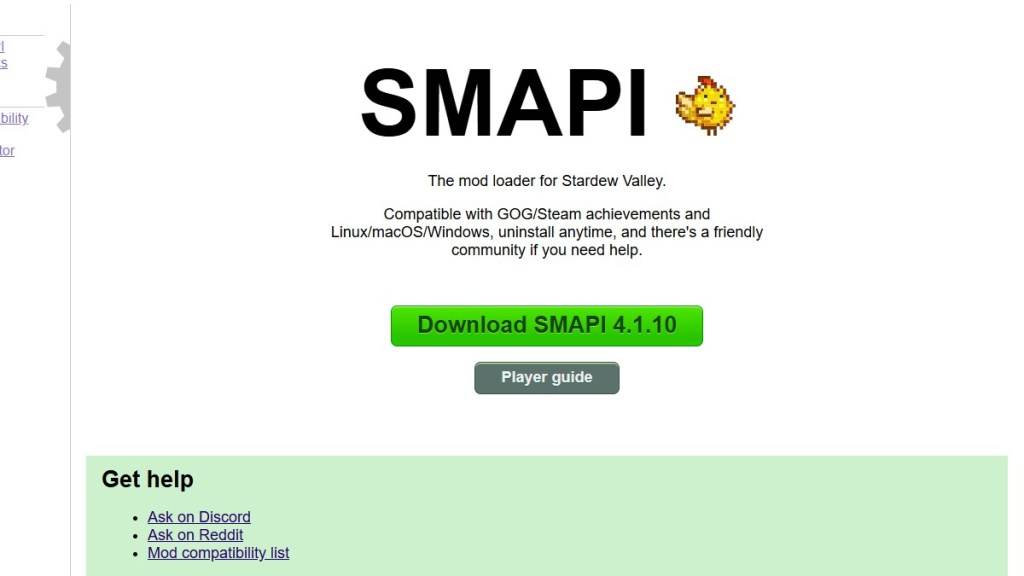
After downloading, extract the SMAPI ZIP file to a convenient location on your computer, such as your desktop or downloads folder. Remember, SMAPI is not a mod itself but a mod loader that facilitates the integration of mods. Do not extract it into the mod folder.
Once extracted, run SMAPI and select "install on Windows." Follow the on-screen prompts to complete the installation.
Step Three: Configure Your Game Client
If you're running *Stardew Valley* through platforms like Steam, GOG Galaxy, or the Xbox App, you might need to take additional steps to ensure playtime tracking and achievements continue to work. You can find detailed instructions on configuring your game client here.
Step Four: Installing Mods
Now comes the exciting part—installing mods.
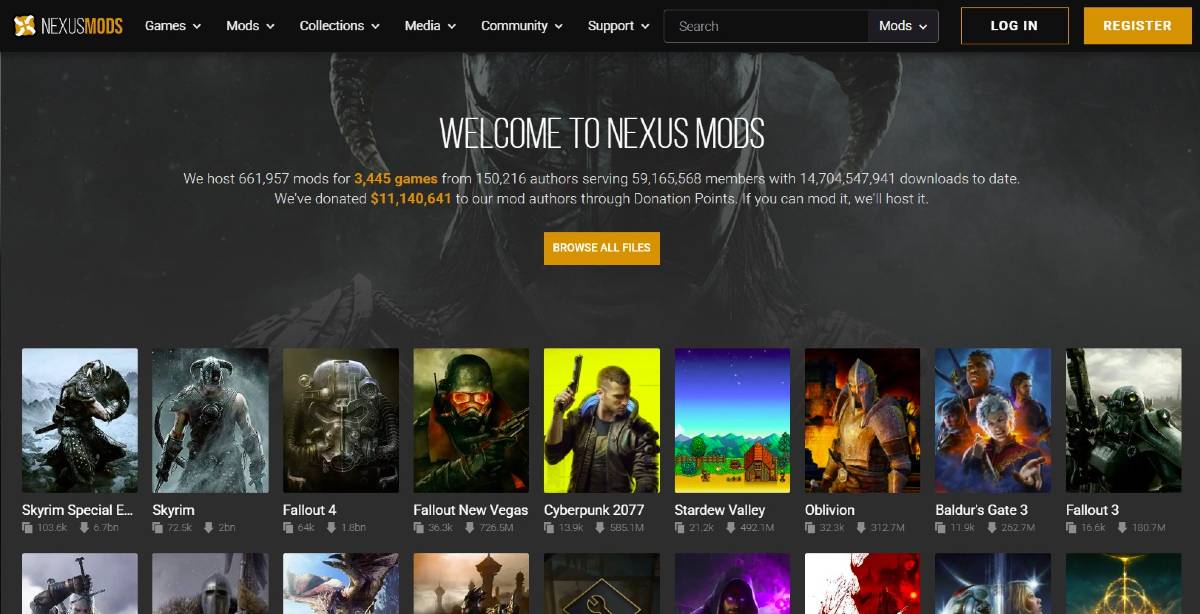
Nexus Mods is the go-to site for downloading *Stardew Valley* mods, offering a vast array to keep players engaged. Mods are usually downloaded as ZIP files, which you'll need to extract. After extraction, move the files into the Mods folder, which is automatically created during SMAPI installation. You can find the Mods folder in the following locations:
- Steam: C:\Program Files (x86)\Steam\steamapps\common\Stardew Valley
- GOG Galaxy: C:\Program Files (x86)\GOG Galaxy\Games\Stardew Valley
- Xbox App: C:\XboxGames\Stardew Valley
With over 1000 mods available on Nexus alone, there's no shortage of ways to enhance your *Stardew Valley* experience, whether you're a new or seasoned player.
*Stardew Valley is available now*.
-
 Aspen Beauty Academy of LaurelGet instant access to our Salon with the brand-new AppEnjoy seamless salon access through our updated App. Book appointments, explore exclusive offers, and manage your upcoming visits.KEY FEATURES:1. Book Appointments. Schedule your visit directly fr
 -
 BFF Test - Friendship TestFun Quiz To Play With Friends!Welcome to True BFF – The Ultimate Friendship Test, a game designed to inject fresh excitement and joy into your bond with your best friend. This delightful quiz is also perfect for partners and family members.Transform
 -
 Siblings - Raksha Bandhan GameSiblings is a festive game that honors Raksha Bandhan, the Indian celebration of the bond between brothers and sisters.Siblings - Raksha Bandhan 2022 is an entertaining game that showcases the special relationship between a brother and sister. Raksha
 -
 Genius Quiz ReverseExperience the all-new Genius Quiz Reverse, packed with fresh challenges and questions!Key Features:- 50 completely unique questions- Some correct answers aren't listed among the choices- Only 2% of players manage to complete the entire gameWhat's Ne
 -
 Crosswords(Fill-Ins+Chainword)Master a variety of puzzles, including Crosswords, Fill-Ins, and Chainwords, all in one exciting game!A unique blend of crossword and puzzle gameplay. Fresh challenges and novel mechanics await.Access thousands of crossword, fill-in, and chainword pu
 -
 리니지MPlay the legendary Korean MMORPG, Lineage M, on your mobile device.▶ VANGUARD: Romantic Era Update ◀Lead the charge and shake Aden to its core! Introducing the ‘Knight Reboot’.The ‘World Dungeon’ returns with a fresh look and enhanced rewards.Experie




