

A second chance for Items in Minecraft: How to repair an Item
The crafting system in the cubic world of Minecraft is incredibly diverse, offering players a vast array of tools and items to create. However, the constant need to craft items like pickaxes and swords stems from their limited durability. While it's true that these tools and armor will eventually break, you don't have to discard them, especially if they're enchanted items you've spent hours perfecting. Let's dive into how you can repair items in Minecraft to enhance your gameplay experience!
Table of Contents
- How to create an anvil in Minecraft?
- How does the anvil work?
- Repairing enchanted items in Minecraft
- Features of using the anvil
- How to repair an item without an anvil?
How to create an anvil in Minecraft?
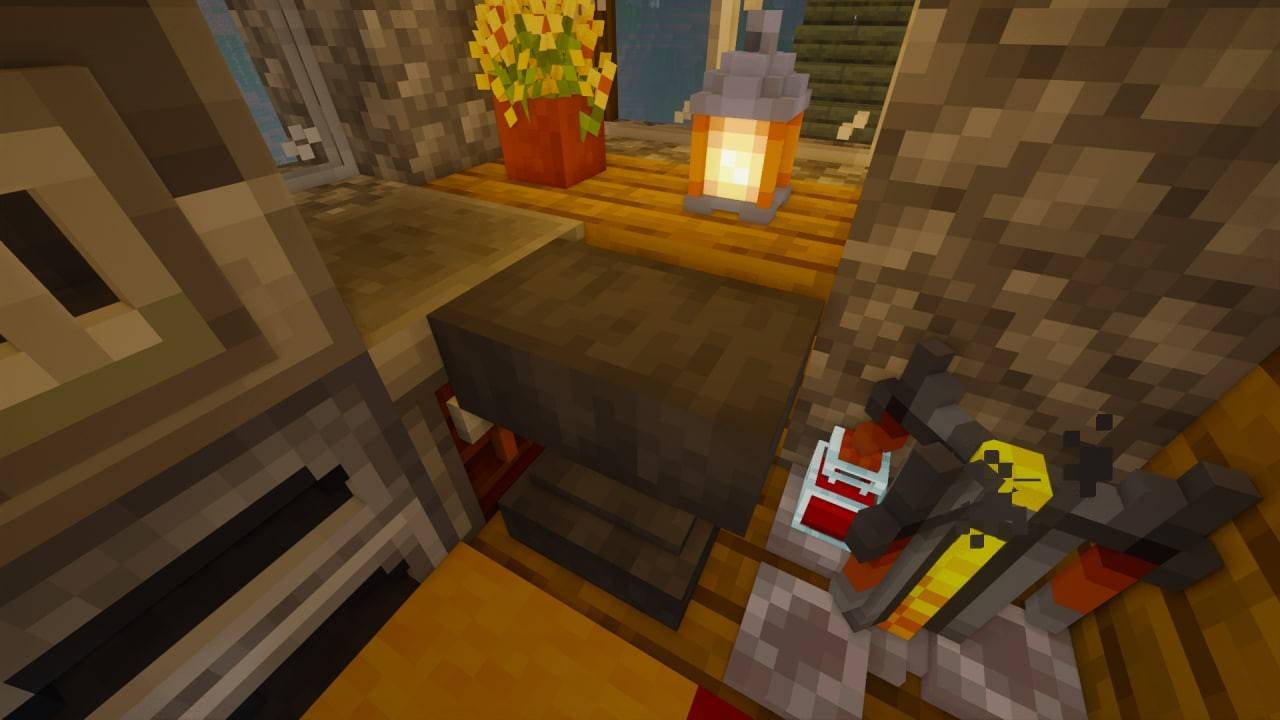 Image: ensigame.com
An anvil is essential for repairing items in Minecraft. Crafting one isn't straightforward due to the materials required, not the recipe itself. You'll need 4 iron ingots and 3 iron blocks, totaling 31 ingots. It's a significant investment, but well worth it. First, you'll need to smelt the ore using a furnace or a blast furnace—check out our separate guides for those.
Head to your crafting table and follow this recipe:
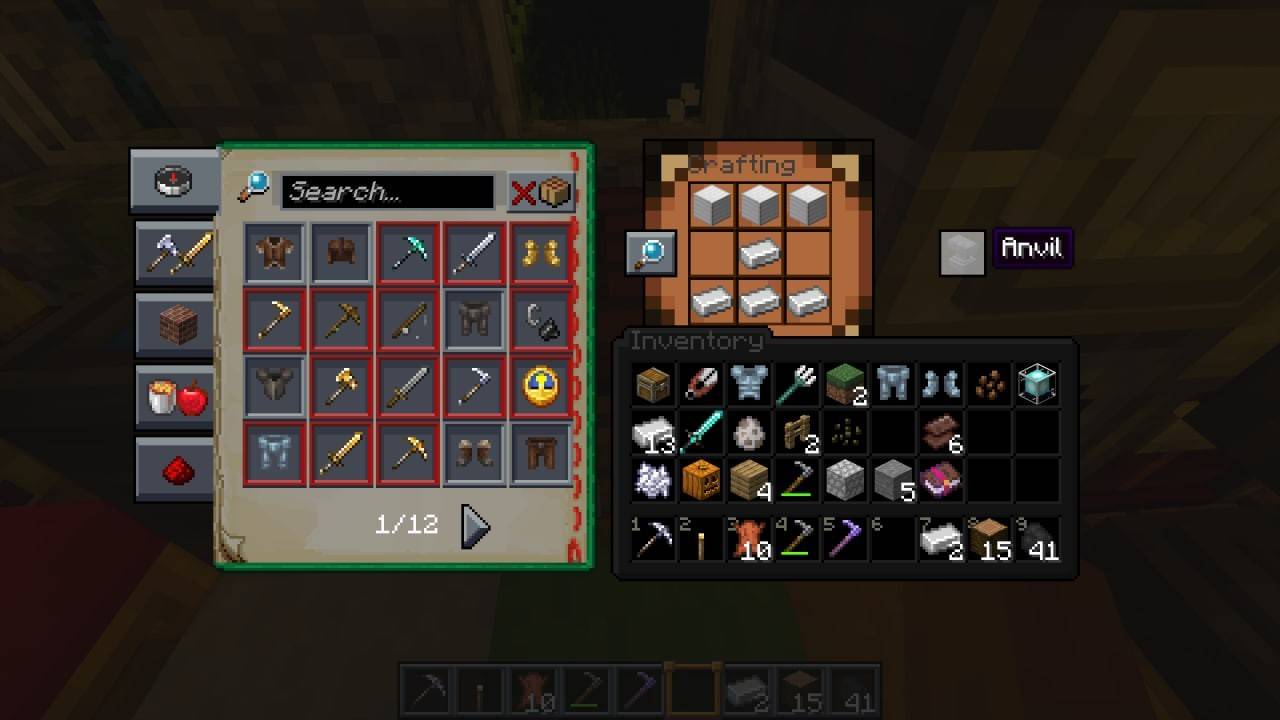 Image: ensigame.com
Once crafted, you're ready to learn how to use it.
How does the anvil work?
To repair an item with an anvil, approach it and open the crafting menu. You'll see three slots, but you can only use two for repair. Start by placing two similar tools with low durability to create a new, fully repaired one.
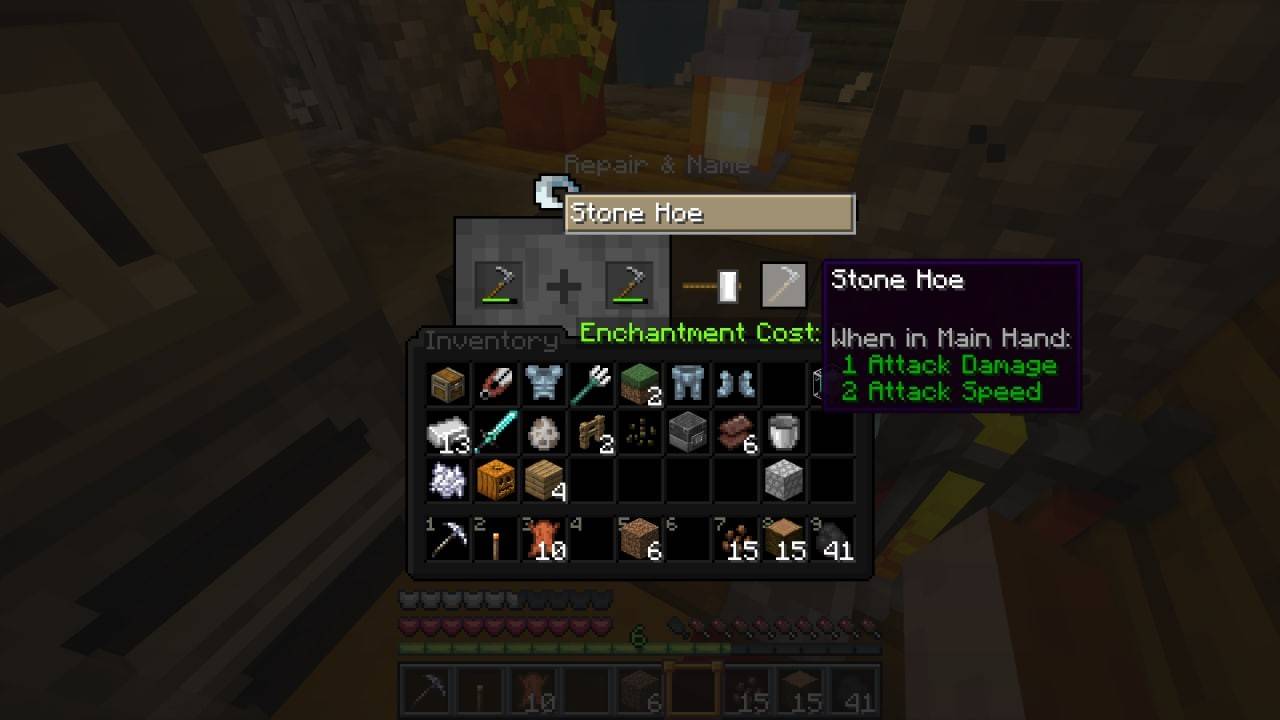 Image: ensigame.com
You don't have to use identical items for repair; you can combine the item with the material used to craft it. For example, to repair a stone hoe, you can use a block of cobblestone.
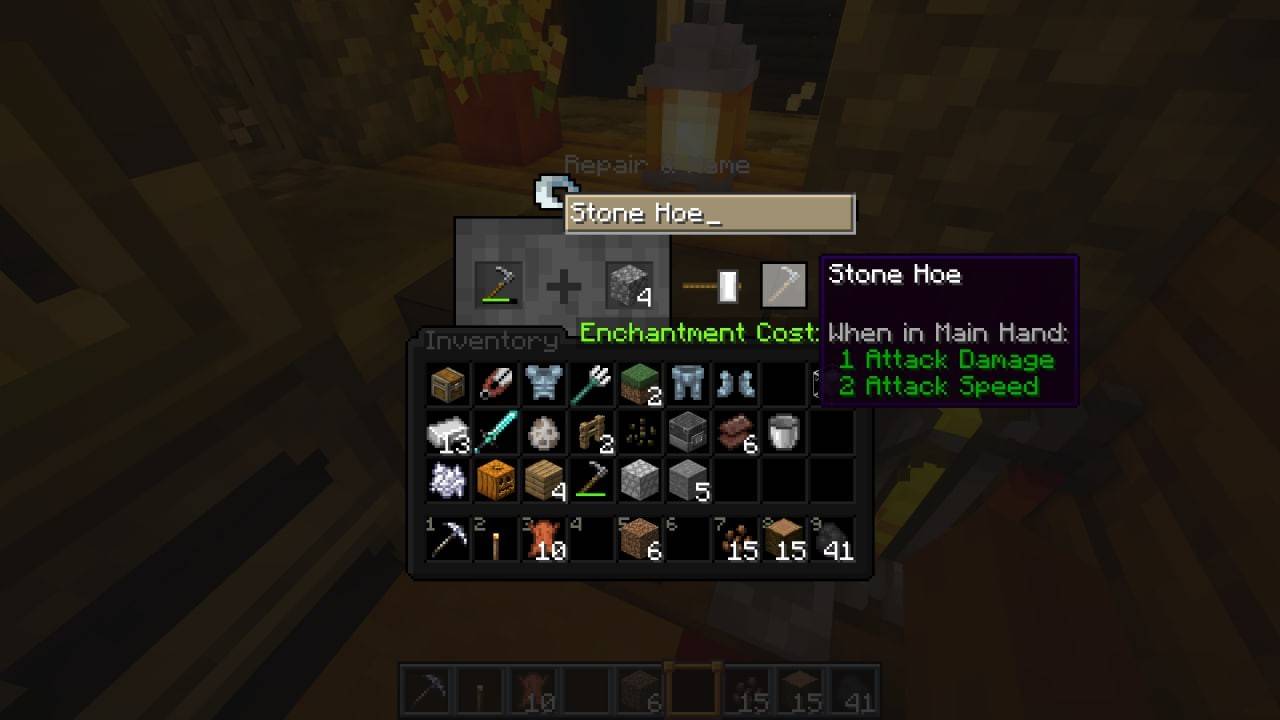 Image: ensigame.com
Remember, repairing any item costs experience points, and the more durability you restore, the more experience you'll lose. Some items, like enchanted ones, have special repair recipes.
Repairing enchanted items in Minecraft
Repairing enchanted items is similar to repairing regular ones but requires more experience and possibly expensive enchanted items or books. Here's how it works:
- Place two enchanted items in the repair slots to get a fully repaired item with combined enchantments.
- The item in the first slot's properties are added to the second slot's, including durability.
- The success of the repair isn't guaranteed, and the cost can vary based on the order of placement—experiment to find the best results.
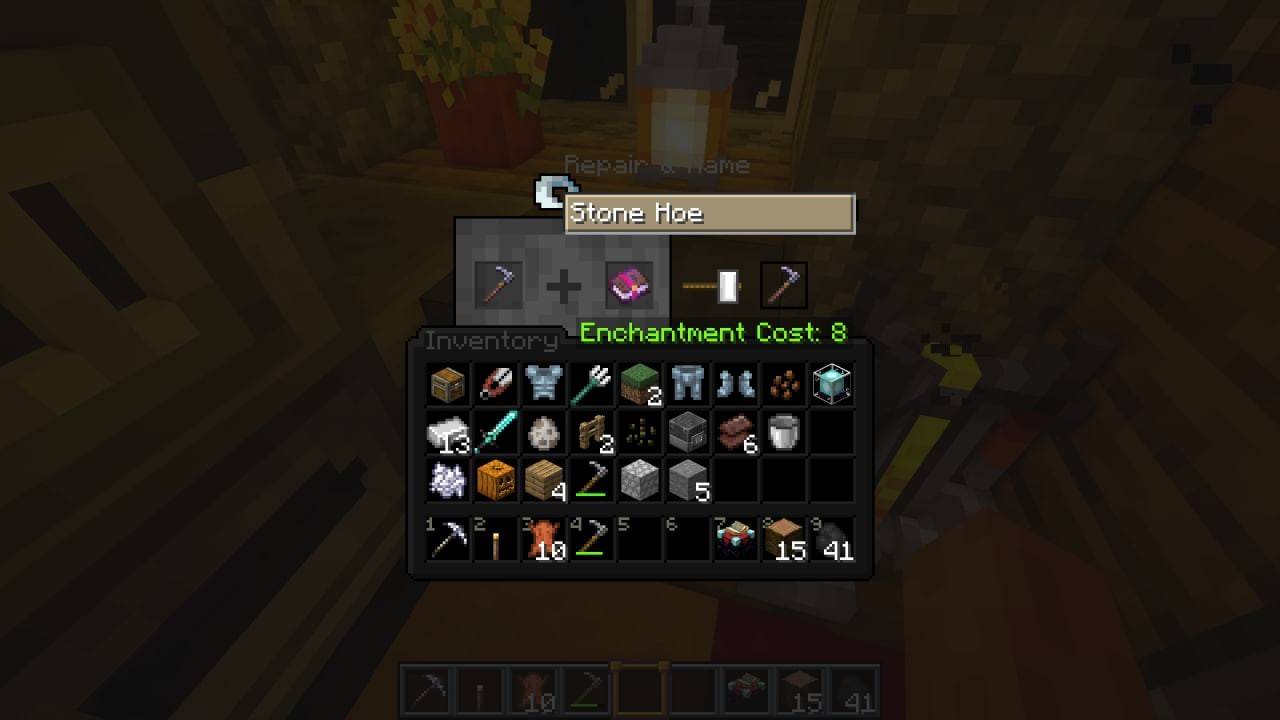 Image: ensigame.com
You can also use an enchantment book instead of a second tool, or even combine two books for a more powerful enchantment.
Features of using the anvil
While the anvil is a durable tool, it's not indestructible. Frequent use will cause it to break, indicated by cracks on its body. Be prepared to craft another anvil and keep iron handy.
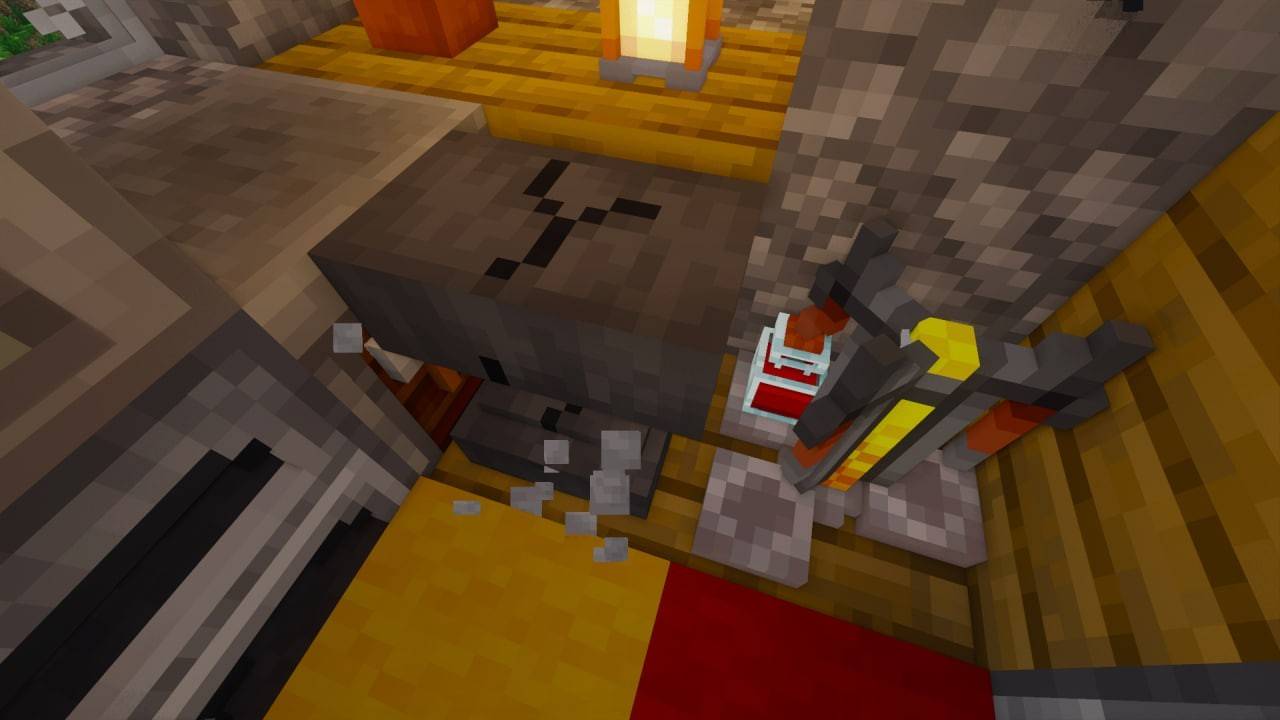 Image: ensigame.com
Note that the anvil can't repair scrolls, books, bows, chainmail, and other specific items. These require different recipes and methods.
How to repair an item without an anvil?
Minecraft's versatility shines here. You can repair items without an anvil, which is handy during long journeys. A grindstone is an option, but the crafting table is the most efficient.
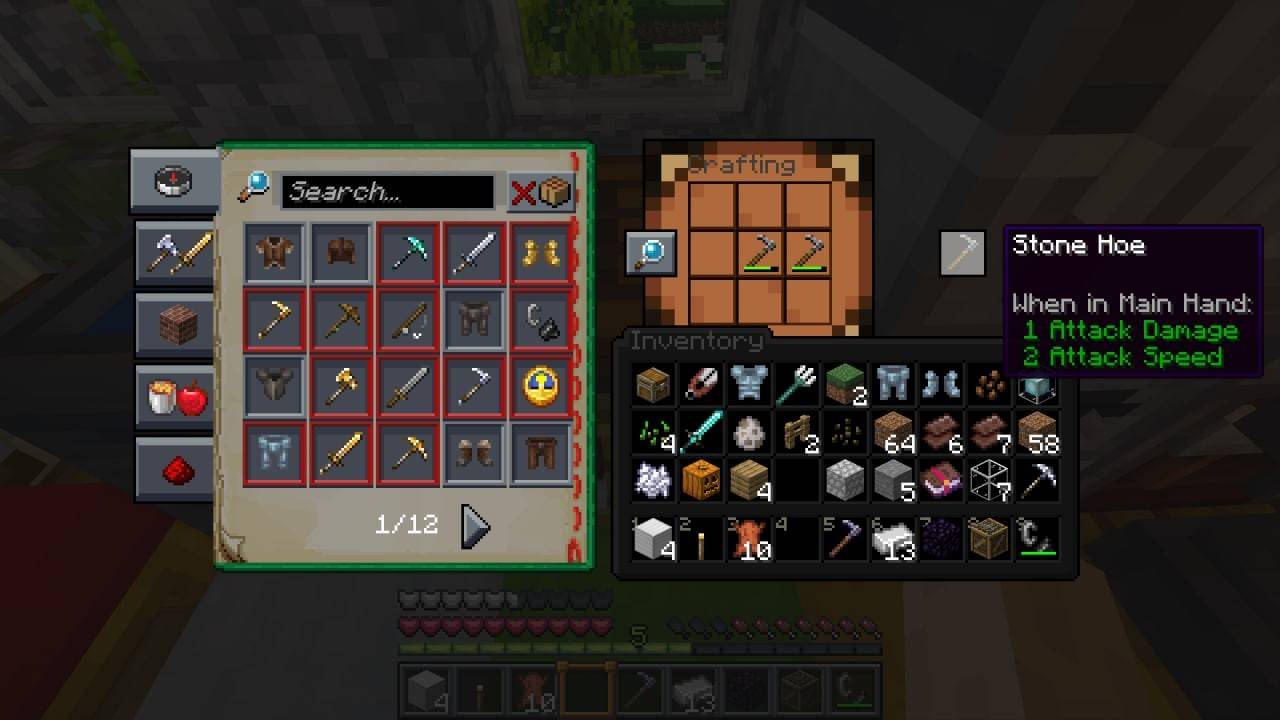 Image: ensigame.com
Simply open the crafting table and combine items of the same type to boost their durability. It's the same principle as using an anvil but more convenient for travel.
In conclusion, repairing items in Minecraft isn't limited to standard recipes. You've learned that you can maintain your favorite items using a crafting table or grindstone, and as you explore further, you'll discover even more creative ways to repair without these tools. Experiment with different materials and resources to find the most efficient repair methods for your gameplay.
-
 리니지MPlay the legendary Korean MMORPG, Lineage M, on your mobile device.▶ VANGUARD: Romantic Era Update ◀Lead the charge and shake Aden to its core! Introducing the ‘Knight Reboot’.The ‘World Dungeon’ returns with a fresh look and enhanced rewards.Experie
 -
 라살라스Lasalas: an MMORPG battlefield where honor and power collide.MMORPG, where honor and power clash.The time for battle is now. Become a hero.▣ Game Overview ▣Experience battles of conflict and control that erupt anywhere across the vast open field.Prov
 -
 Walmart InHome DeliveryDiscover ultimate convenience with Walmart InHome Delivery. This service brings groceries and household essentials directly into your home, delivered by trained Walmart associates. Using secure smart entry technology, these professionals can safely
 -
 WAGMI DefenseDive into intense 1v1 PvP combat, collect powerful cards, and defend your base in thrilling strategic battles!Welcome to WAGMI Defense, a dynamic real-time PvP strategy game! Choose your side in the ultimate war between aliens and humanity. Defend yo
 -
 SoraTransform Your Text into Videos Instantly – AI Magic at Your FingertipsWelcome to the future of digital storytelling: Our AI-powered app revolutionizes how you bring words to life, converting text into engaging 4-second videos. Leveraging the latest
 -
 Draw With Friends MultiplayerDraw, guess, and create together in this fun, reimagined drawing game. The ultimate social art experience!Get ready for an exciting drawing adventure with Draw with Friends! Whether you love classic party games or are seeking a fresh multiplayer chal




