

How to Use Photo Mode in Kingdom Come Deliverance 2
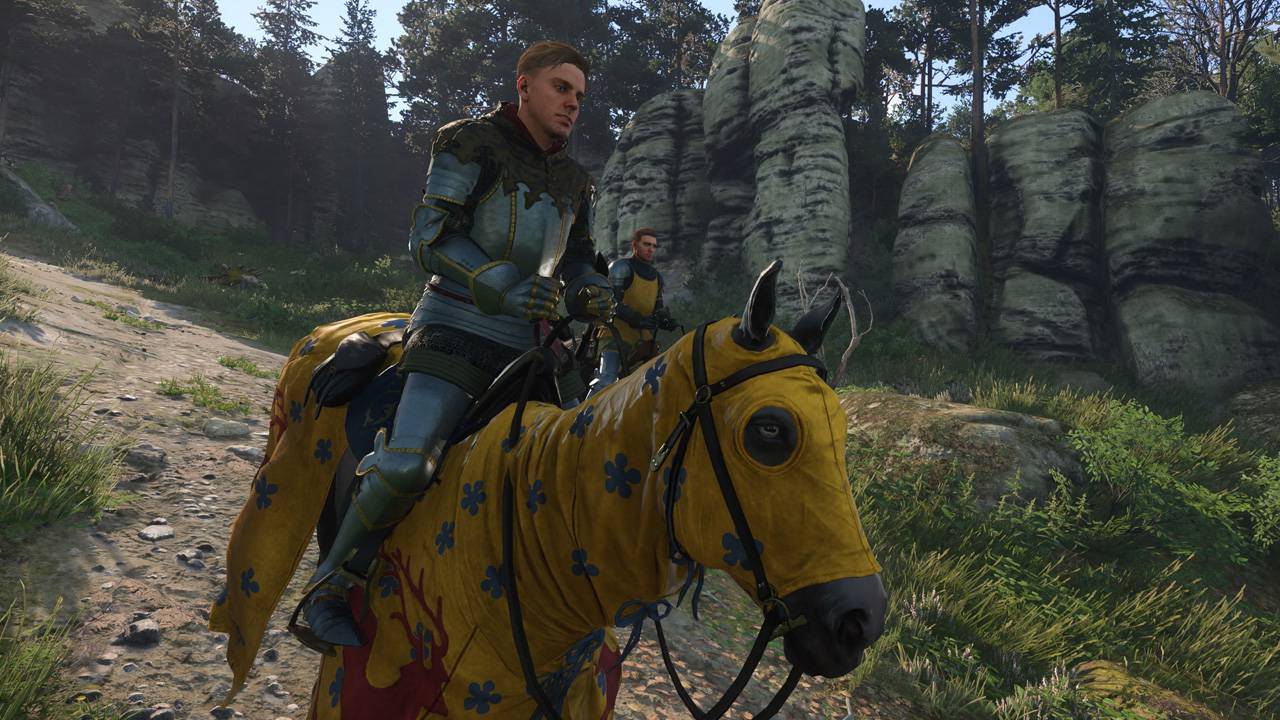
Capture the Beauty of Kingdom Come: Deliverance 2 with Photo Mode
Kingdom Come: Deliverance 2 boasts stunning visuals, especially in fidelity mode. Want to preserve that beauty beyond gameplay? The game features a built-in photo mode, allowing you to capture breathtaking screenshots. Here's how to access and utilize it:
Activating Photo Mode:
- PC: Press F1 on your keyboard, or simultaneously press L3 and R3 on your joypad.
- Xbox Series X|S / PlayStation 5: Simultaneously press L3 and R3 on your joypad (push both joysticks inward).
Upon activation, time will pause, and you'll enter photo mode.
Photo Mode Controls:
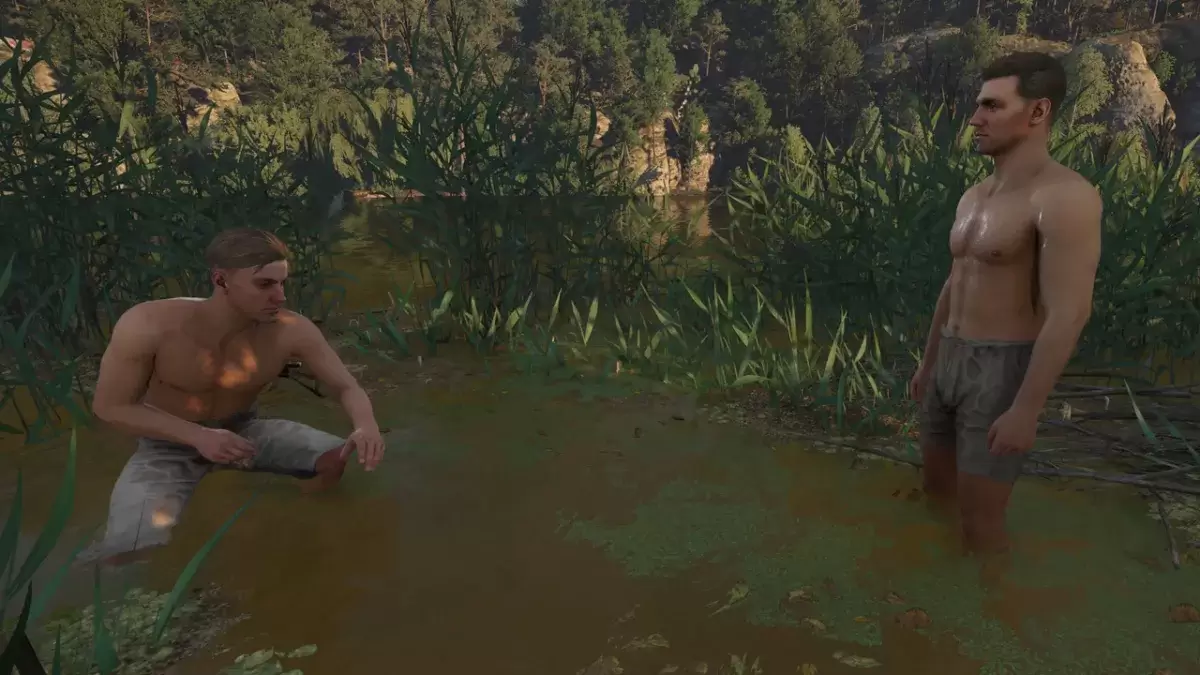
Once in photo mode, you can manipulate the camera to achieve the perfect shot:
Xbox Series X|S:
- Rotate camera: Left Stick
- Move camera horizontally: Right Stick
- Move camera up: Left Trigger/LT
- Move camera down: Right Trigger/RT
- Hide Interface: X
- Exit photo mode: B
- Take picture: Press the Xbox button, then Y.
PlayStation 5:
- Rotate camera: Left Stick
- Move camera horizontally: Right Stick
- Move camera up: Left Trigger/LT
- Move camera down: Right Trigger/RT
- Hide interface: Square
- Exit photo mode: Circle
- Take picture: Press the Share button and select "Take Screenshot" (or hold down Share).
PC (Keyboard and Mouse):
- Move camera: Use your mouse.
- Slow move: Caps Lock
- Hide interface: X
- Exit photo mode: Esc
- Take picture: E
Screenshots are saved to your Pictures folder on PC or your console's capture gallery.
Photo Mode Limitations:
Currently, Kingdom Come: Deliverance 2's photo mode offers basic functionality. While you can freely position the camera around Henry within a certain range, advanced features like character posing, color grading, time manipulation, or character insertion are absent. Hopefully, future updates will expand these options.
Despite its current limitations, the inclusion of photo mode is a welcome addition, allowing players to easily capture and share the game's stunning environments.
-
 Sound PrankSkibidi - Sound Prank that contains hundreds of realistic sound effects.Sound Prank - Horn & Fart- AppThis app includes many realistic air horn sounds like train, ship, truck, car, police siren and fire truck sounds that will fool everyone.+ Noise an
 -
 Magic Piano Tiles - Piano EDMPlay, Challenge, and Enjoy This Piano Music Tile GameA musical piano tiles game is a must-play for everyone due to its stunning pink visual graphics and immersive user interface. This piano music game offers endless fun with songs and loads of magic
 -
 Balloon TunesPop balloons and create music in this addicting game!Balloon Tunes from Ape Apps is the ultimate musical balloon popping game! Geared towards kids but fun for adults, you will have fun as you create music by popping colored balloons in this incredibl
 -
 FNF Rainbow Friends 2 Full ModReady To Beat FNF Rainbow Friends 2 Battle And Feel The Rhythm Of FNF MusicThis Friday night is your first time to All Rainbow Friends 2 wonderland. So, let's have fun with this very new funkin mod where Boyfriend rap-battle against some classic char
 -
 Au 2 - Chuẩn Audition MobileAu 2 – World of music game, choreography, fashion Audition standard on mobileAU 2 – EMOTIONAL CONNECTIONRise to become the Top of the Casual Dancing game series with more than 3 million connected accounts. Au2 represents a multi-color world combining
 -
 FNF In The Galaxy ModStep into the world of modchart, packed with endless modchart excitement. WARNING: THIS MOD CONTAINS FLASHING IMAGES THAT MAY TRIGGER SEIZURES. PLAY AT YOUR OWN RISK. Embark on an interstellar journey through the galaxy. Along the way, you'll uncover
-
 Invisible Woman Debuts in Marvel Rivals Gameplay
-
 Anime Power Tycoon Embraces Lucrative Codes for Enhanced Gameplay
-
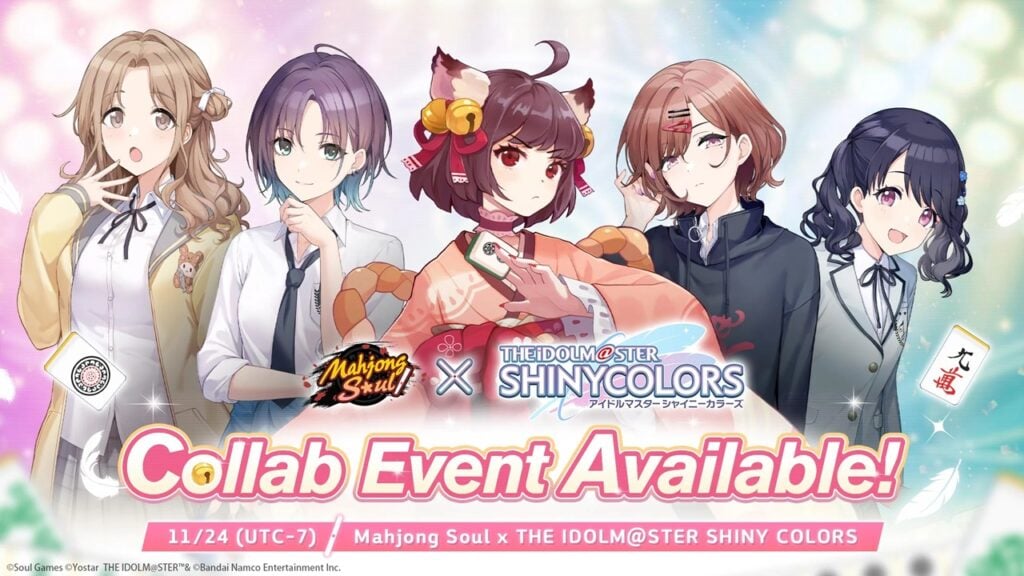 Mahjong Soul, Idolm@ster Shiny Colors Unite in Captivating Crossover
-
 Hades 2 Warsong Update Reintroduces Ares and Brings a New Boss
-
 Fallout-Style Game Last Home Soft Launches On Android