

Emulate Classic Sega CD Games on Steam Deck
Feb 23,25(9 months ago)
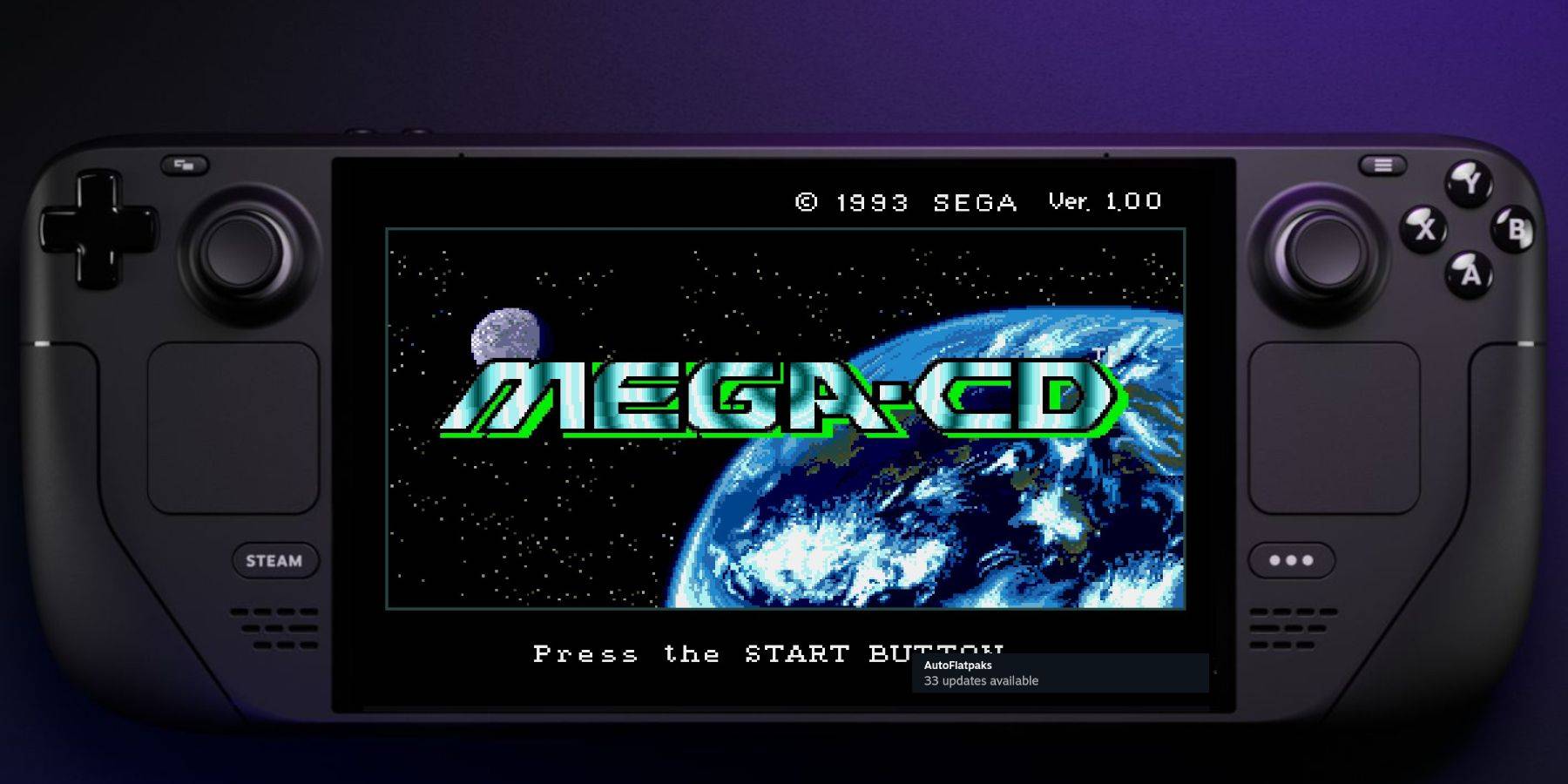
This guide details how to play Sega CD games on your Steam Deck using EmuDeck. We'll cover setup, ROM transfer, and optimization for optimal performance.
Pre-Installation: Developer Mode & Essentials
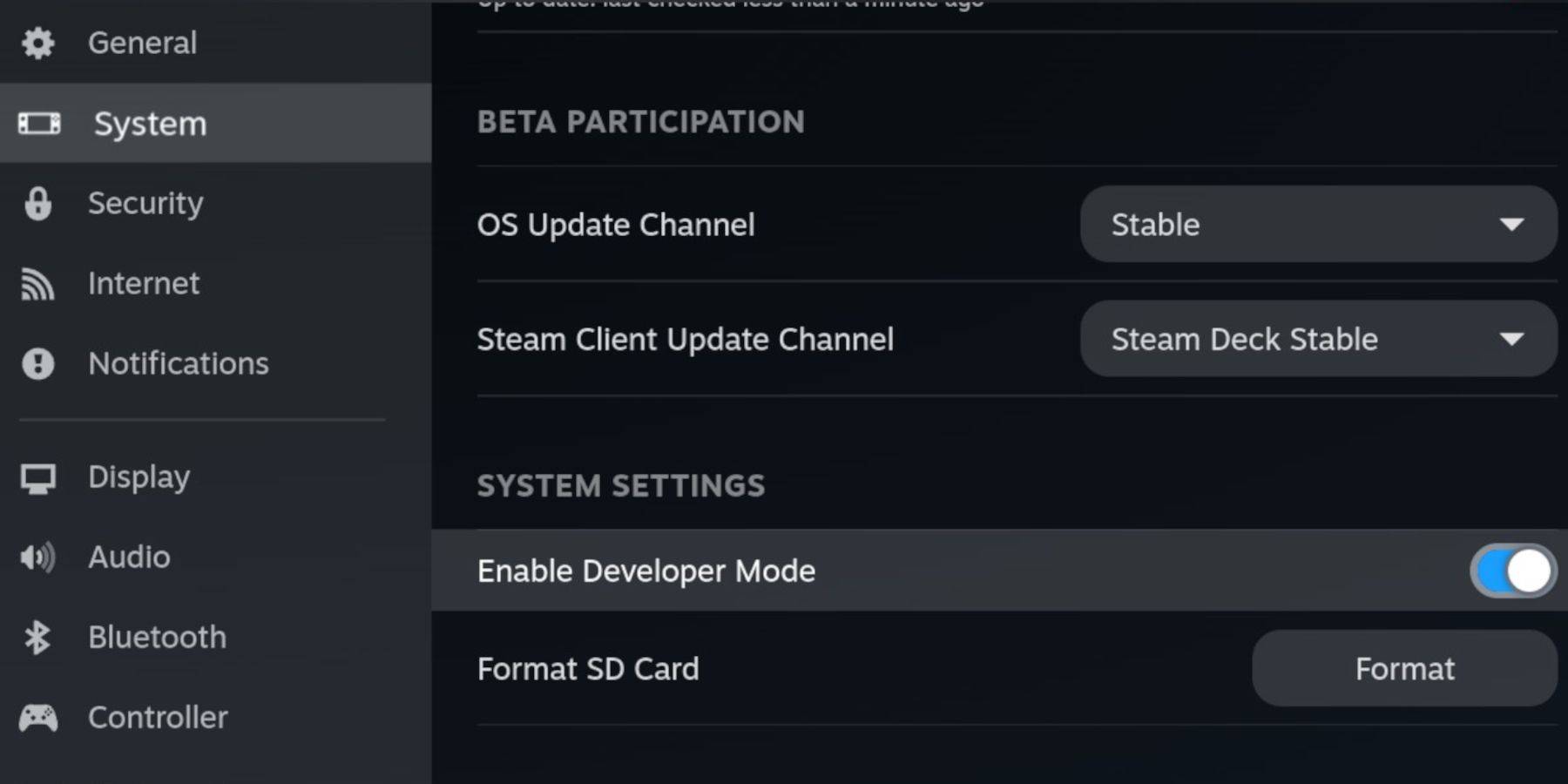 Enable Developer Mode and CEF Remote Debugging on your Steam Deck for compatibility with EmuDeck updates. Follow these steps:
- Access Steam Menu (Steam button).
- Go to System > Developer Mode and enable it.
- In the Developer menu, enable CEF Remote Debugging.
- Power menu > Desktop Mode.
Essential Items:
- A fast A2 microSD card.
- Formatted microSD card (instructions below).
- Legally obtained Sega CD ROMs and BIOS files.
- Optional: Keyboard and mouse for easier navigation.
Formatting your SD Card:
- Insert microSD card.
- Steam Menu > Storage > Format SD Card.
Downloading and Installing EmuDeck
- Steam button > Power > Desktop Mode.
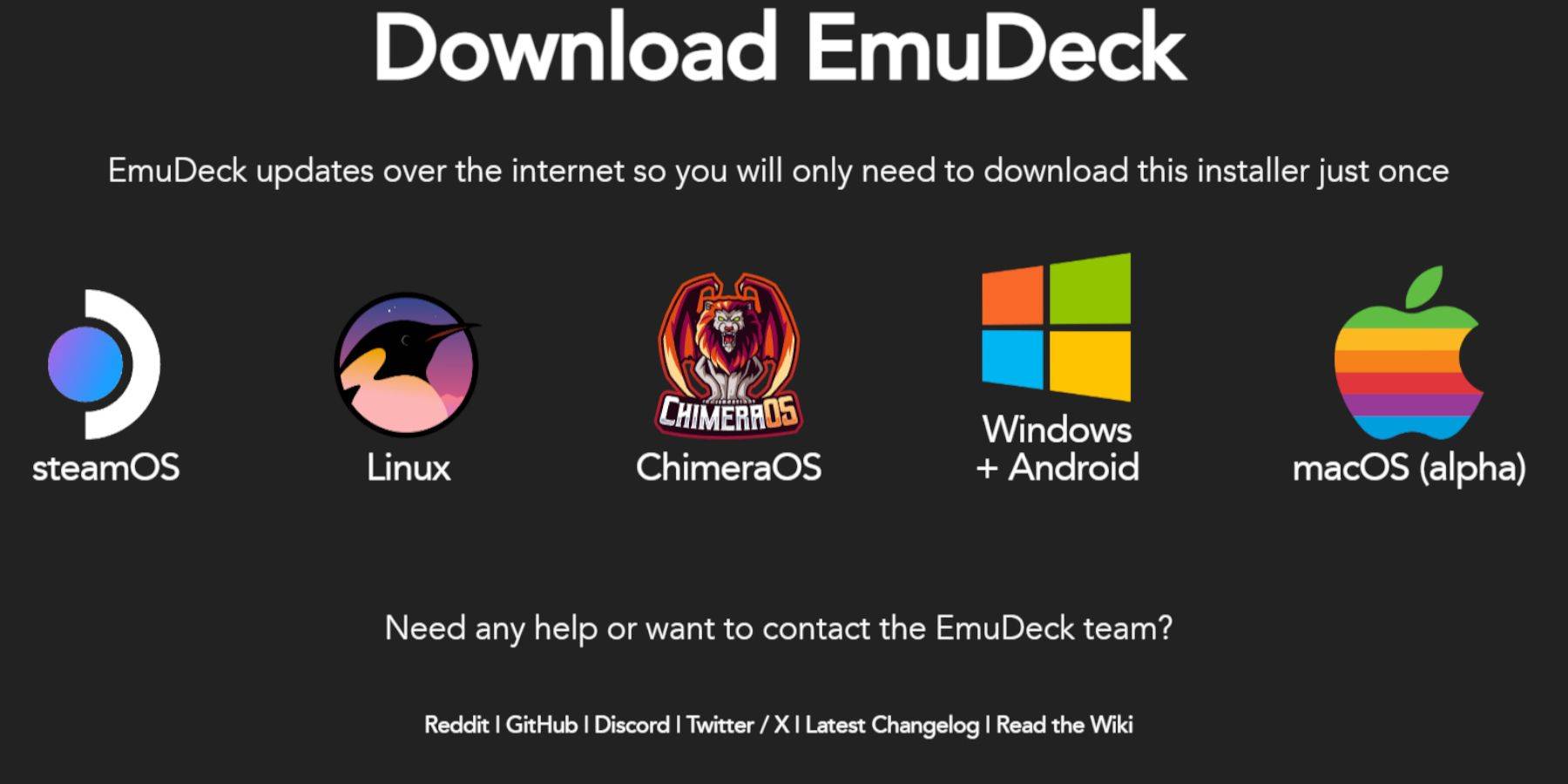
- Download a browser (from Discovery Store), then download EmuDeck.
- Choose the SteamOS version during download.
- Run the installer, select "Custom," and choose your SD card as the installation location.
- Select RetroArch, MelonDS, Steam ROM Manager, and Emulation Station (or install all emulators).
- Complete the installation.
Transferring Sega CD Files
BIOS Files:
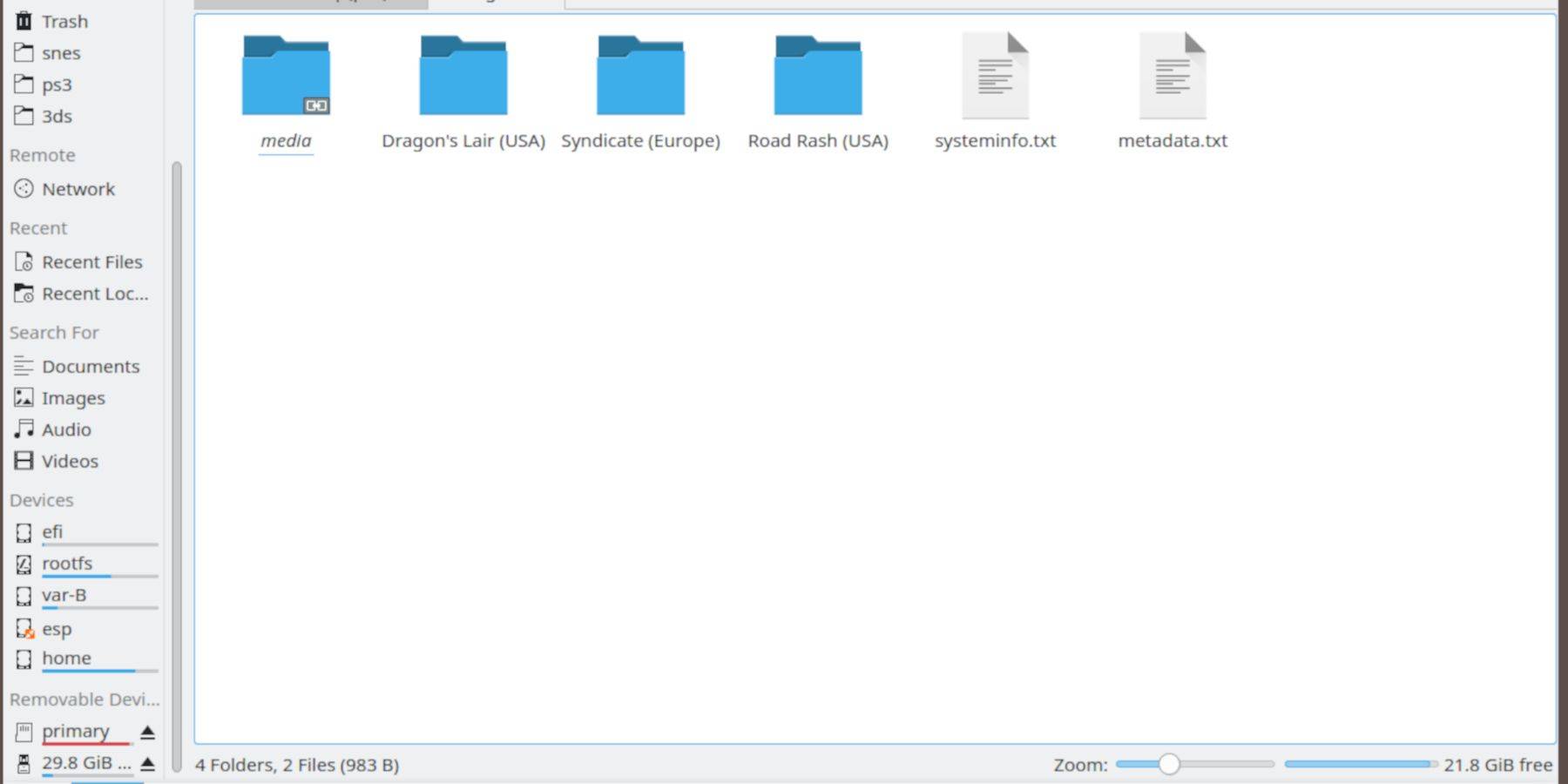
- Open Dolphin File Browser (Desktop Mode).
- Navigate to your SD card (Primary).
- Go to
Emulation>BIOSand transfer your BIOS files.
Sega CD ROMs:
- Navigate to your SD card (Primary) >
Emulation>ROMS. - Open the
segaCDormegaCDfolder. - Transfer your ROMs.
Adding ROMs with Steam ROM Manager
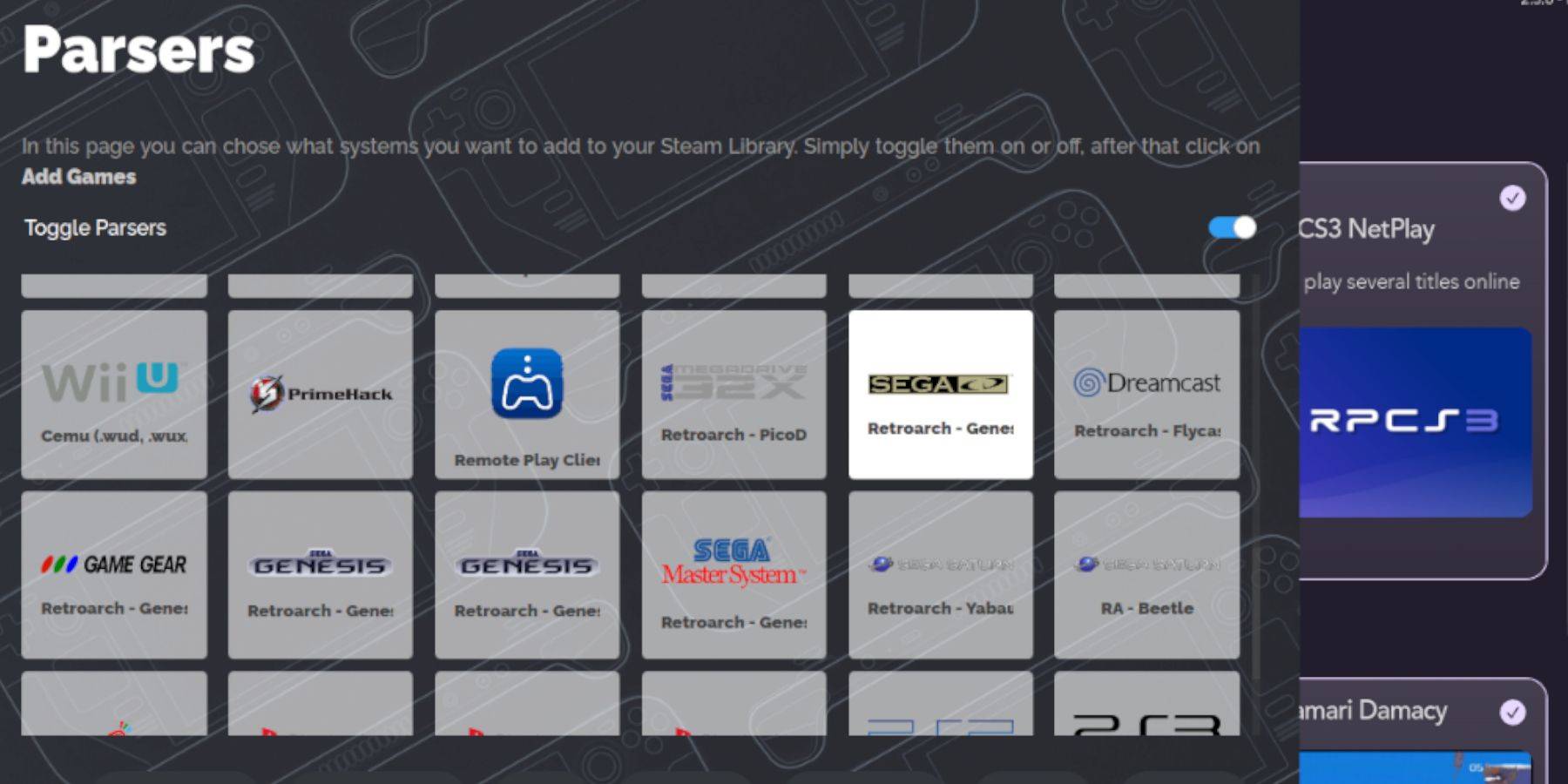
- Open EmuDeck, then Steam ROM Manager.
- Click "Next," then the two Nintendo DS windows (ignore).
- Click "Add Games" and "Parse." SRM will prepare your games and covers.
Fixing Missing Covers
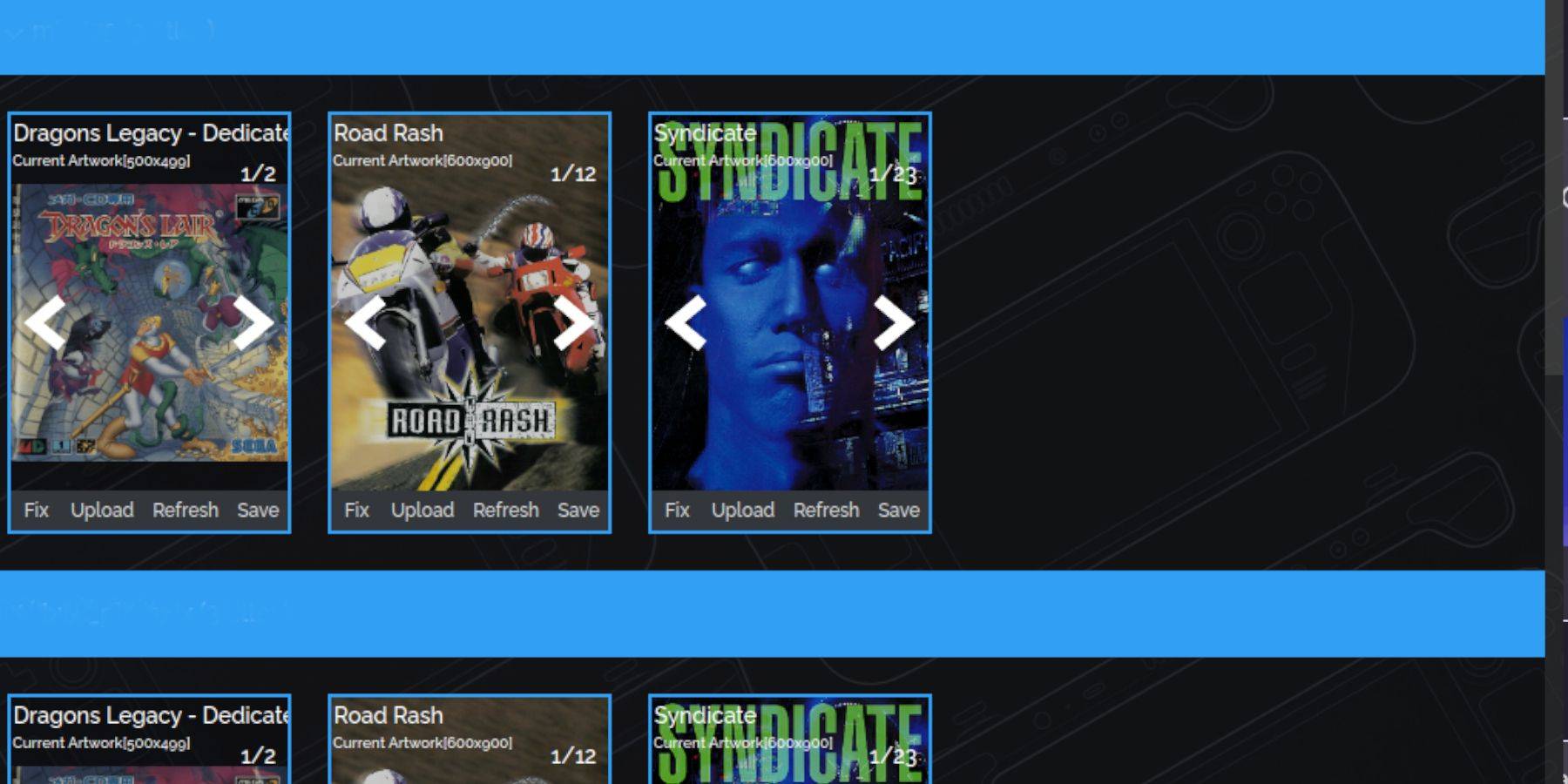
If covers are missing:
- Click "Fix."
- Search for the game title.
- Select a cover, then "Save and Close."
Manually Adding Covers:
- Click "Upload."
- Select your downloaded cover image.
- Click "Save and Close."
Playing Your Sega CD Games

- Steam button > Library > Collections.
- Open the Sega CD folder and launch your games.
Using Emulation Station:
- Steam button > Library > Non-Steam.
- Launch Emulation Station. Use the menu to scrape metadata (TheGamesDB recommended).
Installing Decky Loader and Power Tools
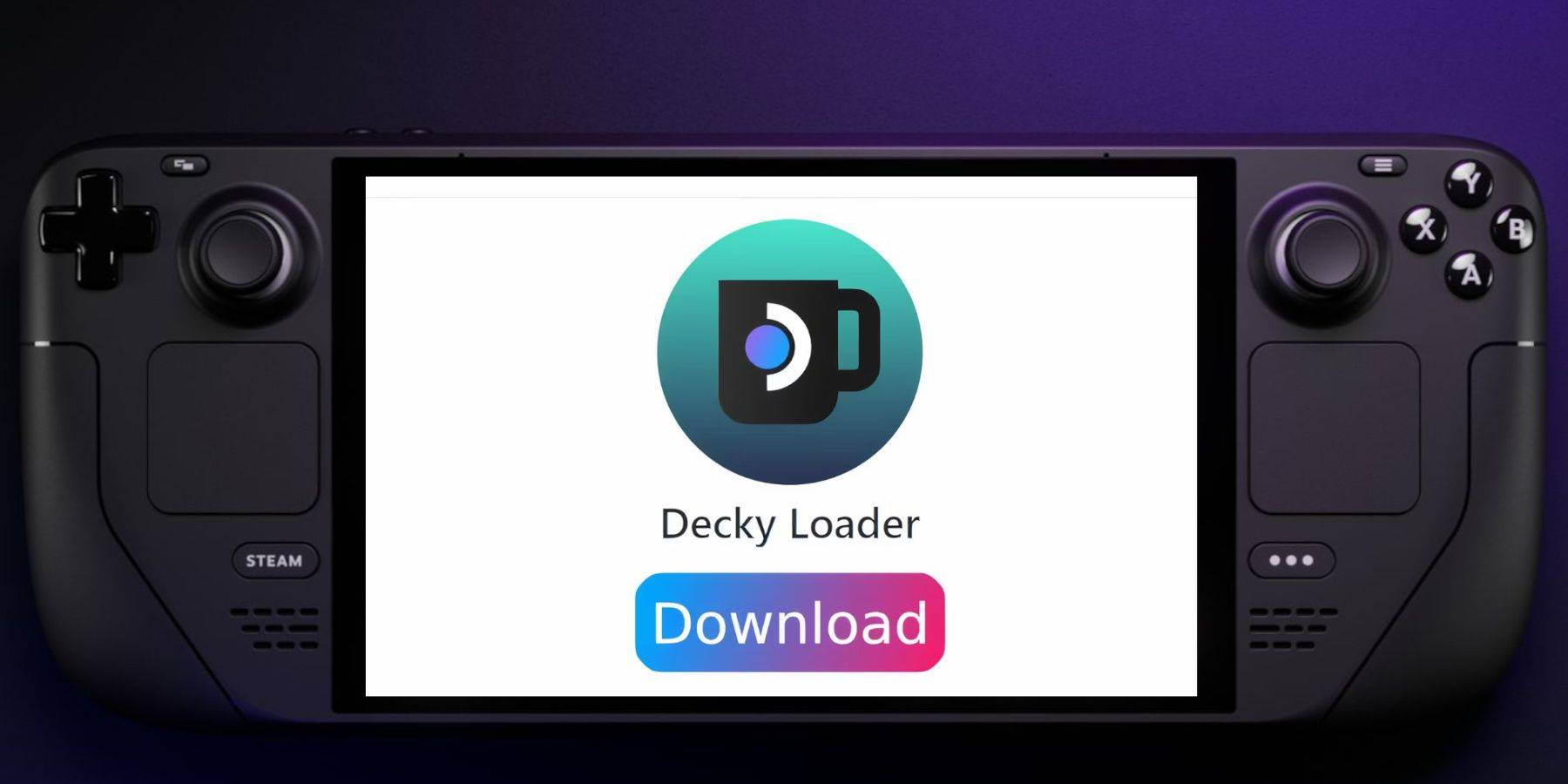
Decky Loader:
- Desktop Mode.
- Download Decky Loader from its GitHub page.
- Run the installer and choose "Recommended Install."
- Restart in Gaming Mode.
Power Tools:
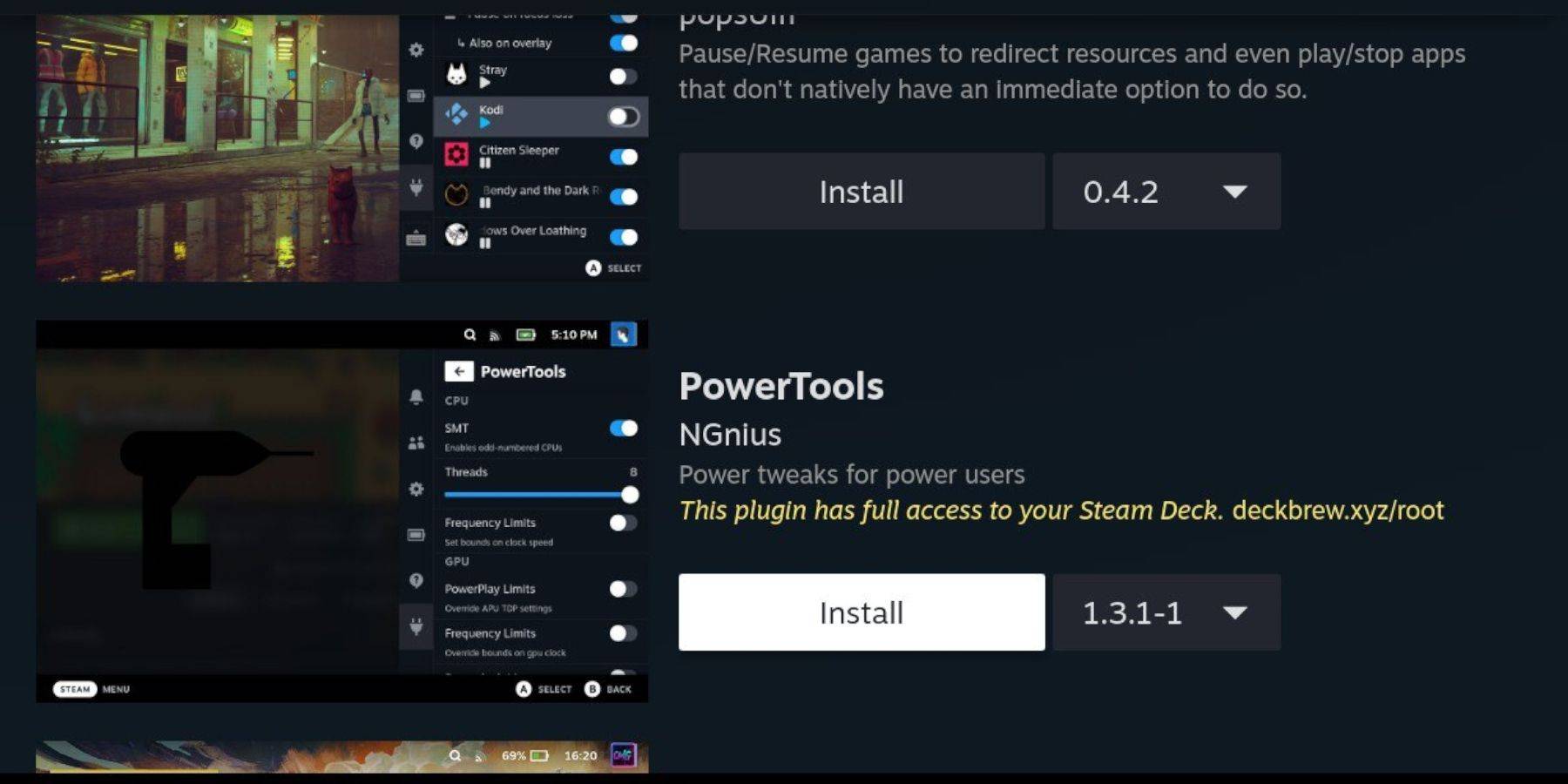
- QAM button > Decky Loader > Store.
- Install the Power Tools plugin.
- Optimize settings within Power Tools (disable SMTs, adjust threads, etc., as detailed in the original guide).
Fixing Decky Loader After a Steam Deck Update
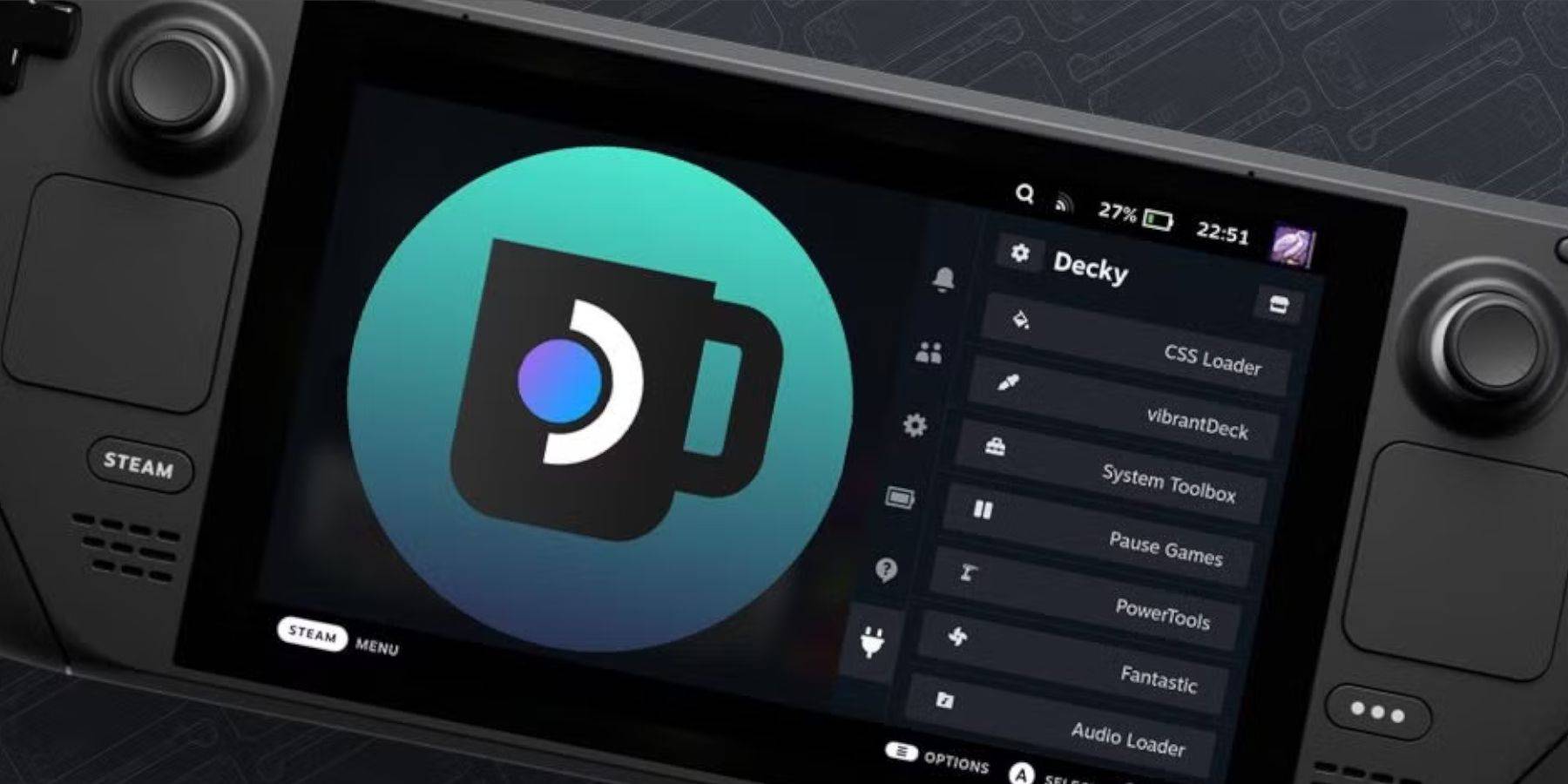
If Decky Loader is missing after an update:
- Desktop Mode.
- Re-download Decky Loader from GitHub.
- Run the installer (you may need your sudo password).
- Restart in Gaming Mode.
This revised guide provides a clearer, more concise walkthrough. Remember to always obtain your ROMs legally.
Discover
-
 Pump with ElvieKeep up with your pumping routine effortlessly using the Pump with Elvie app. Designed as the perfect partner for your Elvie Pump or Elvie Stride, this app provides clear guided instructions, insightful articles, and customizable pumping options. Wh
 -
 언니의파우치 - 내돈내산 뷰티리뷰, 뷰티 앱테크Discover the 언니의파우치 (Sister's Pouch) beauty app where you'll not only enhance your beauty routine but also unlock easy earning opportunities. This innovative platform serves as your ultimate resource for authentic beauty reviews, engaging challenges
 -
 Claras Love HotelWelcome to Clara's Love Hotel, a luxurious sanctuary where deepest desires are fulfilled and wildest fantasies come alive. Join Clara and her alluring companions as they navigate a seductive world driven by passion, wealth, and danger. Within this p
 -
 Lazy JumpGet ready for chaos in Lazy Jump as you guide a floppy ragdoll through 300+ physics-based puzzle levels. Your character moves like a wet noodle, so quick thinking and a solid grasp of inertia are key to overcoming challenges—from scoring goals to an
 -
 Lunch with Ronan modIndulge in a provocative and intimate adventure with Lunch with Ronan, a sensual standalone spin-off from Notes of Hearts. This captivating visual novel places you in the role of Ronan's workplace colleague, uncovering a realm of passion, intimacy,
 -
 TRUE FITNESS SingaporeReady to begin your fitness journey? The True Fitness Singapore app is your perfect starting point! With convenient locations islandwide, premium facilities, and diverse class options like Yoga, Dance, and Cycling, True Fitness offers everything req
Top Download




