

Solved: 'Can't Connect to Host' Issue in Ready or Not

Troubleshooting the "Can't Connect to Host" Error in Ready or Not
One of the most frustrating experiences in Ready or Not is the inability to connect to games. While developers are likely working on a permanent solution, a fix isn't guaranteed anytime soon. This guide provides several troubleshooting steps to resolve the persistent "Can't Connect to Host" error.
Causes of the "Can't Connect to Host" Error
This error typically indicates a problem connecting to the game's servers. Potential causes include poor internet connection, corrupted game files, version inconsistencies, and interfering background applications. Pinpointing the exact cause can be challenging, but the following solutions often prove effective.
Solutions for the "Can't Connect to Host" Error
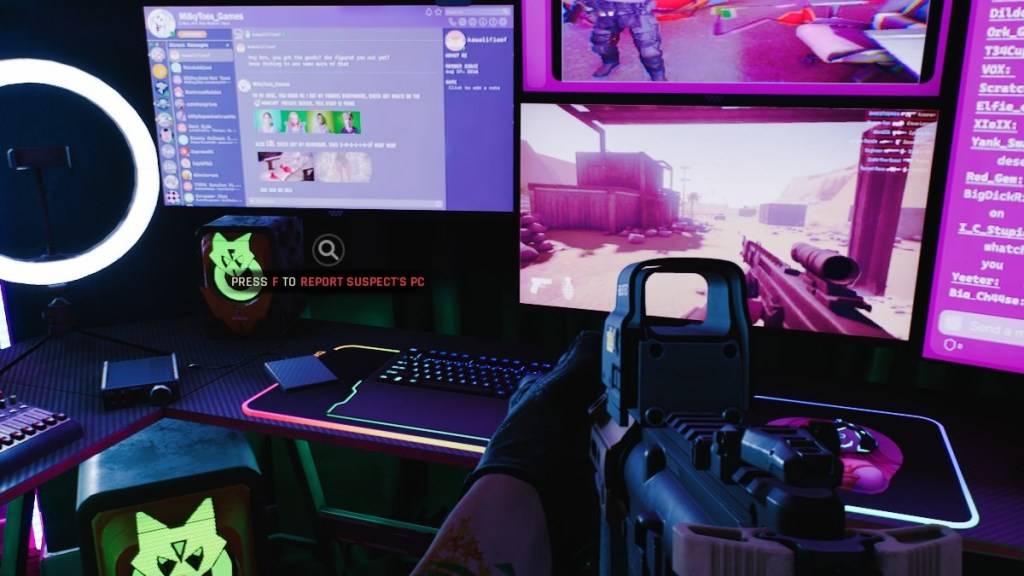
Here's a breakdown of troubleshooting steps:
-
Restart the Game and Platform: A simple restart of Ready or Not and your game launcher (e.g., Steam) is often sufficient to resolve temporary connection issues.
-
Verify Game Files: Corrupted or missing game files are a common culprit. Use your game launcher's built-in file verification tool (e.g., Steam's "Verify Integrity of Game Files" option) to check and repair any damaged files.
-
Add Ready or Not to Firewall Exceptions: While uncommon, Windows Firewall can sometimes interfere with game connections. Add Ready or Not as an allowed application in your Windows Firewall settings.
-
Disable VPNs and Unnecessary Background Apps: VPNs, while sometimes beneficial for online gaming, can occasionally cause connection problems. Temporarily disable your VPN and close any unnecessary background applications that might be competing for resources or interfering with network connectivity.
-
Adjust DirectX (DX) Mode: In rare cases, launch options might contribute to the error. Experiment with different DirectX modes if other solutions fail.
-
Reinstall the Game: As a last resort, perform a clean reinstall of Ready or Not. Uninstall the game through your launcher, manually delete any remaining game folders, and clear any related files from your Local AppData folder.
The "Can't Connect to Host" error in Ready or Not is undeniably frustrating, but these steps should help resolve the issue in most cases.
Ready or Not is currently available on PC.
-
 TRUE FITNESS SingaporeReady to begin your fitness journey? The True Fitness Singapore app is your perfect starting point! With convenient locations islandwide, premium facilities, and diverse class options like Yoga, Dance, and Cycling, True Fitness offers everything req
 -
 Barri Money TransferMeet the Barri Money Transfer app – your quick and effortless solution for sending funds to loved ones. Send money anytime, anywhere with just a few taps, eliminating delays and inconvenience. Monitor real-time transaction updates to know precisely w
 -
Cat Maid Gathering!Step into a whimsical universe brimming with charming cat maids in Cat Maid Gathering! This delightful touch-based game delivers effortless and intuitive gameplay, free from convoluted mechanics. Engage with a delightful cast of feline maids while e
-
 Khmer eRadio+Explore a world of entertainment with the Khmer eRadio+ app! This exceptional app brings together diverse media in a single platform. Listen to your favorite radio stations, stay updated with the latest news, and stream popular TV shows—right at you
 -
 Eucerin® put lepoteDiscover the "Path of Beauty," Eucerin's debut digital loyalty program designed for skincare enthusiasts. Eucerin introduces its first fully digital loyalty initiative, "Beauty Path," revolutionizing how you redeem rewards. With every Eucerin pr
 -
 Islamic Stickers - WAStickerExplore a diverse collection of Islamic Stickers and Animated Stickers for WhatsApp with the Islamic Stickers - WASticker app. Browse conveniently organized packs of Arabic and English Islamic stickers to select the ideal one for your chats. Stay in




