

Solved: 'Can't Connect to Host' Issue in Ready or Not
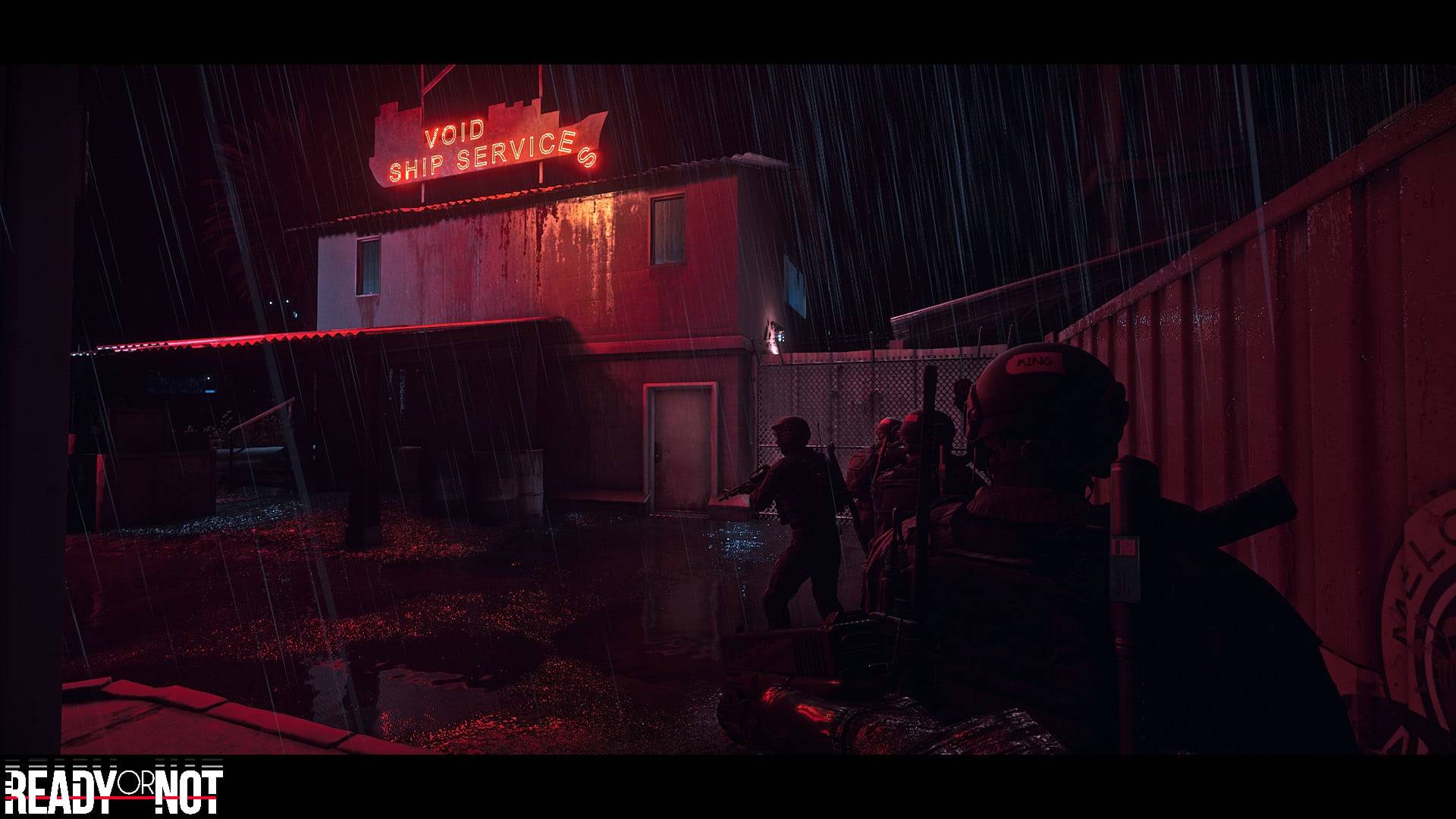
Troubleshooting the "Can't Connect to Host" Error in Ready or Not
One of the most frustrating experiences in Ready or Not is the inability to connect to games. While developers are likely working on a permanent solution, a fix isn't guaranteed anytime soon. This guide provides several troubleshooting steps to resolve the persistent "Can't Connect to Host" error.
Causes of the "Can't Connect to Host" Error
This error typically indicates a problem connecting to the game's servers. Potential causes include poor internet connection, corrupted game files, version inconsistencies, and interfering background applications. Pinpointing the exact cause can be challenging, but the following solutions often prove effective.
Solutions for the "Can't Connect to Host" Error
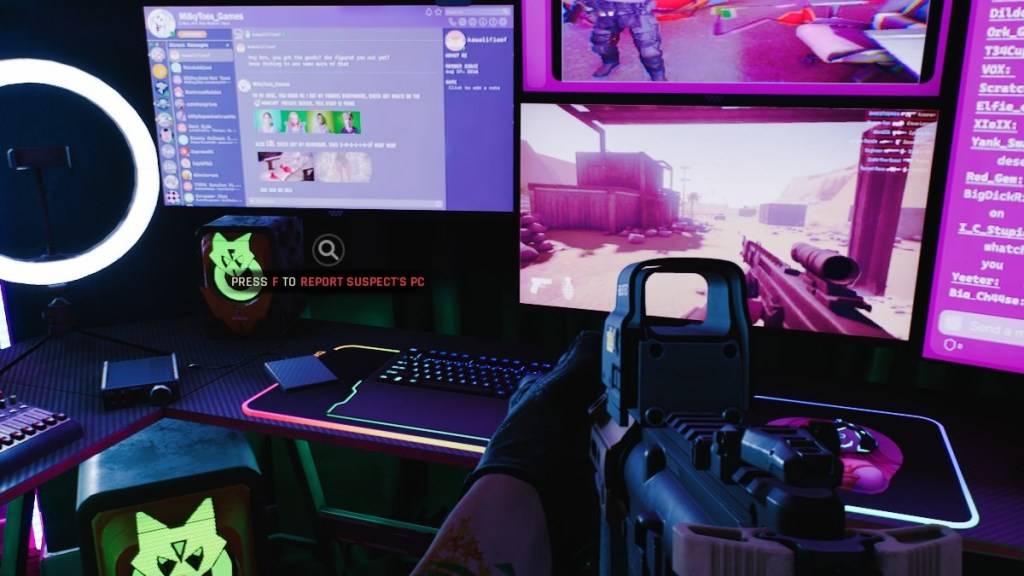
Here's a breakdown of troubleshooting steps:
-
Restart the Game and Platform: A simple restart of Ready or Not and your game launcher (e.g., Steam) is often sufficient to resolve temporary connection issues.
-
Verify Game Files: Corrupted or missing game files are a common culprit. Use your game launcher's built-in file verification tool (e.g., Steam's "Verify Integrity of Game Files" option) to check and repair any damaged files.
-
Add Ready or Not to Firewall Exceptions: While uncommon, Windows Firewall can sometimes interfere with game connections. Add Ready or Not as an allowed application in your Windows Firewall settings.
-
Disable VPNs and Unnecessary Background Apps: VPNs, while sometimes beneficial for online gaming, can occasionally cause connection problems. Temporarily disable your VPN and close any unnecessary background applications that might be competing for resources or interfering with network connectivity.
-
Adjust DirectX (DX) Mode: In rare cases, launch options might contribute to the error. Experiment with different DirectX modes if other solutions fail.
-
Reinstall the Game: As a last resort, perform a clean reinstall of Ready or Not. Uninstall the game through your launcher, manually delete any remaining game folders, and clear any related files from your Local AppData folder.
The "Can't Connect to Host" error in Ready or Not is undeniably frustrating, but these steps should help resolve the issue in most cases.
Ready or Not is currently available on PC.
-
 Hawaiian language packDive into the richness of Hawaiian culture with the Hawaiian language pack app. Install it alongside AnySoftKeyboard to unlock a dedicated Hawaiian keyboard, bringing a tropical vibe to every keystroke. While a built-in dictionary isn't included, yo
 -
 Virtual DroidExperience joy through a virtual android, now enhanced with AI.Welcome to Virtual Droid – your gateway to a virtual metaverse, now featuring AI-powered Bots.- AI-powered bots deliver real-time responses—don't miss the chance to try it yourself.- Disc
 -
 Back WarsJourney a millennium back in time to conquer the world before history unfolds!When a modern army travels a thousand years into the past to dominate the world ahead of schedule, they find their primitive adversaries are full of surprises! Lead a globa
 -
 Fish.IO - Hungry FishRule the Aquarium as Fish King!Enter the narwhal war to become the ultimate Fish King and triumph in fierce aquatic competitions. Dive into Fish.io - Hungry Fish, a thrilling free-to-play io game where you control a deadly baby shark armed with razor
 -
 Campercontact - Camper VanDiscover the perfect travel companion for camper van enthusiasts with Campercontact - Camper Van! Access an extensive database of 50,000+ locations across 58 countries to easily find your next motorhome spot or plan your route. Whether you’re an exp
 -
 Huge Timer Stopwatch TabataMeet your ultimate timing companion: Huge Timer Stopwatch Tabata. Designed to handle all your timing tasks, from workouts and cooking to focused study sessions, this digital app masterfully combines a stopwatch and timer into one intuitive interface




