

Home > Apps > Art & Design > AR Art Projector Drawing App

| App Name | AR Art Projector Drawing App |
| Developer | Lingua Apps |
| Category | Art & Design |
| Size | 23.3 MB |
| Latest Version | 1.42 |
| Available on |
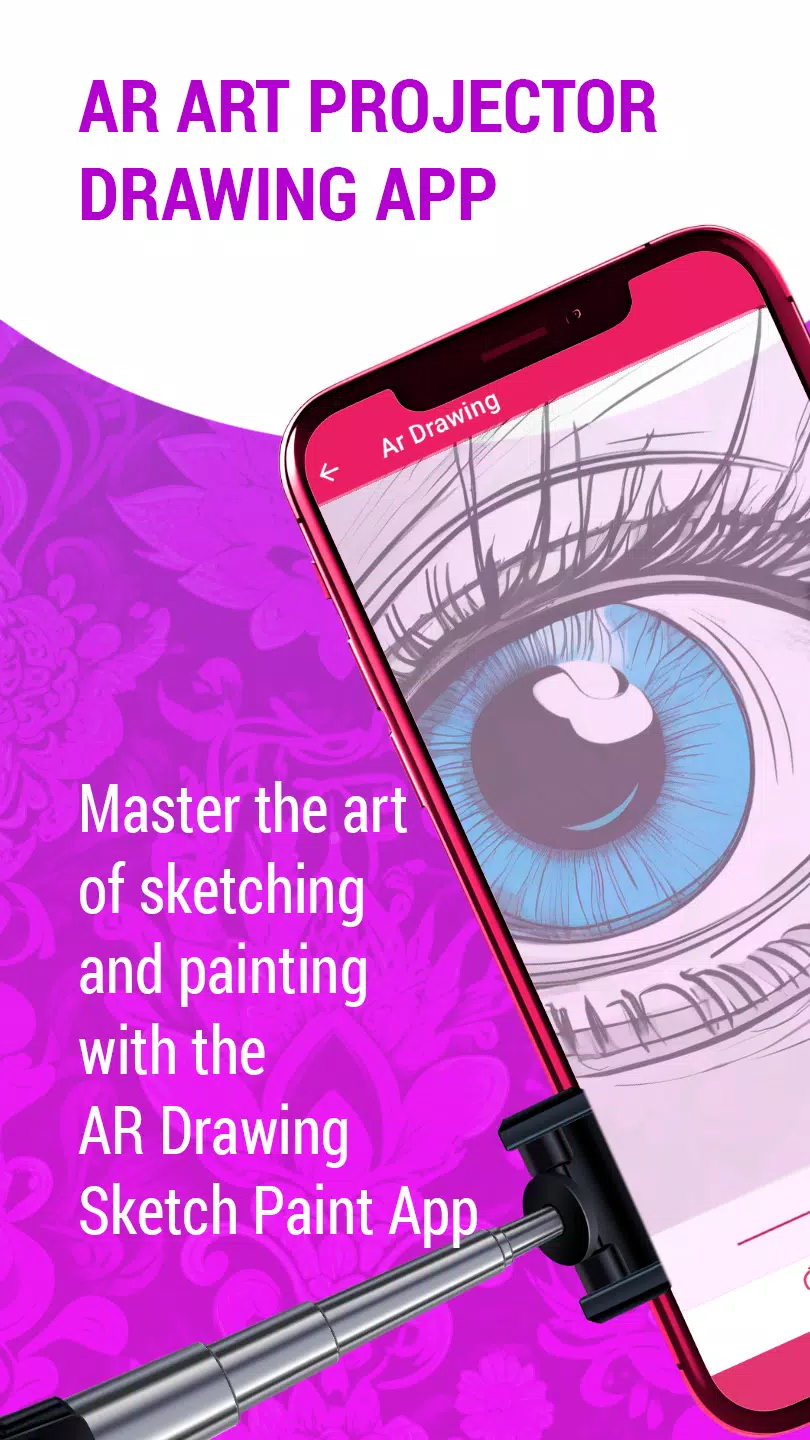


Become a sketching expert with the AR Art Projector Drawing app.
Discover Your Creative Potential with the AR Art Projector Drawing App
Are you an aspiring artist ready to elevate your drawing abilities? Or an experienced creator searching for fresh ways to bring your ideas to life? The AR Art Projector Drawing app is your perfect partner for honing your craft and producing beautiful artwork using advanced augmented reality drawing tools.
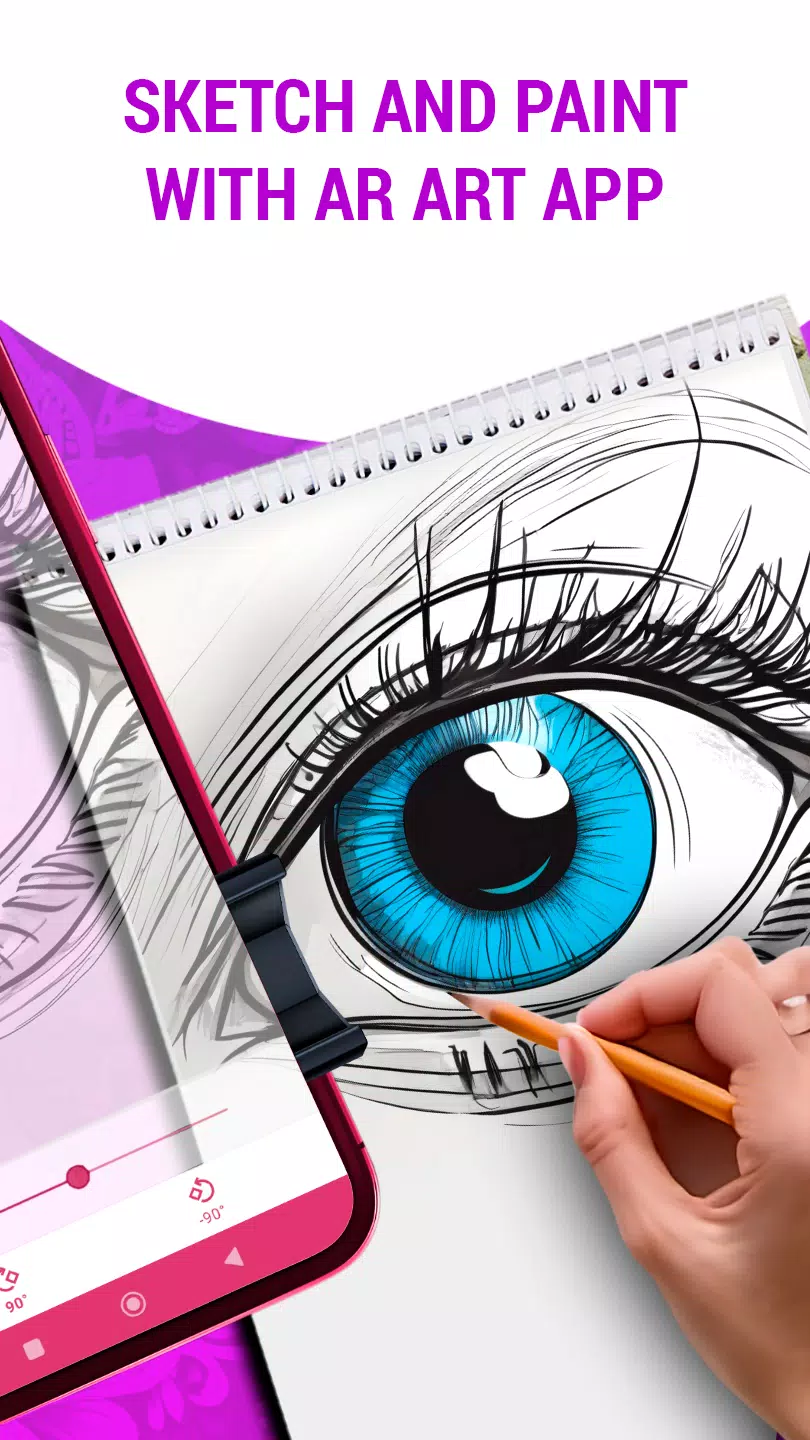
This innovative app uses augmented reality to completely transform how you learn and make art. Its advanced AR projection technology lets you easily display images from your phone or tablet onto any surface, providing a precise and simple way to trace and sketch with an image projector designed for artists.
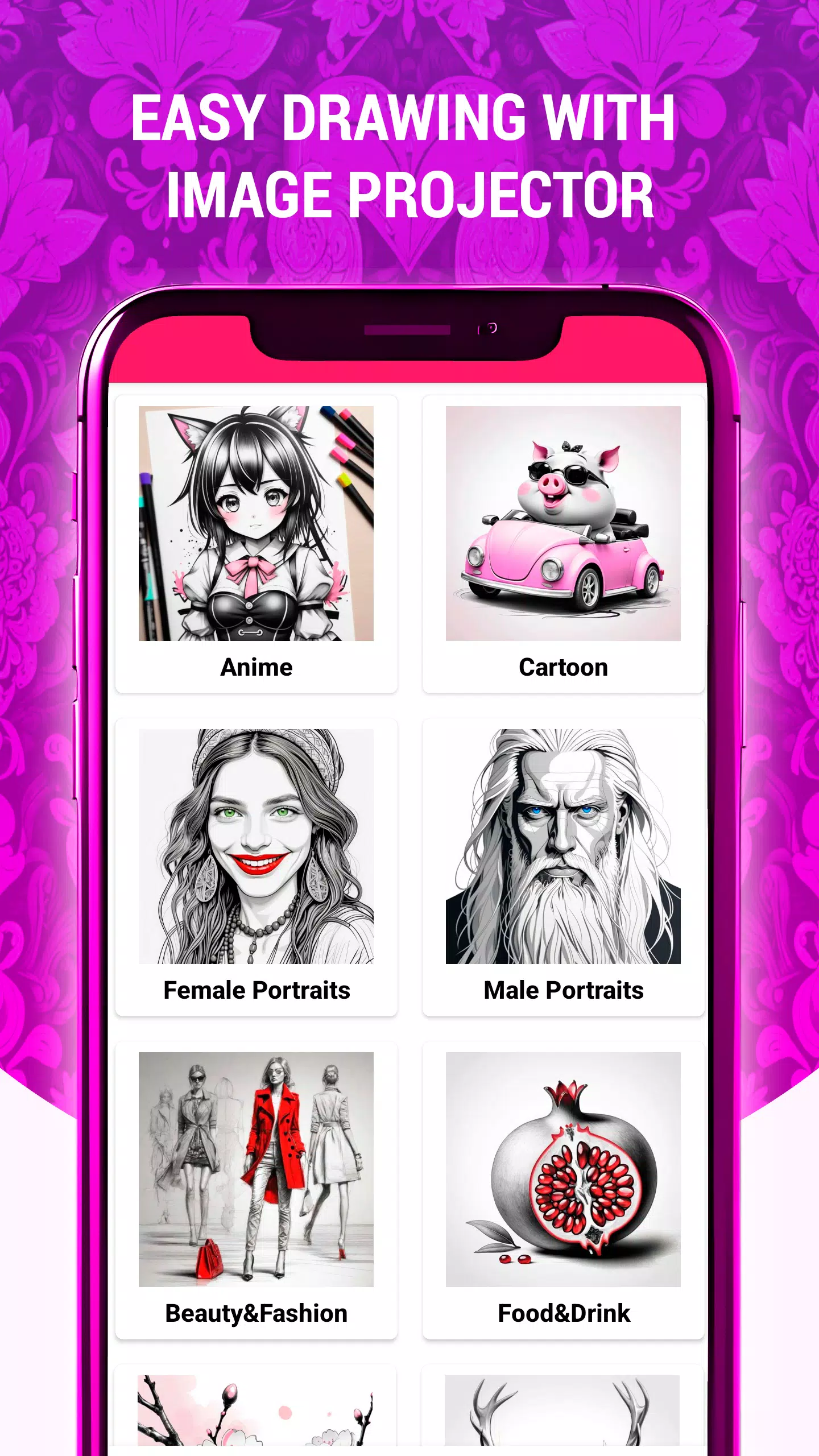
With a huge library of high-quality sketches, paintings, and creative drawings in many styles, this AR art projector app is an invaluable resource for creators at any skill level. Whether you're just starting out or are a seasoned artist wanting to expand your creative horizons, this AR app offers something for you.
Key features of the AR Art Projector Drawing app include:
Project Images Onto Paper: Easily project pictures from your device onto paper or canvas using the art projector, helping you draw and trace with exceptional accuracy.
Adjust Transparency, Rotate, and Zoom: Customize the projected image by changing its transparency, rotating it, or zooming in and out for the perfect drawing setup.
Wide Variety of Drawing Styles: Discover an extensive selection of drawing approaches, from lifelike sketches to abstract designs, to match your personal artistic taste.
Simple Sketch Drawing Tutorials: Learn sketching techniques through easy-to-follow, step-by-step guides that walk you through the entire drawing process.
Enhance Your Drawing Abilities: Practice regularly with the app and develop skills reminiscent of masters like Leonardo da Vinci.
Convert Digital Art: Quickly turn digital images into pencil sketches or impressive artworks with just a few taps in this AR drawing application.
Intuitive Interface: Experience a smooth and user-friendly design built for both novices and experts, making your creative journey enjoyable and straightforward.
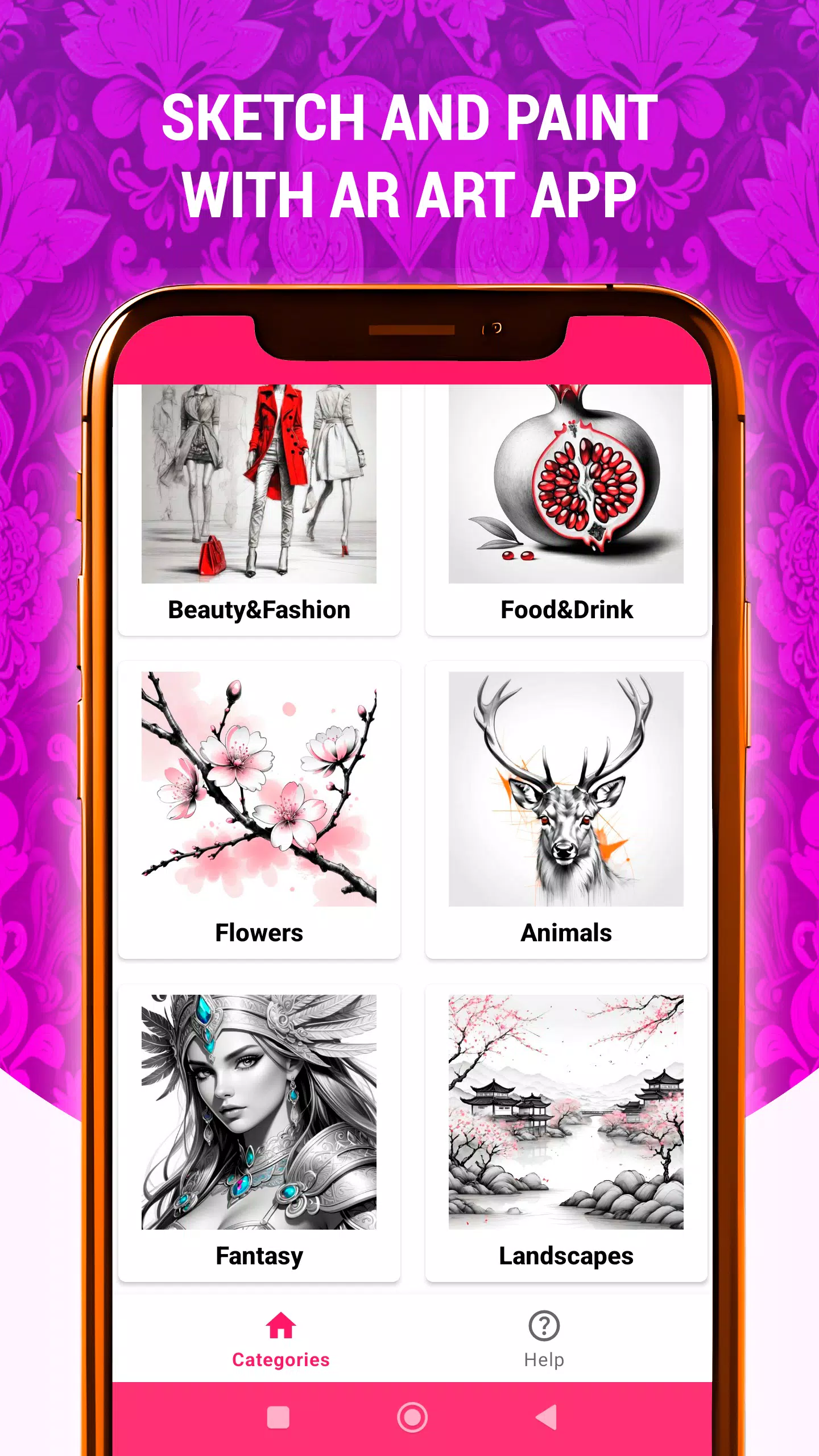
Numerous tracing categories for any subject: Animals, Anime, Beauty & Fashion, Cartoon, Fantasy, Flowers, Food & Drink, Landscapes, and more.
Whether you want to unlock your creativity, improve your drawing methods, or simply enjoy making art, the AR Art Projector Drawing app is your go-to tool for an exceptional AR art experience. Download now and start a creative adventure unlike any other!
What's New in the Latest Version 1.42
Last updated on Nov 6, 2024
New AR Drawing category: "Still Life"
Added sketches and drawings featuring still life arrangements (fruits, flowers, jugs, etc.)
-
 Invisible Woman Debuts in Marvel Rivals Gameplay
-
 Anime Power Tycoon Embraces Lucrative Codes for Enhanced Gameplay
-
 Mahjong Soul, Idolm@ster Shiny Colors Unite in Captivating Crossover
-
 Hades 2 Warsong Update Reintroduces Ares and Brings a New Boss
-
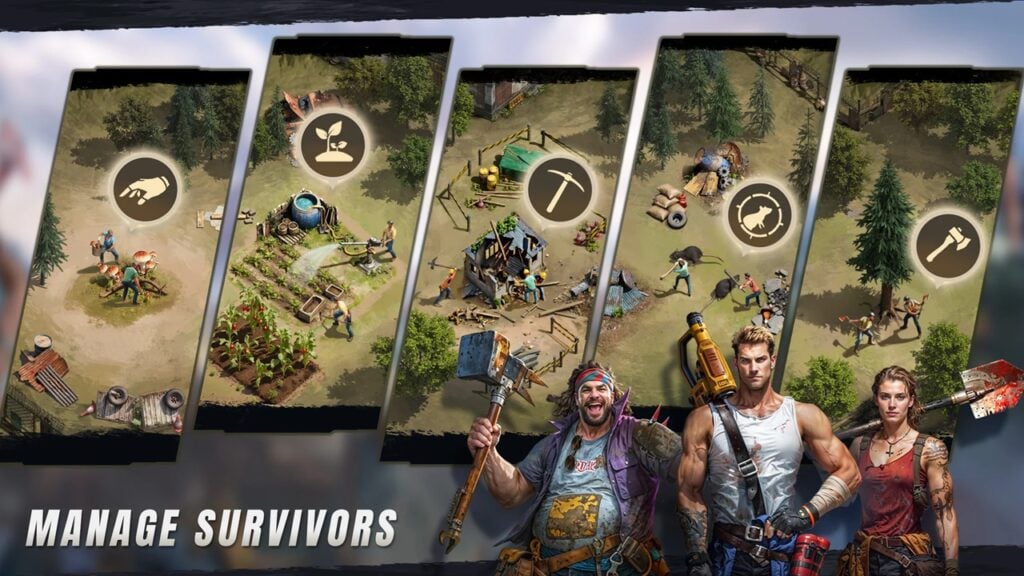 Fallout-Style Game Last Home Soft Launches On Android
-
 KFC Collaborates with Tekken for Unique Gaming Experience