

Home > Apps > Art & Design > AR Drawing: Trace & Sketch

| App Name | AR Drawing: Trace & Sketch |
| Developer | Mitra Ringtones |
| Category | Art & Design |
| Size | 32.0 MB |
| Latest Version | 1.0.9 |
| Available on |
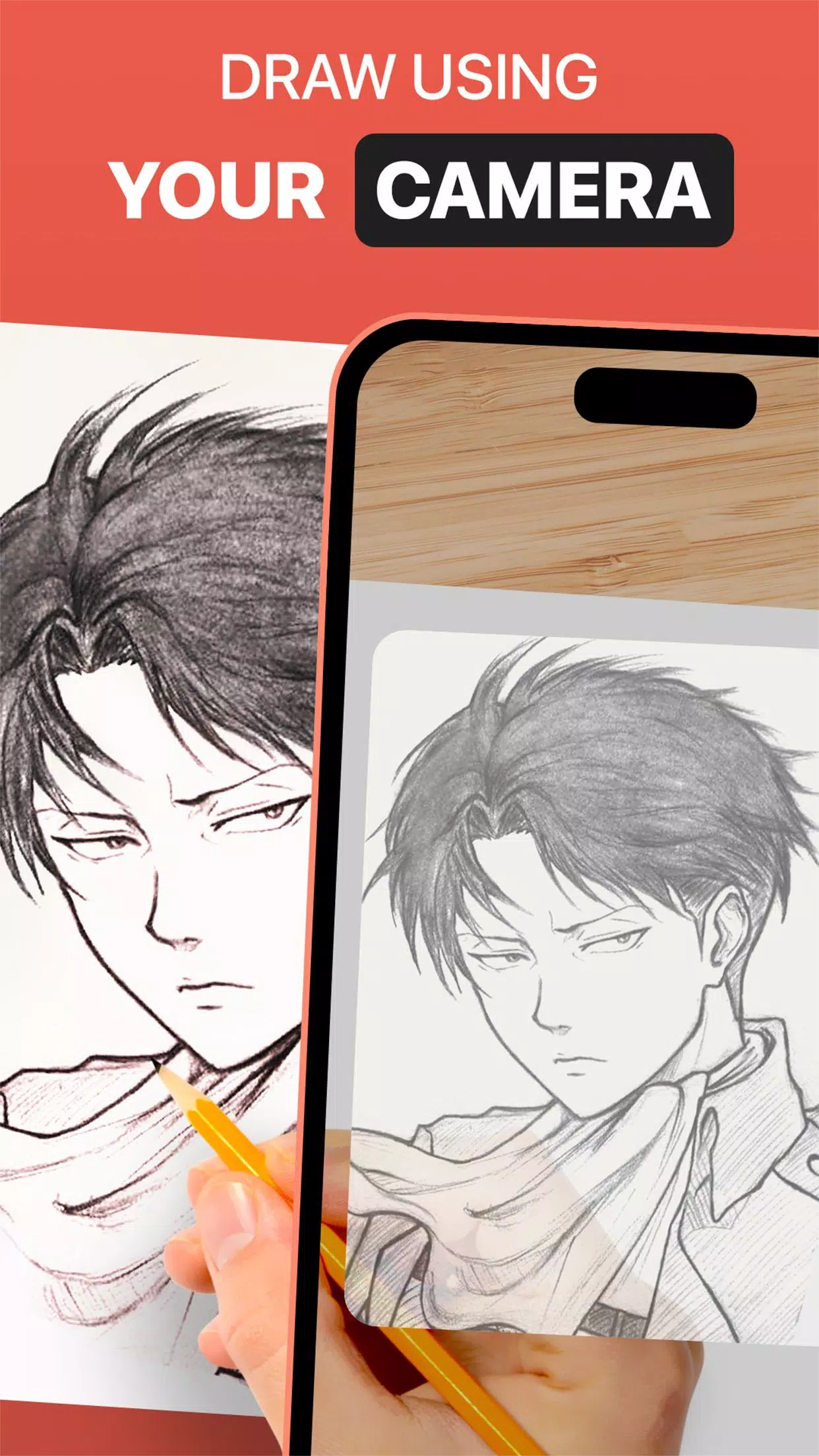
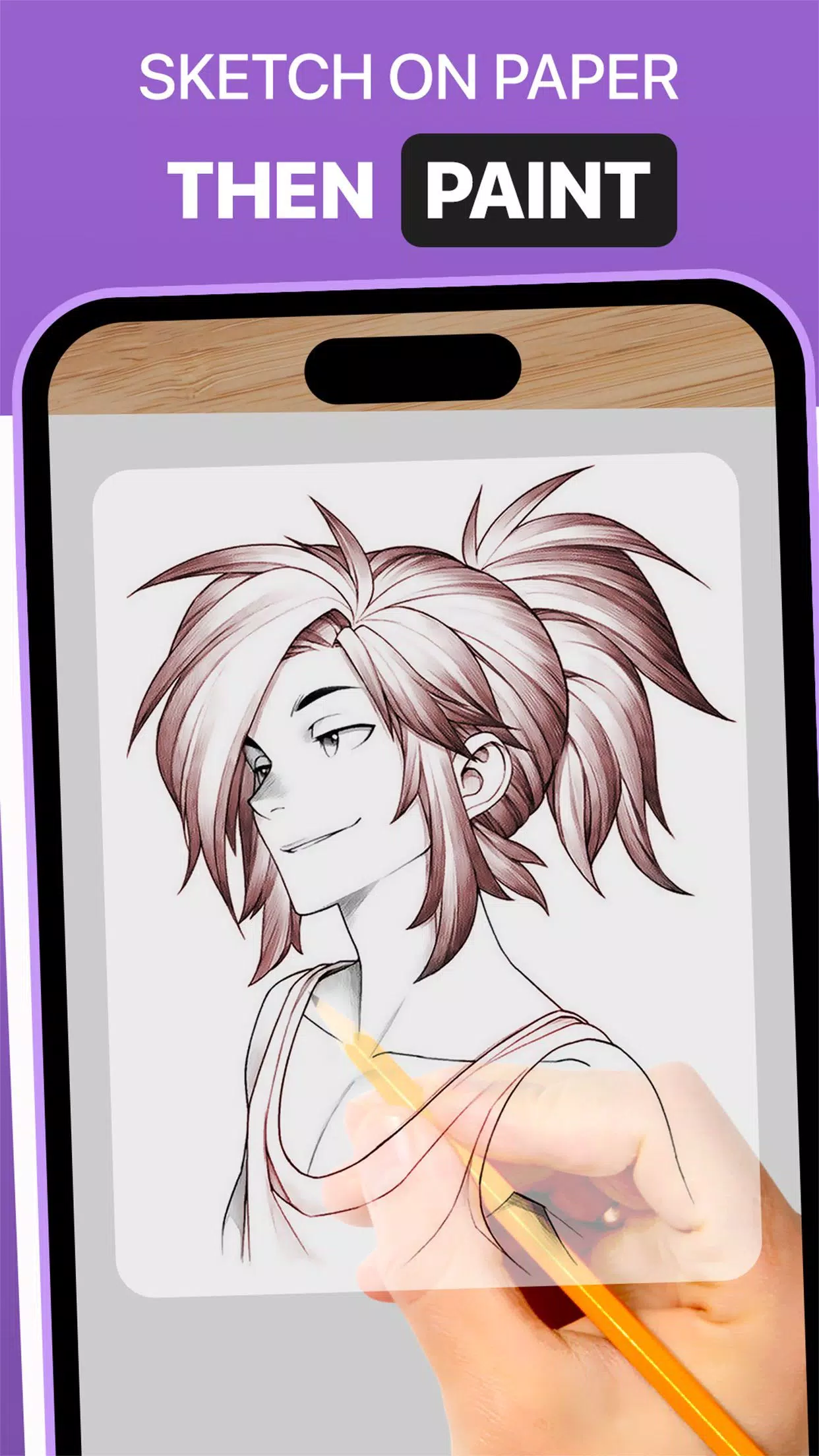
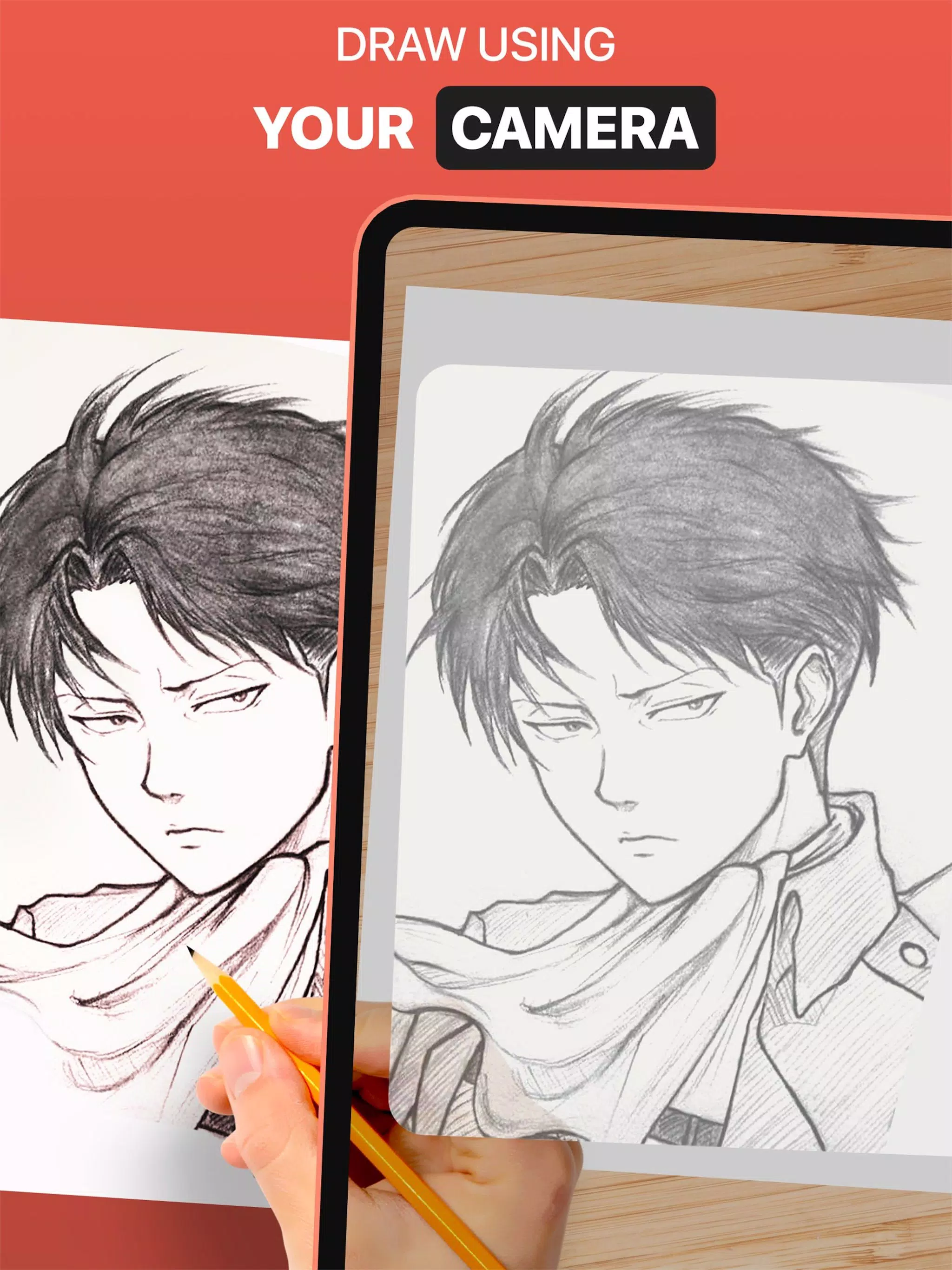


Use the DrawingAR app to trace the image displayed on your device's screen and draw it onto paper.
The DrawingAR app uses augmented reality (AR) technology to project an image onto a surface like paper. You can trace the outlines shown on your device's screen as you draw on paper, delivering a guided tracing experience.
With the Easy Drawing app, you can import images from your gallery and overlay them with a transparent layer. You can then trace the image or sketch displayed on your device and quickly reproduce it on paper.
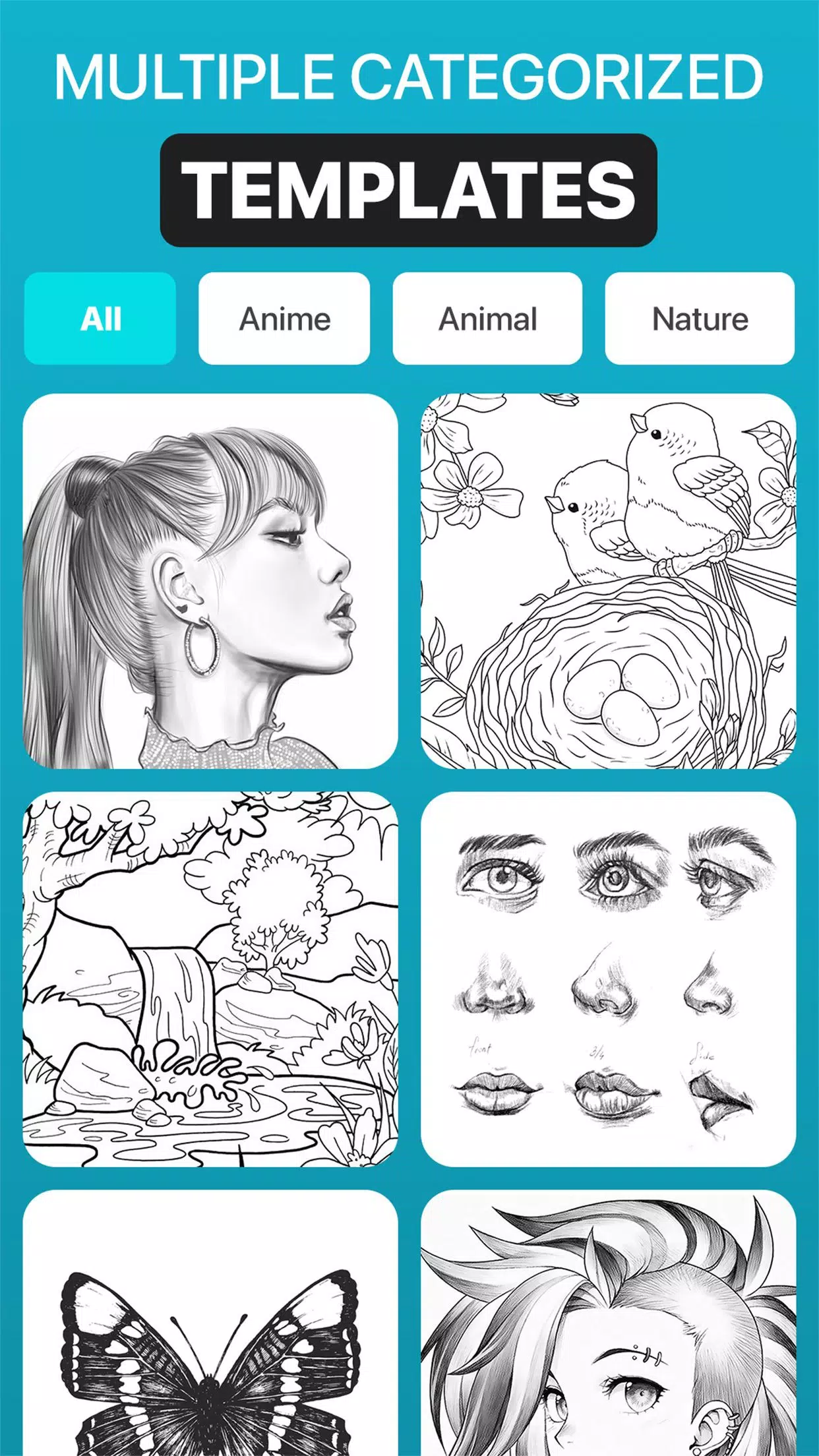
This Sketch AR app includes hundreds of pre-made images across multiple categories—including Animals, Cartoons, Foods, Birds, Trees, Rangolis, and many other images and sketches.
The Trace Anything app usually comes with features like opacity adjustment for the image overlay, zoom in/out controls, and the ability to switch between images for tracing. After tracing, you can also add color to your sketch using tracing tools on tracing paper or a sketch pad.
➤ Key Features of the AR Drawing App:
1. Image Import: The Easy Drawing app lets you import images or sketches from your photo library or capture them with the built-in camera. Use these images as a reference while tracing on paper.
2. Image Overlay: After importing, the Trace Anything app overlays the image onto your screen with adjustable opacity. This allows you to view both the image and your tracing paper at the same time, so you can trace quickly and easily.
3. Built-in Browser: Easy Drawing includes an integrated browser that lets you search for and import simple sketches, images, or drawings directly—no need to use another app or browser to download references.
4. Transparency Adjustment: Adjust the transparency or opacity of the overlaid image with the Trace Drawing app. This gives you control over how visible the reference image is while you trace.
5. Record Videos or Images: The Trace Drawing app comes with a recording button to start capturing video as you trace on paper. A time-lapse feature is also included in the video section. Your recorded videos are saved to the 'Drawing AR' folder on your device.
6. Capture Images of Your Trace Drawing: Take a photo of your traced drawing during or after your session. Captured images are saved directly to your device's gallery.
7. Simple Drawing Interface: This Sketch AR app features a clean user interface and easy-to-use tracing tools for a smooth drawing process.
➤ How to Use the AR Drawing App:
1. Download and open the DrawingAR app on your mobile device.
2. Import or select the image you'd like to trace.
3. Place your paper or sketch pad in a well-lit area.
4. Adjust the image overlay and align it properly on your screen.
5. Begin tracing the image, following its details closely.
This AR Drawing app serves as a versatile tool for artists, designers, and anyone with a creative streak.
-
 Invisible Woman Debuts in Marvel Rivals Gameplay
-
 Anime Power Tycoon Embraces Lucrative Codes for Enhanced Gameplay
-
 Hades 2 Warsong Update Reintroduces Ares and Brings a New Boss
-
 Fallout-Style Game Last Home Soft Launches On Android
-
 KFC Collaborates with Tekken for Unique Gaming Experience
-
 Mahjong Soul, Idolm@ster Shiny Colors Unite in Captivating Crossover