

Home > Apps > Art & Design > Grid Drawing
| App Name | Grid Drawing |
| Developer | The AppGuru |
| Category | Art & Design |
| Size | 12.8 MB |
| Latest Version | 4.3 |
| Available on |
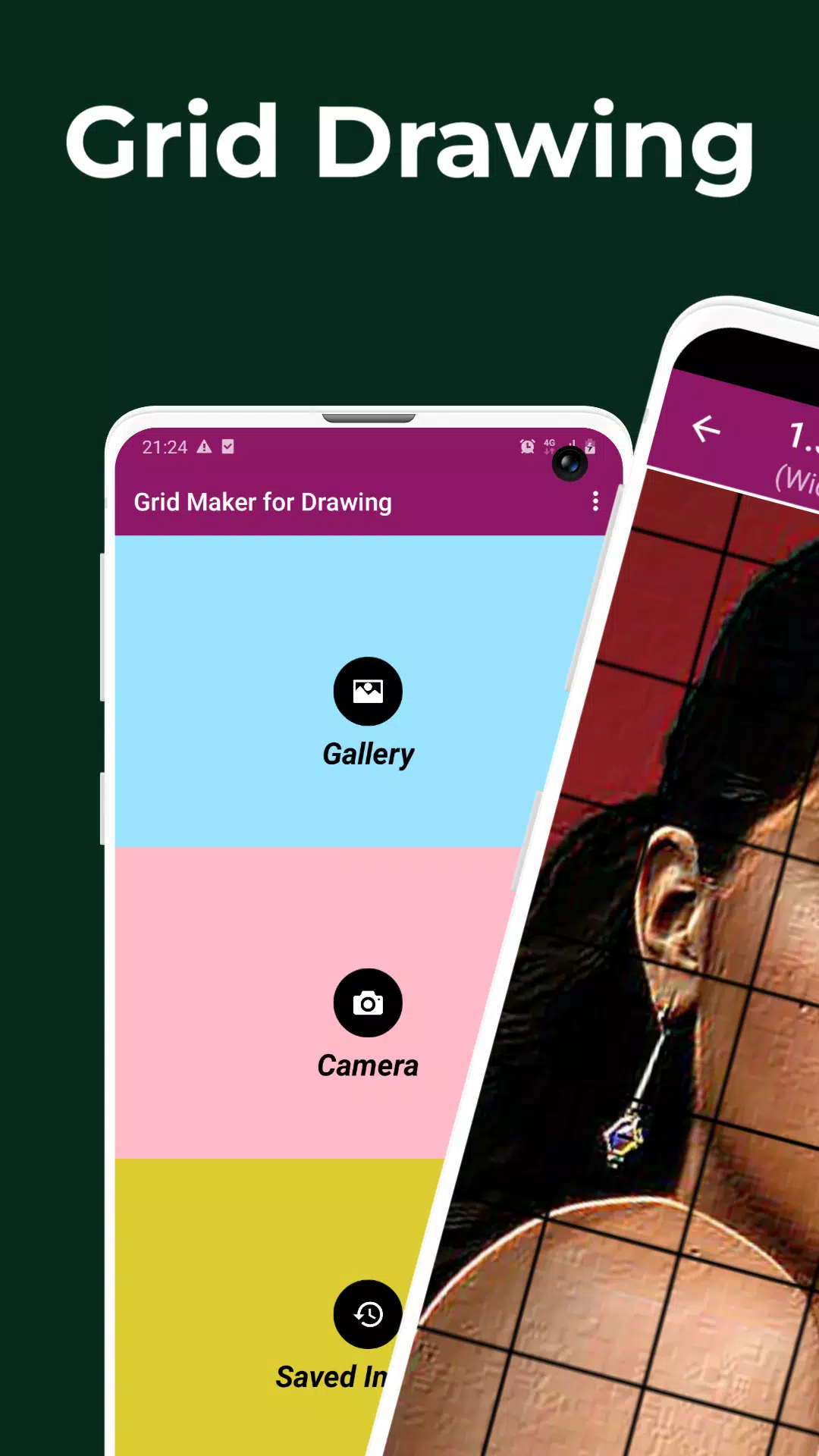
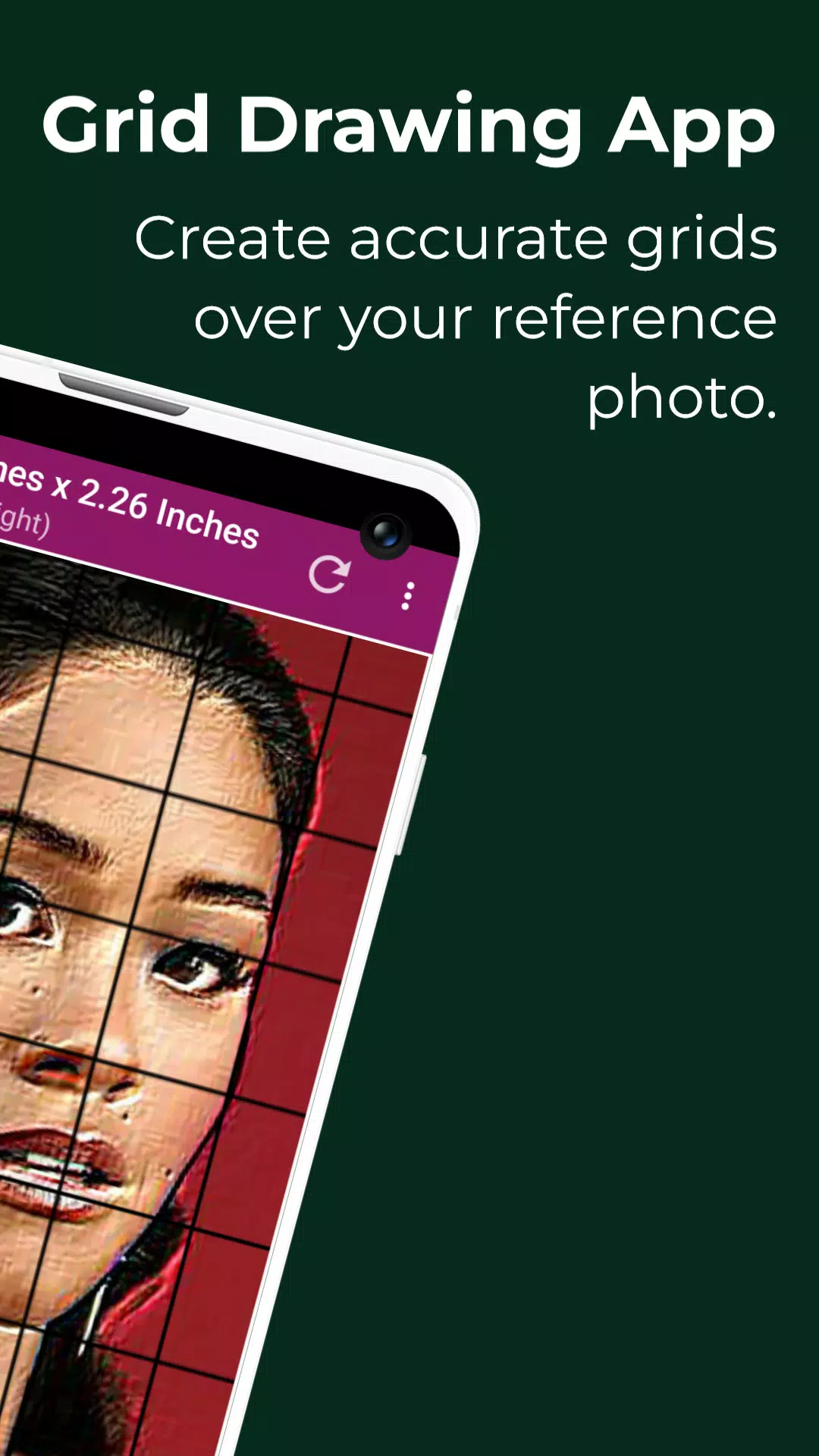
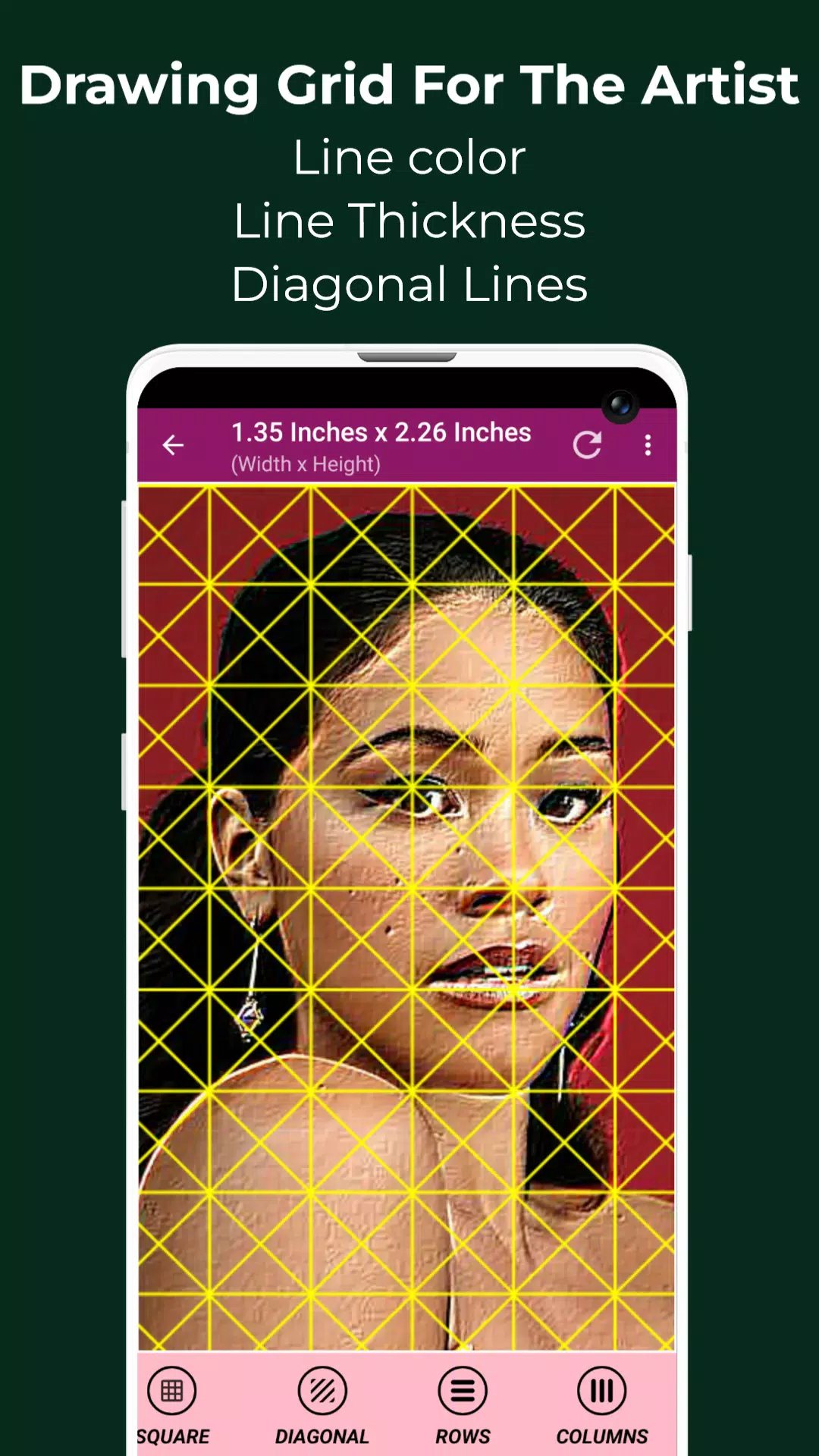


Grid Drawing | Create Custom Grids for Your Art - Overlay a Precise Grid on Any Image.
Grid drawing is an artistic technique where you draw a grid over a reference photo and recreate a grid with the same proportions on your work surface, such as paper, wood, or canvas. The image is then reproduced one square at a time, ensuring accurate transfer.
This grid drawing method offers a practical way to enhance artistic skills by improving accuracy, proportion, and overall drawing ability. It is a valuable learning resource for artists at every stage.
Key advantages of grid drawing include better proportions, adjustable scale, simplified composition breakdown, stronger observation skills, improved hand-eye coordination, and greater creative confidence.
The Grid Maker For Drawing app divides any reference photo into customizable rows and columns, where each cell shows a portion of the full image. Artists can then replicate each square on a larger surface with precision.
The Grid Maker app also helps maintain proportion and detail, allowing you to steadily improve your drawing technique.
The app includes numerous tools and customization options to support an accurate and efficient transfer of your reference onto the working surface.
Designed for both novice and experienced artists, Drawing Grid For The Artist strengthens observation and rendering skills effectively.
Key features of Grid Maker For Drawing With Measurements -
1. Capture new photos with your camera. Supports JPEG, PNG, and WEBP formats.
2. Choose an existing image from your Gallery. Compatible with JPEG, PNG, and WEBP files.
3. Import or share images from file managers and other apps. JPEG, PNG, and WEBP are supported.
4. Square grids
5. Rectangular grids
6. Toggle grid overlay on or off.
7. Diagonal grid lines
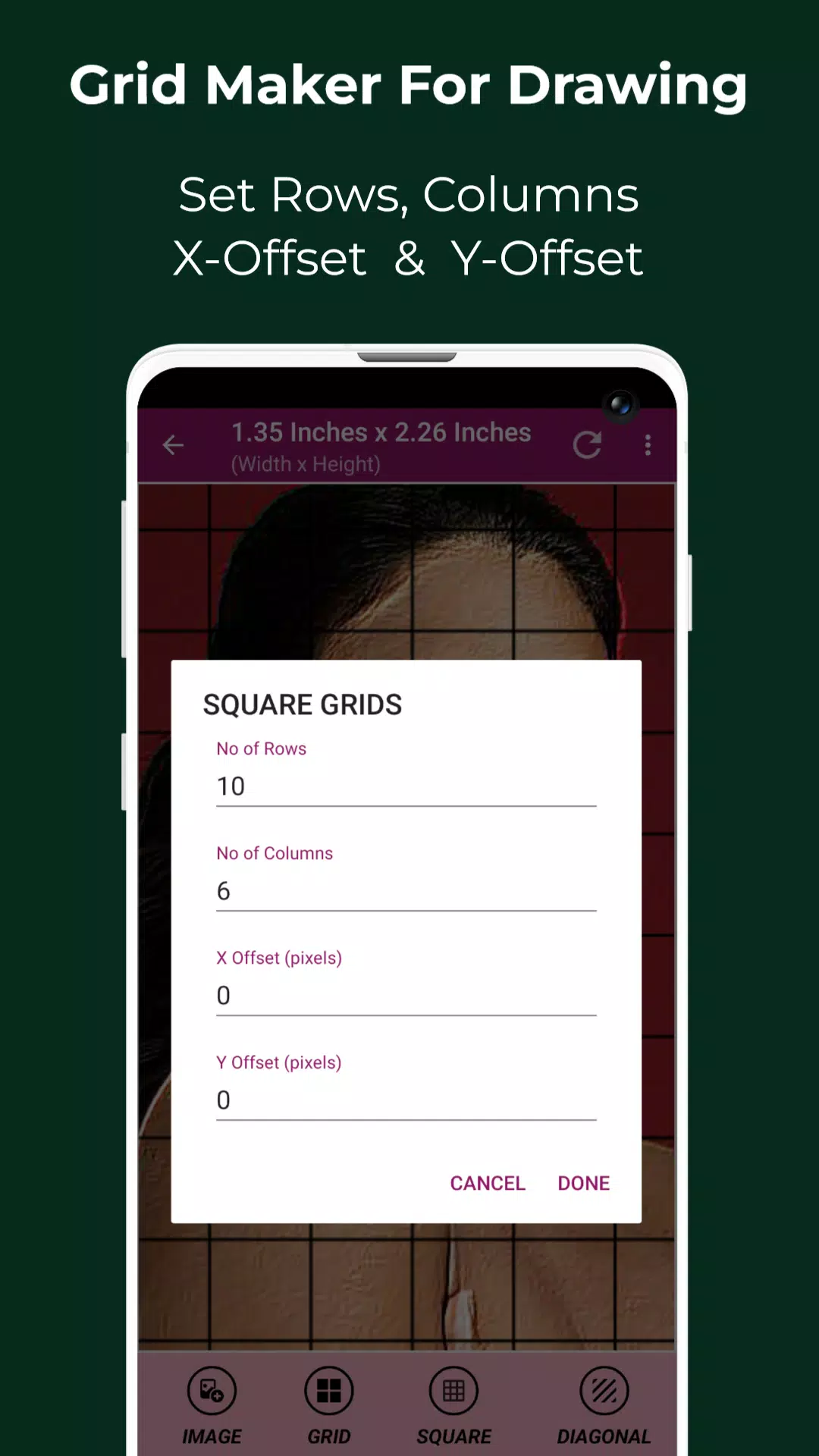
8. Set number of rows and Y-axis offset.
9. Set number of columns and X-axis offset.
10. Select grid color.
11. Turn grid labels on or off.
12. Label size and alignment (Top, bottom, left, and right).
13. Adjust grid line thickness.
14. Image Measurements – Get image dimensions in Pixels (px), Inches (in), Millimeters (mm), Points (pt), Picas (pc), Centimeters (cm), Meters (m), Feet (ft), and Yards (yd).
15. Cell Measurements – Measure each grid cell in Pixels (px), Inches (in), Millimeters (mm), Points (pt), Picas (pc), Centimeters (cm), Meters (m), Feet (ft), and Yards (yd).
16. Full screen mode
17. Compare Drawing – View your drawing alongside the reference photo in real time.
18. Lock Screen
19. Pixel Tool – Retrieve HEX, RGB, and CMYK values from any pixel in your reference image.
20. Image zoom up to 50x
21. Enable or disable zoom
22. Photo Effects – Black and white, Bloom, Cartoon, Crystal, Emboss, Glow, Grayscale, HDR, Invert, Lomo, Neon, Old school, Pixel, Polaroid, Sharpen, and Sketch.
23. Crop images (Fit image, Square, 3:4, 4:3, 9:16, 16:9, 7:5, and custom ratios)
24. Rotate images 360 degrees
25. Flip image vertically and horizontally
26. Adjust brightness, contrast, saturation, and hue
27. Save, share, and print gridded images.
28. Saved Images – Easily access all your saved grid projects.
Grid Drawing is the ultimate tool for artists of all levels seeking greater precision, accuracy, and growth in their craft.
If you have any questions or suggestions, don't hesitate to reach out. Thank you.
-
 Invisible Woman Debuts in Marvel Rivals Gameplay
-
 Anime Power Tycoon Embraces Lucrative Codes for Enhanced Gameplay
-
 Mahjong Soul, Idolm@ster Shiny Colors Unite in Captivating Crossover
-
 Hades 2 Warsong Update Reintroduces Ares and Brings a New Boss
-
 Fallout-Style Game Last Home Soft Launches On Android
-
 KFC Collaborates with Tekken for Unique Gaming Experience