

Home > Apps > Art & Design > Inktica

| App Name | Inktica |
| Developer | Arcuilo |
| Category | Art & Design |
| Size | 24.5 MB |
| Latest Version | 1.35.97 |
| Available on |


Craft pixel art, animate sprites, and modify game textures using Inktica!
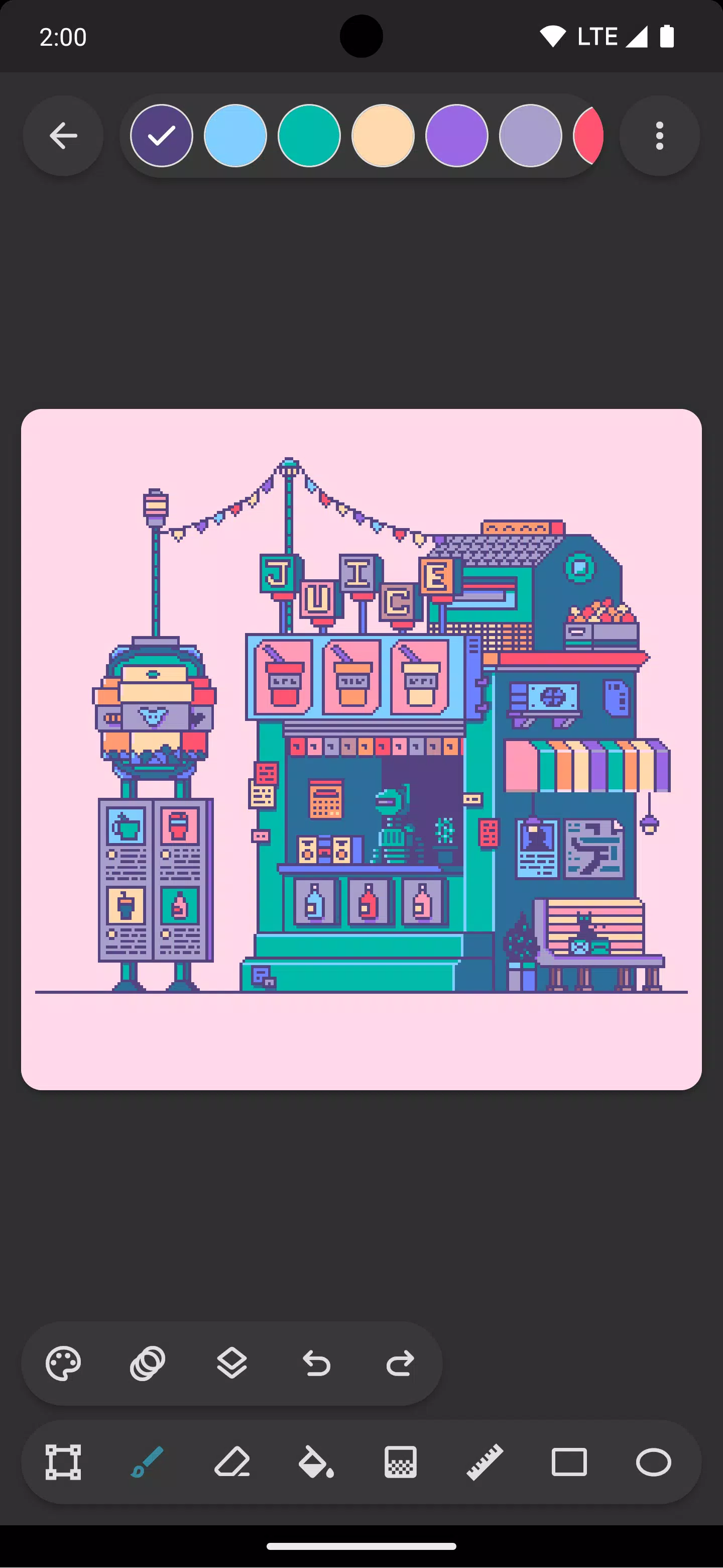
Design pixel art with Inktica – a robust yet intuitive pixel art editor. Create artwork inspired by the low-resolution visuals of early computer and gaming systems, or customize textures for games.
Inktica offers specialized tools for pixel-level image editing. Drawing tools include Brush, Eraser, Flood-fill, Gradient, Line, Rectangle, Ellipse, and Pipette, all optimized for pixel art with features like the "pixel perfect" brush algorithm for crisp single-pixel lines.
Use Inktica's selection tool to copy, cut, move, and paste sections of your drawing or texture. Selections can be rotated or flipped before placement.
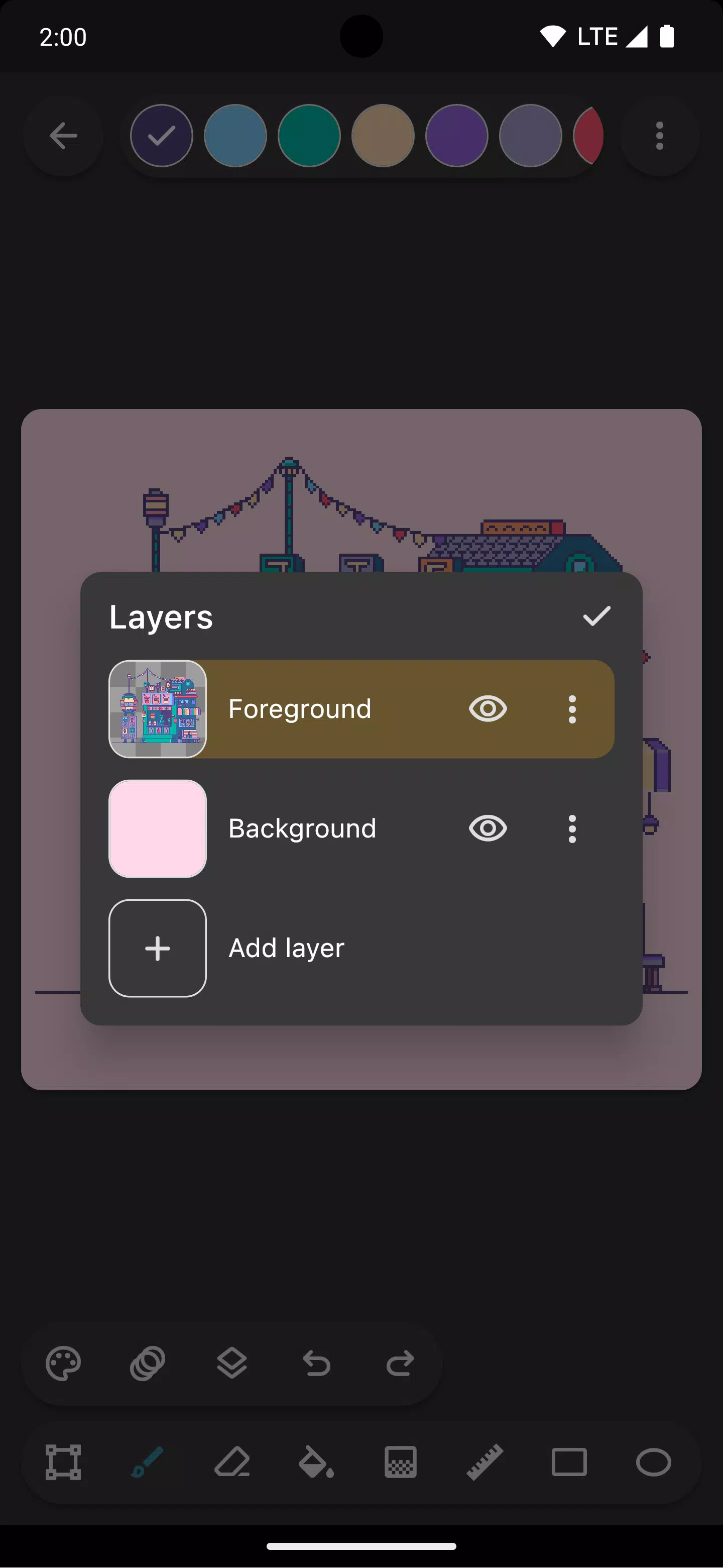
Organize your pixel art with Inktica's layer support, simplifying edits to specific elements.
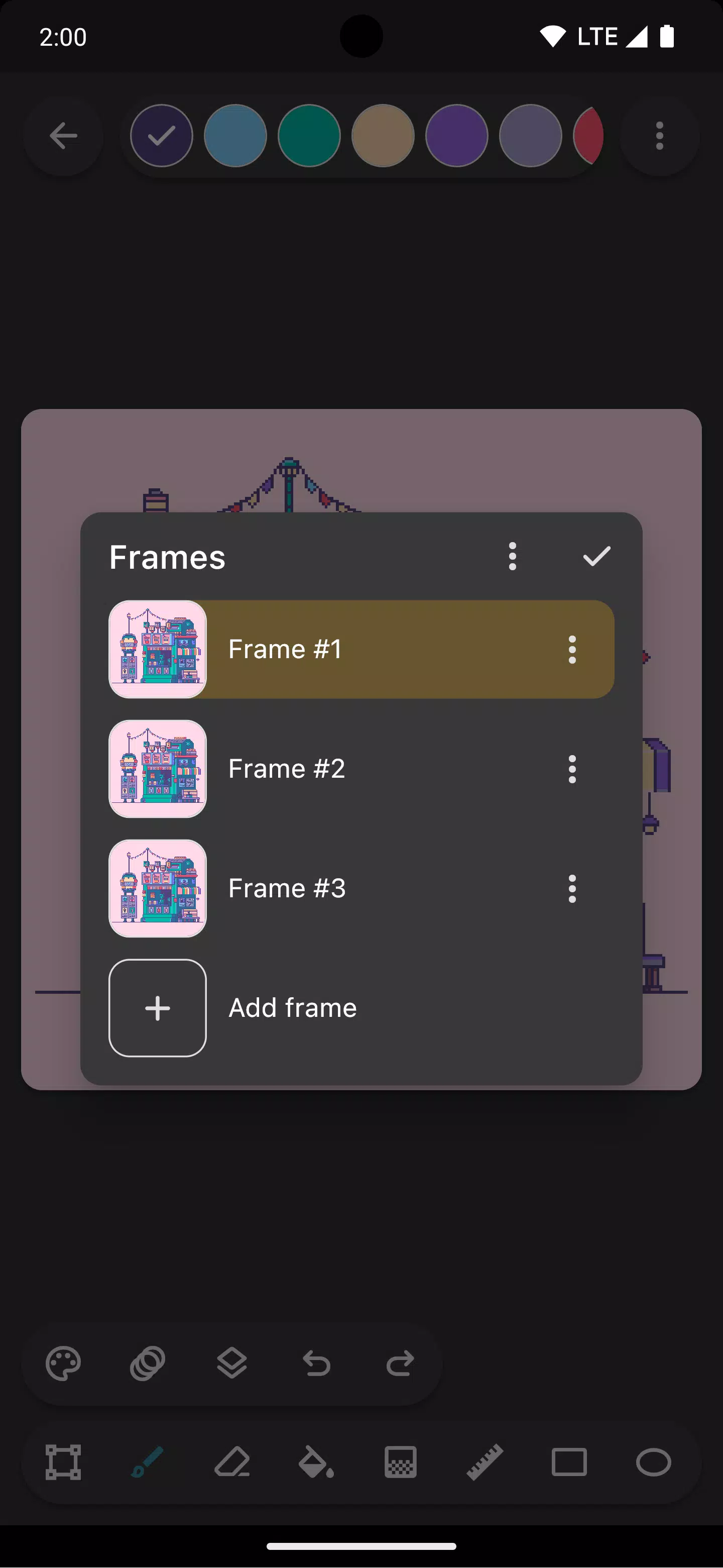
Bring sprites to life with animation tools. The onion skin feature helps visualize frame changes by overlaying the previous frame during editing.
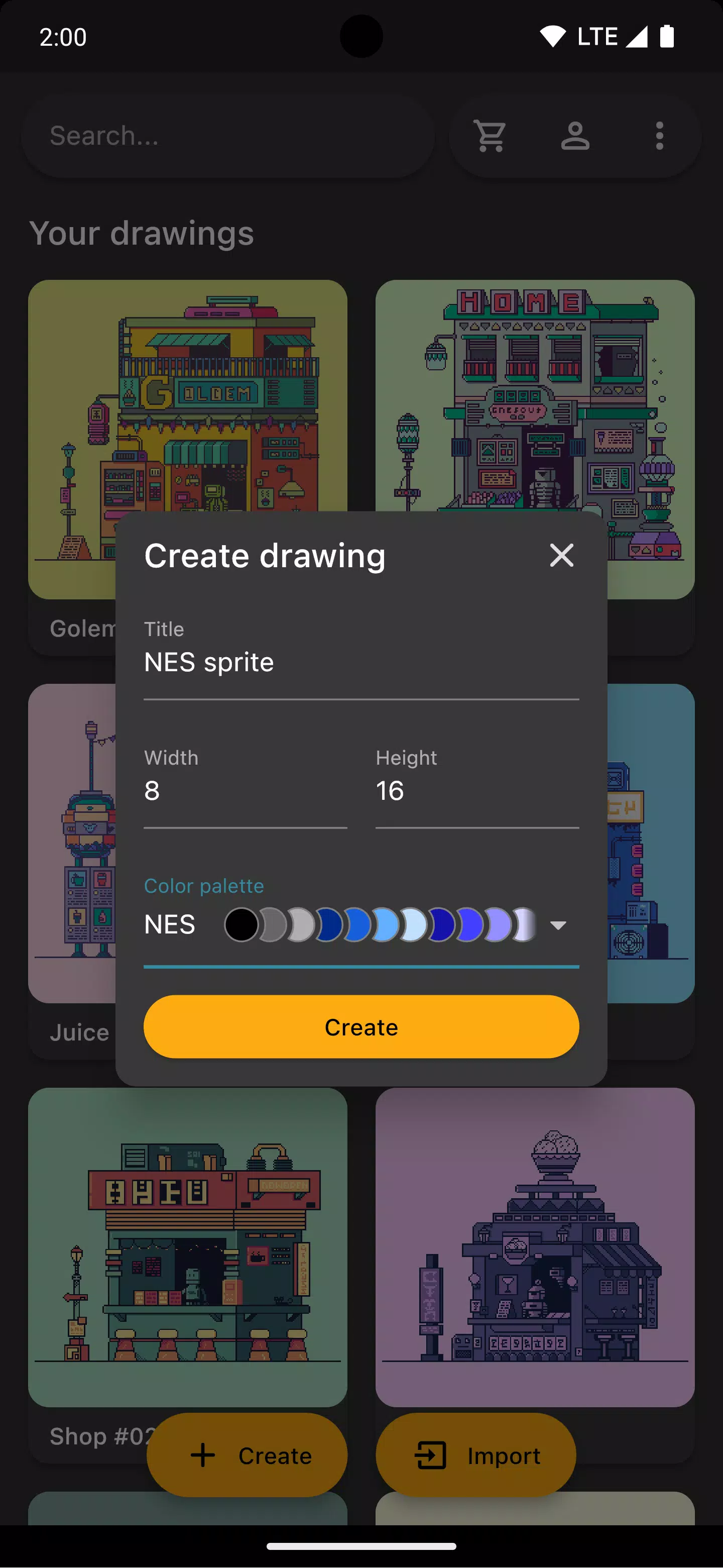
Apply classic console color palettes like Atari 2600, NES, or Game Boy, or import curated palettes from Lospec.
Reference images from your gallery can be opened alongside your canvas for easy comparison while drawing.
Share completed artwork on social media or export to device storage. Upscale exports to maintain clarity on non-pixel-art platforms.
Edit existing pixel art from other tools – Inktica imports Aseprite files (.ase, .aseprite) and common image formats (.png, .jpeg, .gif, etc.).
Screenshot artwork by Pikurā
Privacy policy: https://inktica.com/privacy-policy.html
Terms of use: https://inktica.com/terms-of-use.html
What's New in the Latest Version 1.35.97
Last updated on Nov 11, 2024
- Updated color dialog layout to a grid for better color visibility
- Color selections now auto-close the dialog for faster workflow
-
 Invisible Woman Debuts in Marvel Rivals Gameplay
-
 Anime Power Tycoon Embraces Lucrative Codes for Enhanced Gameplay
-
 Mahjong Soul, Idolm@ster Shiny Colors Unite in Captivating Crossover
-
 Hades 2 Warsong Update Reintroduces Ares and Brings a New Boss
-
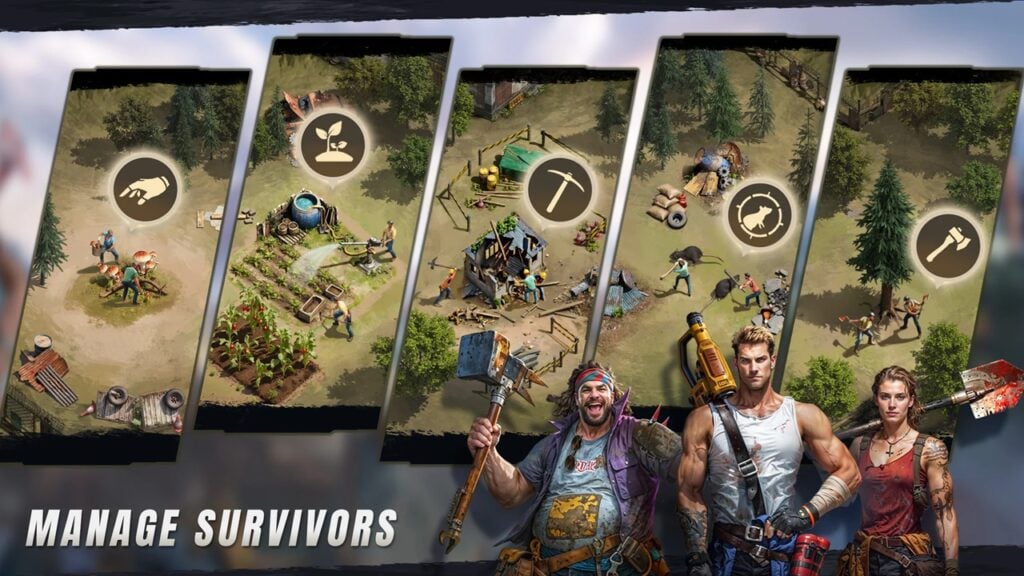 Fallout-Style Game Last Home Soft Launches On Android
-
 KFC Collaborates with Tekken for Unique Gaming Experience