

Home > Apps > Art & Design > JUMP PAINT by MediBang

| App Name | JUMP PAINT by MediBang |
| Developer | MediBang Inc. |
| Category | Art & Design |
| Size | 30.8 MB |
| Latest Version | 6.2 |
| Available on |
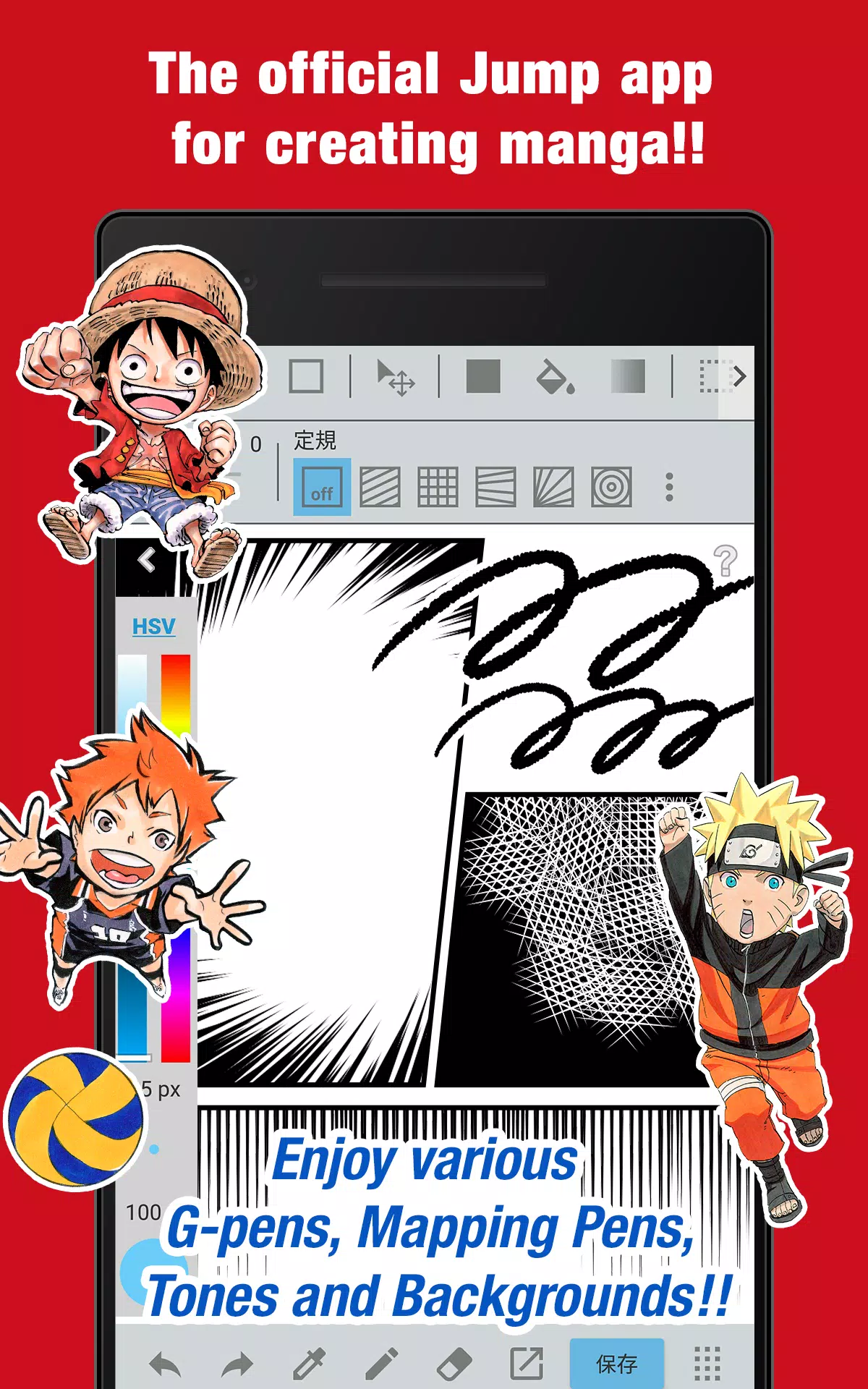


Jump into manga creation with the official Jump app! Unlock exclusive insights from Jump's celebrated authors.
■ Create authentic Weekly Shonen Jump manga and illustrations with our completely free app!
Access G-pens, Mapping Pens, Tones, and Backgrounds at no cost!
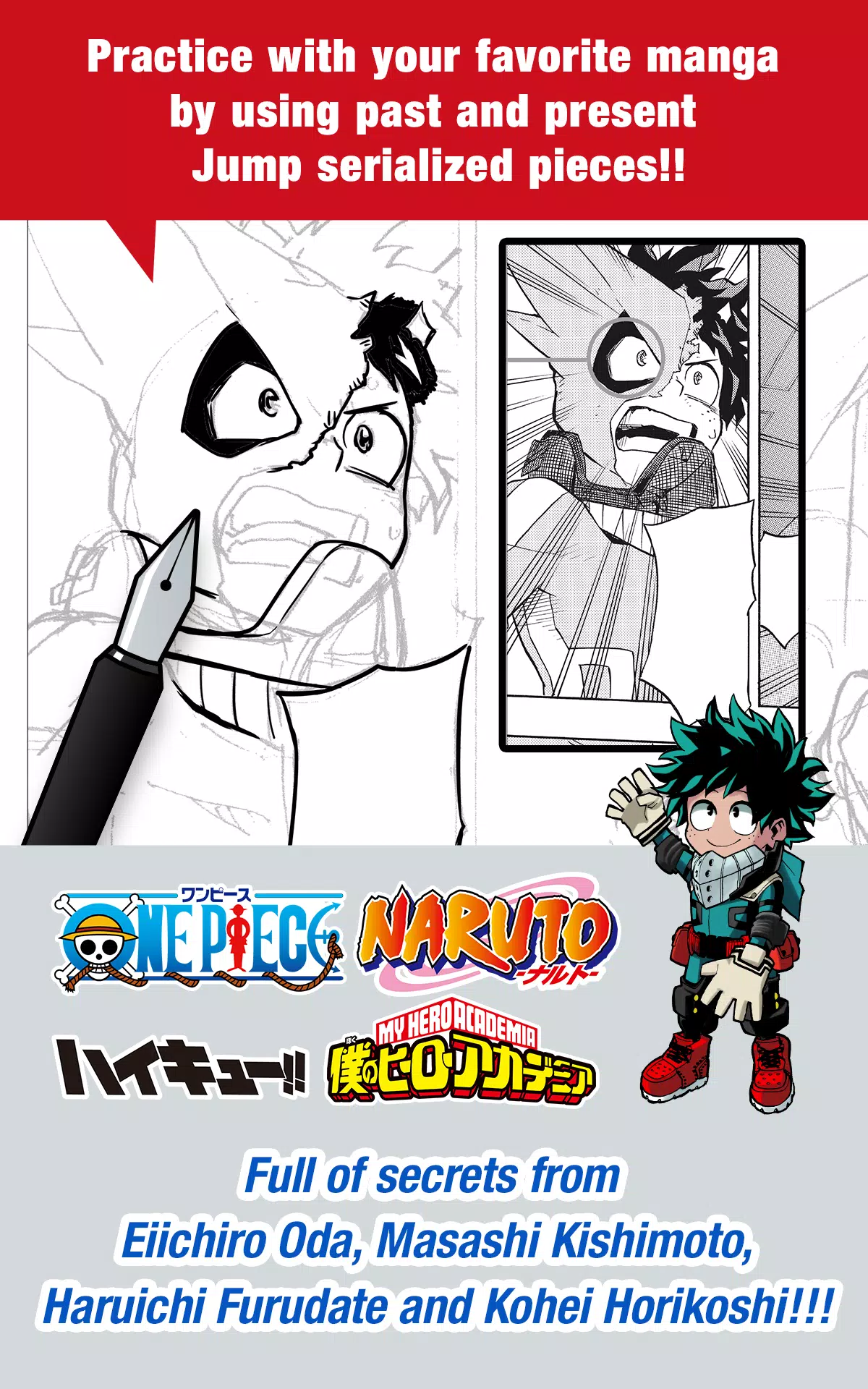
■ Sharpen your skills using iconic manga from Jump's past and present series!
Discover behind-the-scenes techniques from manga masters like Eiichiro Oda (One Piece) and Kohei Horikoshi (My Hero Academia)!
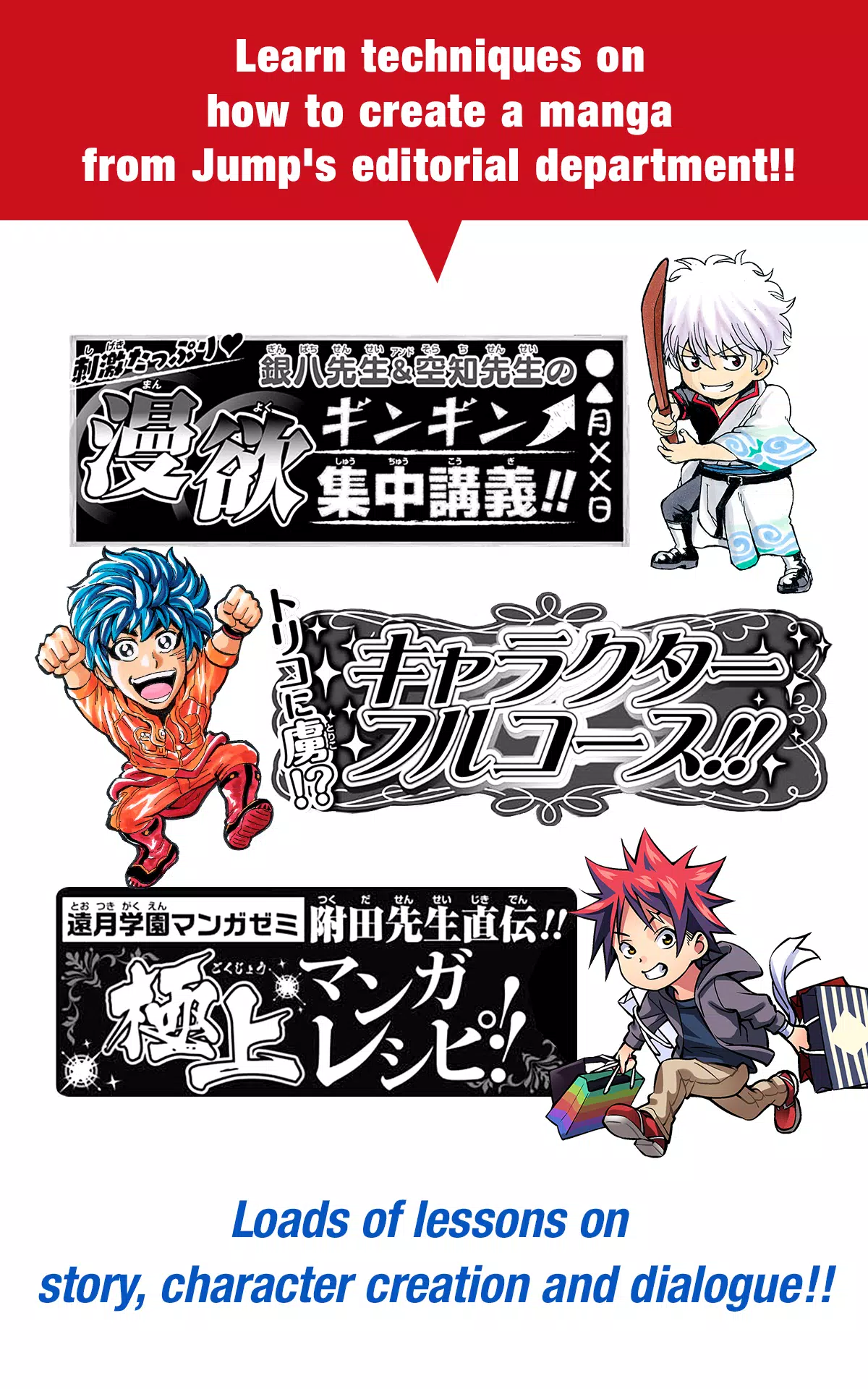
■ Master manga creation through professional guidance from Jump's editorial team!
Comprehensive tutorials covering storytelling, character development, and dialogue techniques!
■ Submit your work to official Jump contests!
Stay updated on competition details and submission deadlines through the app!
What is JUMP PAINT?
The ultimate manga and illustration app - a powerful collaboration between MediBang Paint (12 million downloads) and Weekly Shonen Jump.
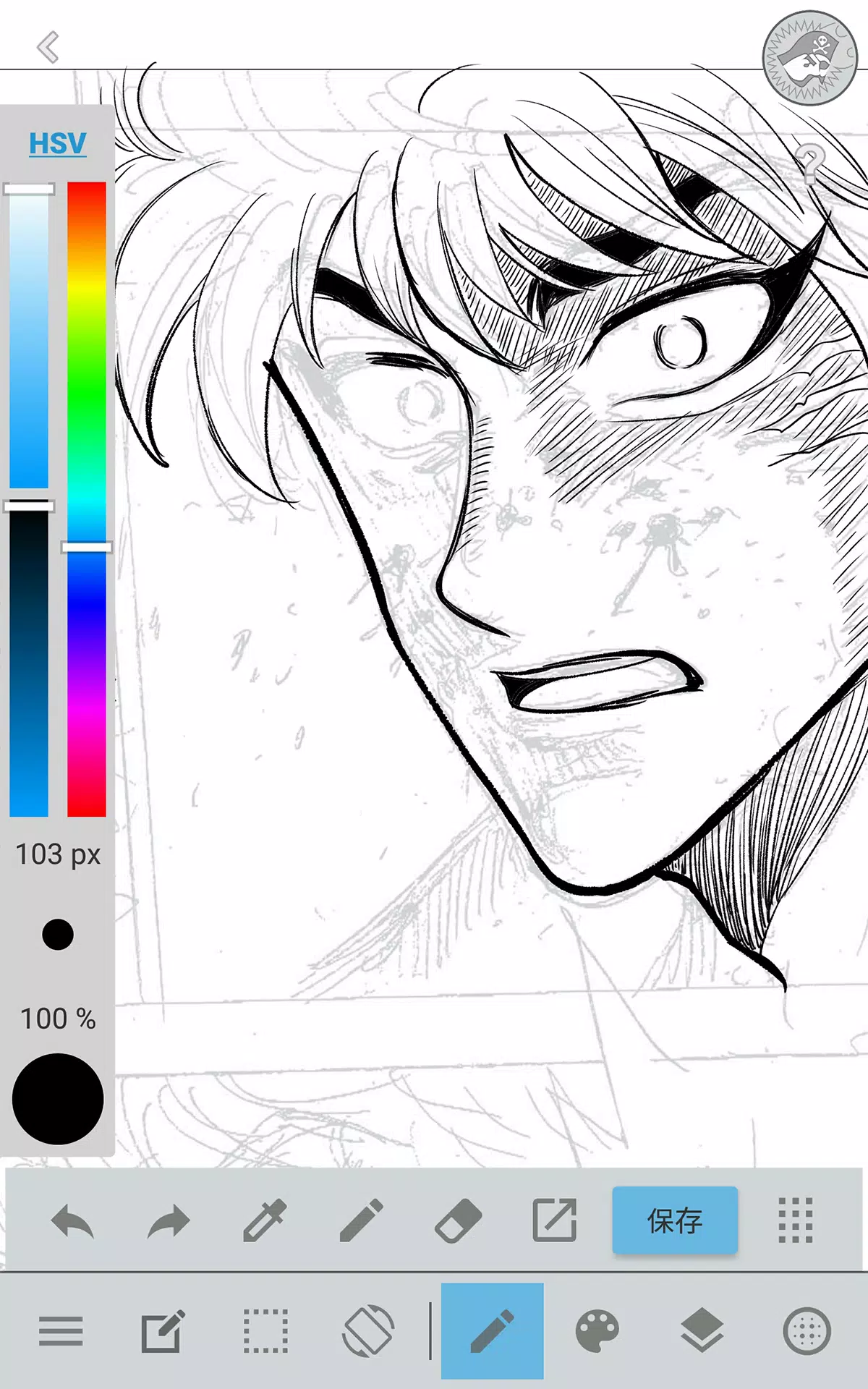
Developed to empower creators with MediBang Paint's robust features for drawing anywhere, anytime.
JUMP PAINT delivers professional-grade illustration and manga tools, featuring extensive brush collections, materials, and specialized comic fonts.
■ Draw Anywhere!
・Carry desktop-level painting capabilities in your pocket with JUMP PAINT.
・Feature-rich interface specifically engineered for iPhone usability.
・Toggle UI elements with single-touch convenience.
・Streamlined controls for effortless brush size adjustments and color mode changes.
■ Painting Tools
・Access 90 complimentary brushes!
・Beyond standard Pens, Pencils, and Watercolors, choose from 50+ specialized brushes including Flat Brush, Round Brush, Acrylic, School Pen, and Soft Pastel.
・Force Fade In/Out technology delivers crisp lines even with finger drawing.
・Design and save personalized custom brushes.
■ Free Resources
・Select from 800 complimentary tones and background options.
・Pre-designed elements including clouds, architecture, and vehicles.
・One-touch tone application for efficient workflow.
■ Layers
・Advanced layer system with blending mode versatility.
・Organize artwork components while preserving original elements.
■ Comic Fonts
・Transform comic ambiance with specialized typography.
・Express character emotions and personality through text styling.
・Choose from 50 industry-standard fonts used by professionals.
■ Comic Creation
・Intuitive panel creation through simple screen gestures.
・Customize panel dimensions and proportions freely.
■ User Friendly
・Personalizable shortcut configurations
・Beginner-friendly onboarding experience
・Artist-focused interface maximizing drawing space
・Instant full-screen mode activation
■ Other Tools
・Perspective guides for accurate spatial rendering
・Stroke stabilization for smoother line control
■ Photo Reference
・Capture reference photos directly within the app
・Utilize reference layers for study and technique improvement
■ Cloud Storage
・Secure data backup and management solutions
・Seamless project transfer between devices
■ Manage Project
・Organize and store multi-page document projects
■ Syncability
・Synchronize preset configurations with JUMP PAINT's desktop version
■ Team Creation
・Collaborate remotely with creative partners worldwide
■ Auto Recovery
・Automatic data protection during unexpected device shutdowns
IMPORTANT
Cloud feature access requires a free MediBang account(https://medibang.com/).
-
 Invisible Woman Debuts in Marvel Rivals Gameplay
-
 Anime Power Tycoon Embraces Lucrative Codes for Enhanced Gameplay
-
 Fallout-Style Game Last Home Soft Launches On Android
-
 Hades 2 Warsong Update Reintroduces Ares and Brings a New Boss
-
 KFC Collaborates with Tekken for Unique Gaming Experience
-
 Mahjong Soul, Idolm@ster Shiny Colors Unite in Captivating Crossover