

Home > Apps > Art & Design > Resprite

| App Name | Resprite |
| Developer | Fengeon |
| Category | Art & Design |
| Size | 18.6 MB |
| Latest Version | 1.7.2 |
| Available on |
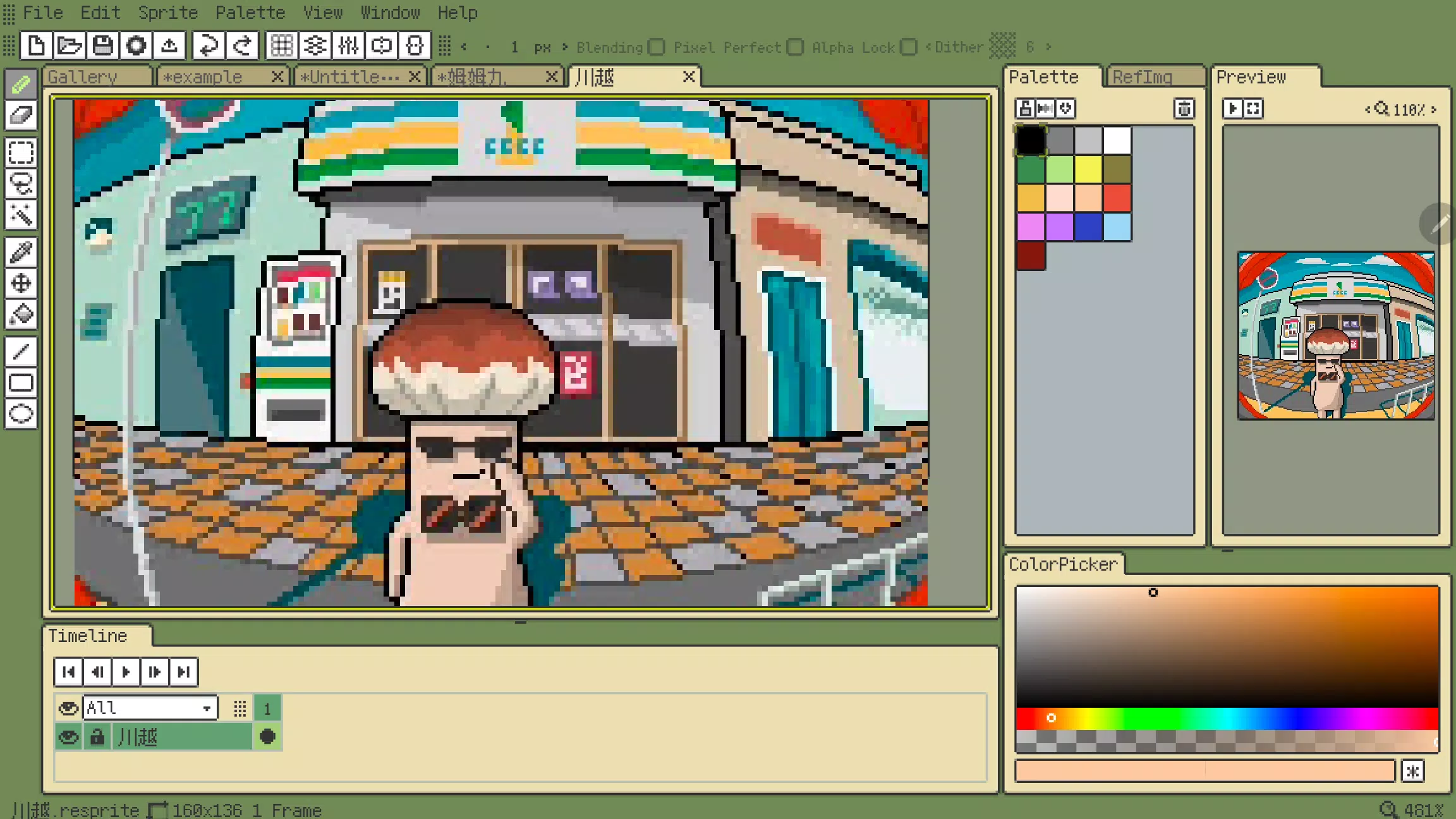
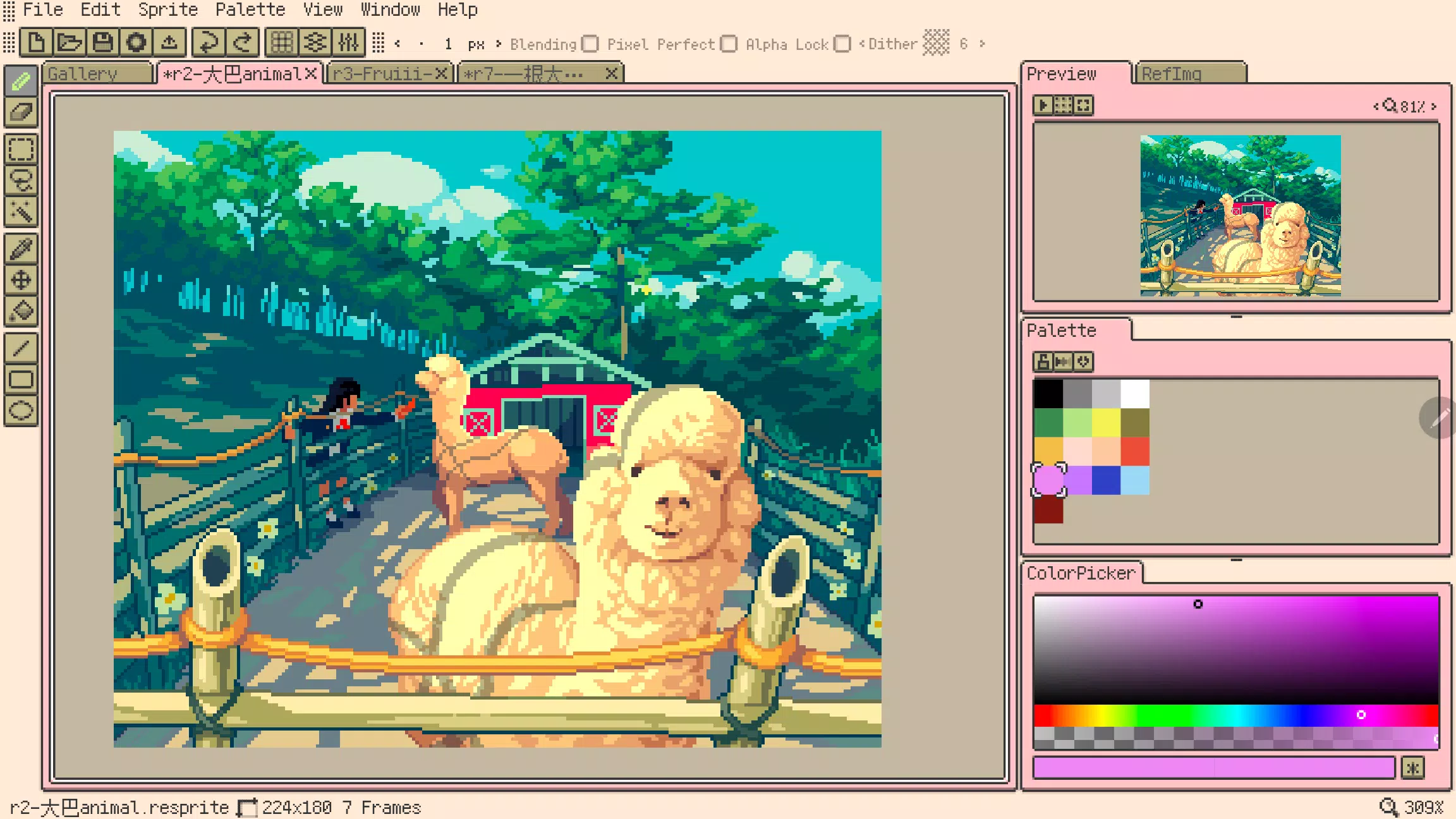
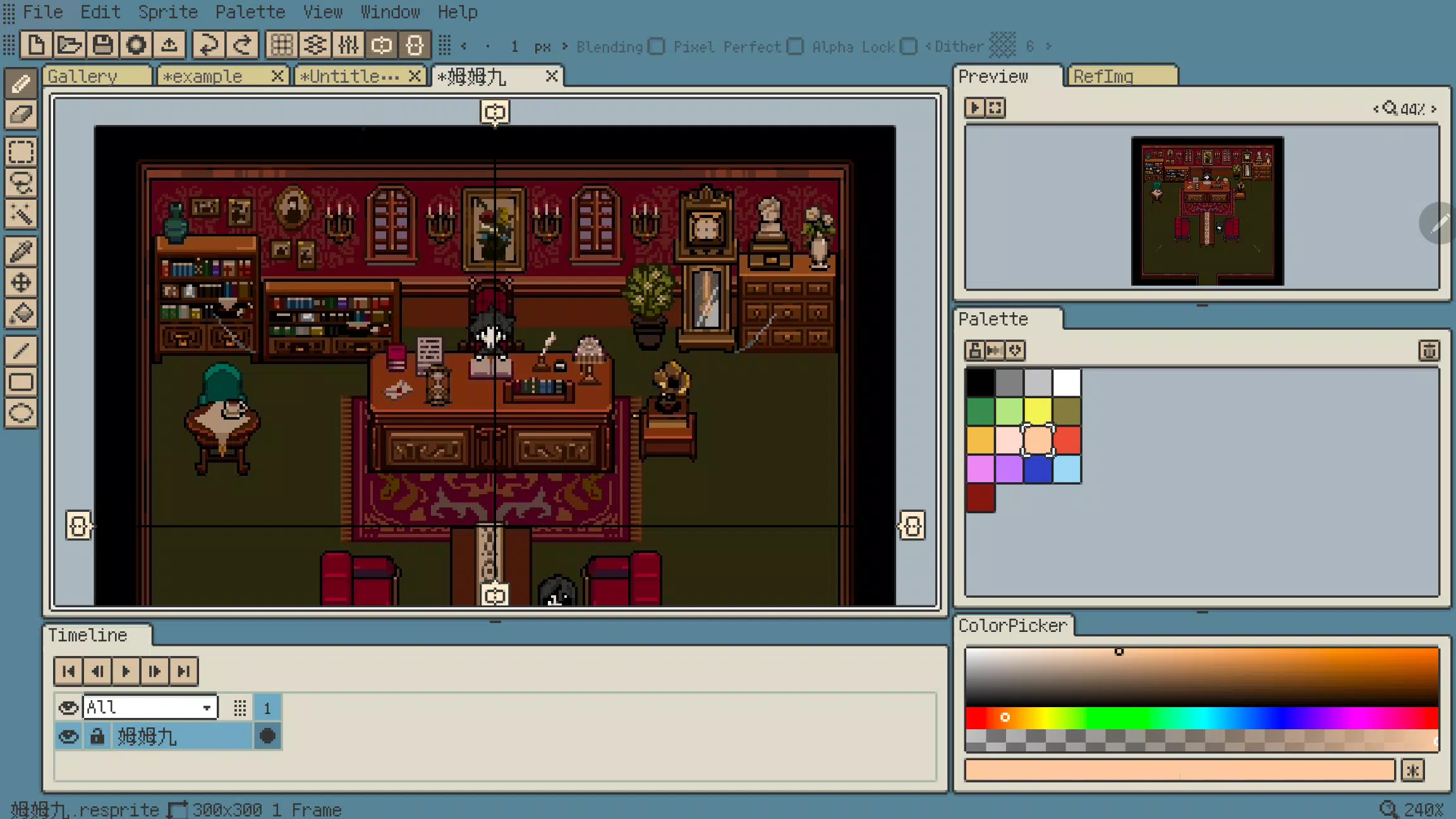
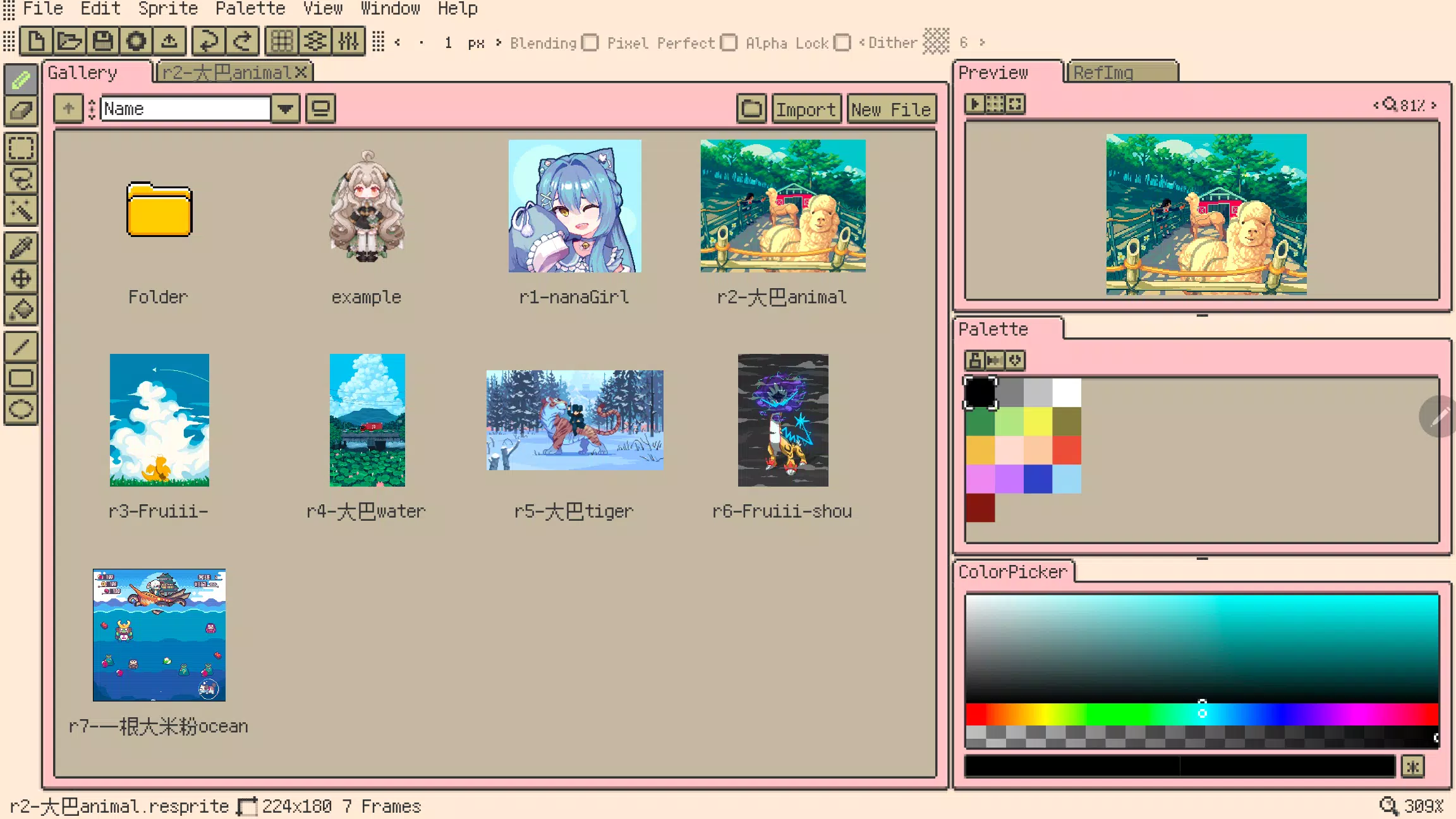


Resprite is a professional pixel art and sprite animation editor
Resprite is a dedicated pixel art and sprite animation editor.
This powerful mobile tool is designed to meet the needs of professional creators, offering a comprehensive feature set comparable to desktop applications. Through innovative optimization for mobile devices and stylus support, it enables seamless artistic creation anywhere.
Resprite provides complete pixel painting tools, an advanced layer and timeline system, and a high-performance Vulkan-based rendering engine. Create stunning pixel art, detailed spritesheets, engaging GIF animations, and exceptional game assets with ease.
Whether relaxing on your sofa, camping in nature, enjoying the beach, or waiting at the airport - Resprite transforms any location into your personal mobile pixel art studio.
Resprite includes:
Features:
* High-performance drawing engine
* Low energy consumption for extended creation sessions
* Innovative palette and coloring tools
* Comprehensive dithering pattern support
* Highly customizable interface layout with one-touch access
* Optimized gesture and stylus controls
* Complete undo and redo functionality
* Customizable color themes for personalization
Flexible Interface Layout:
* Fully adjustable interface layout
* Convenient floating windows
* Reduced distance between stylus and tools for improved efficiency
* Authentic pixel-style interface design
Comprehensive Tool Set:
* Brushes, 3 selection tools, color picker, paint bucket, 3 shape tools with extensive options
* Pixel perfect, Alpha lock, and Dithering features
* Customizable toolbar placement
* Copy, paste (across files), flip, rotate, and scale functions
* Canvas and image transformation tools
Innovative Palette System:
* Free-form color arrangement
* Color interpolation for intermediate shades
* Palette import and export capabilities
* Automatic palette extraction from artwork
Import and Export Options:
* Export spritesheets, GIF/APNG animations, and Resprite packages
* Customizable export settings including scale, margins, and layout
* Individual or batch animation clip exports
* Palette file support for GPL and RPL formats
Advanced Layers and Timeline:
* Comprehensive layer management with full feature set
* Copy, merge, flatten, and static conversion operations
* Multiple animation clip support with selection options
* Smooth performance handling hundreds of animation frames
* Color labels, multi-level grouping, and layer opacity controls
* Clipping masks and blending modes
Gesture Controls:
* Universal two-finger and three-finger gestures for undo/redo
* Single-finger gesture controls for frame navigation and playback
* Long-press gesture support
* Customizable gesture mappings
Artwork credits in screenshots:
史大巴,斯尔娜娜,Fruiii-,一根大米粉,川越,姆姆九
Premium Plan:
Upgrade to Resprite Premium to remove export limits and access all software features.
Support:
Documentation: https://resprite.fengeon.com/
Email: [email protected]
Agreement and Privacy Policy:
Your use of this application is governed by the User Agreement https://resprite.fengeon.com/tos and Privacy Policy https://resprite.fengeon.com/privacy, including subsequent versions.
What's New in Version 1.7.2
Last updated on Nov 5, 2024
- New: Hover tooltip feature
- New: GIF image import support
- New: Color picking from reference images (long press, right click, color picker tool)
- New: Auxiliary color picker (history colors, hue shift)
- Improved: Pinch-zoom gesture for preview images
- Improved: Pinch-zoom gesture for reference images
- Improved: Customizable maximum brush size
- Improved: Menu bar toggle functionality
- Fixed: Export issues with partial selection areas
-
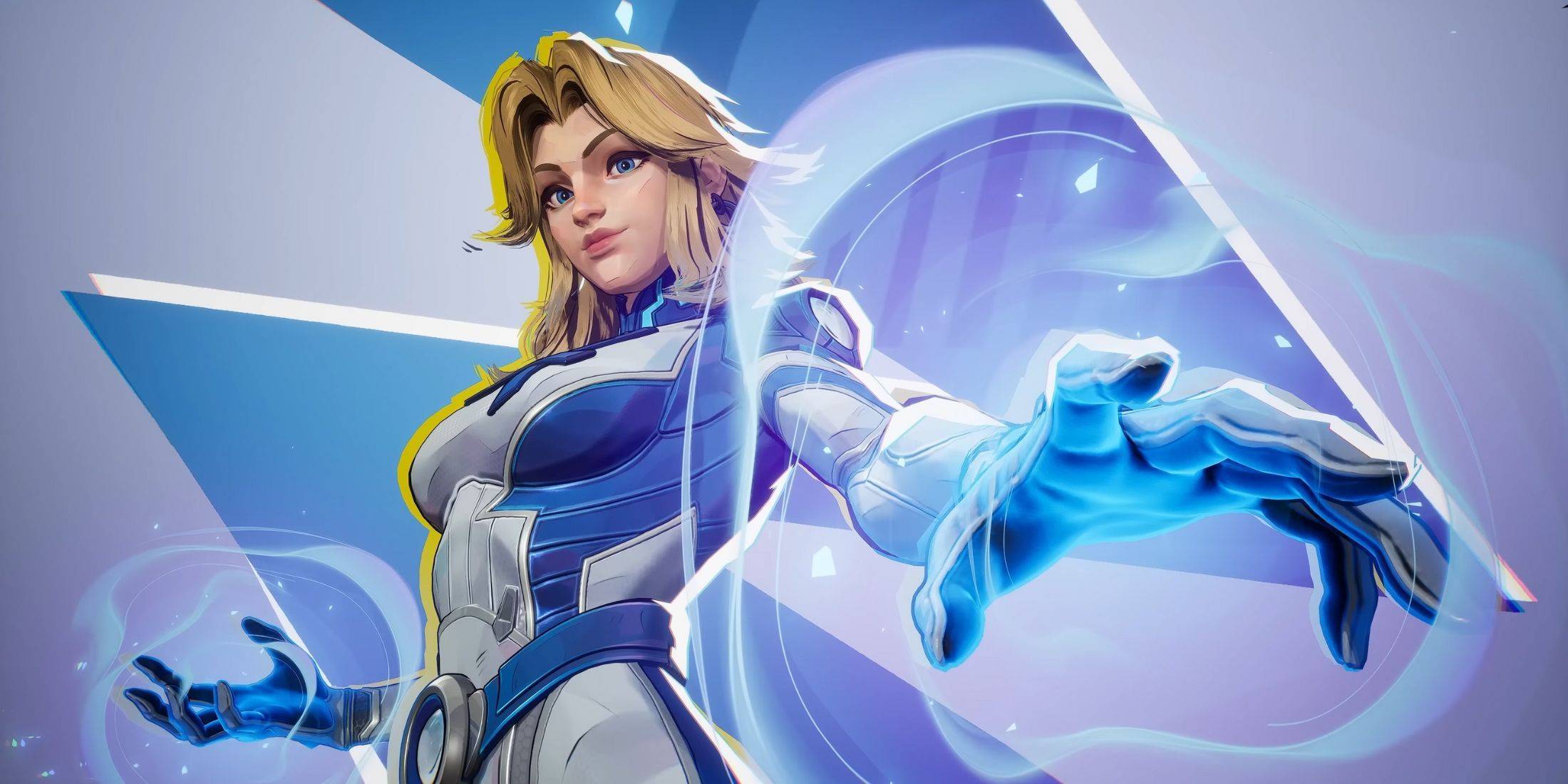 Invisible Woman Debuts in Marvel Rivals Gameplay
-
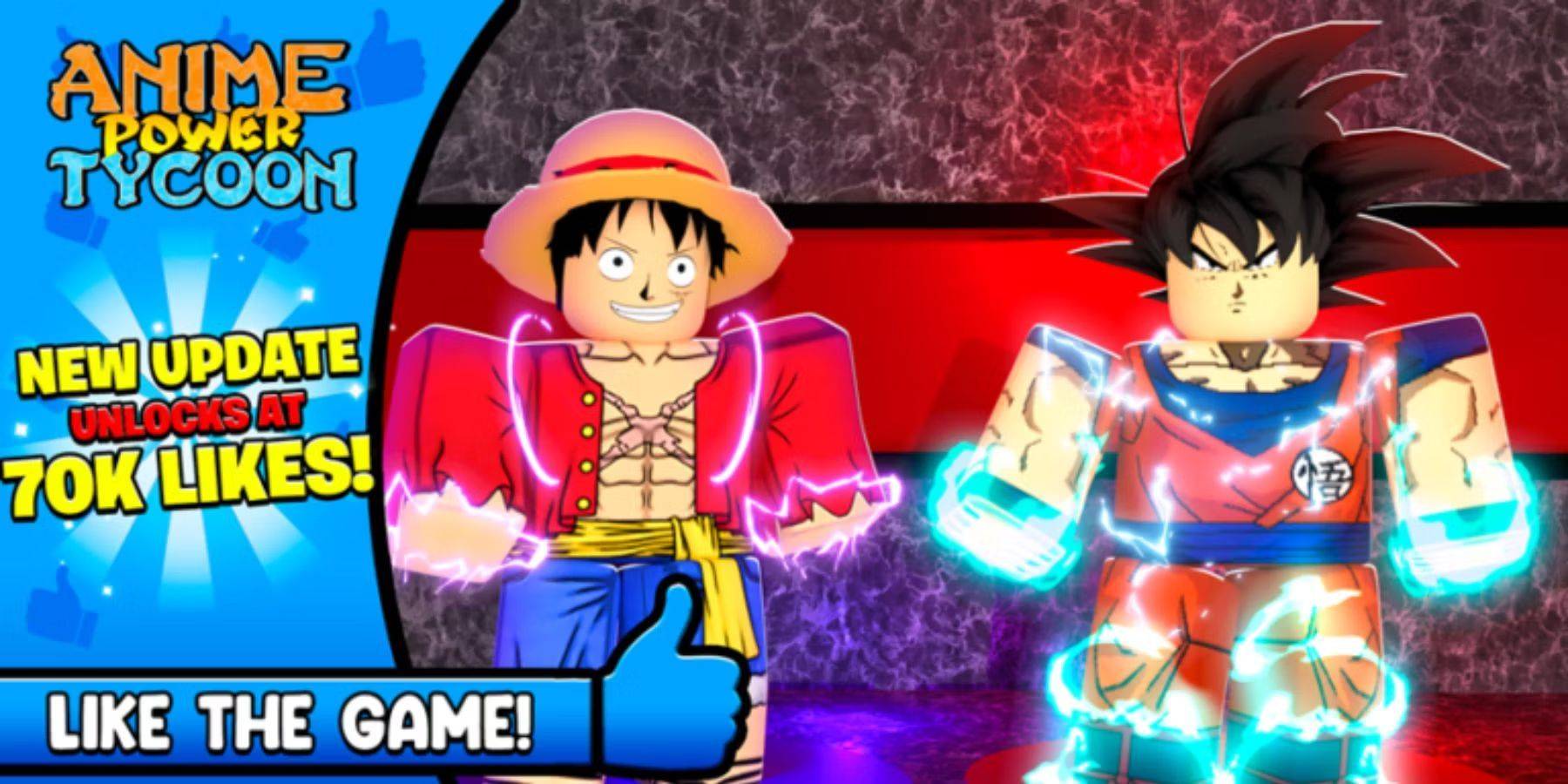 Anime Power Tycoon Embraces Lucrative Codes for Enhanced Gameplay
-
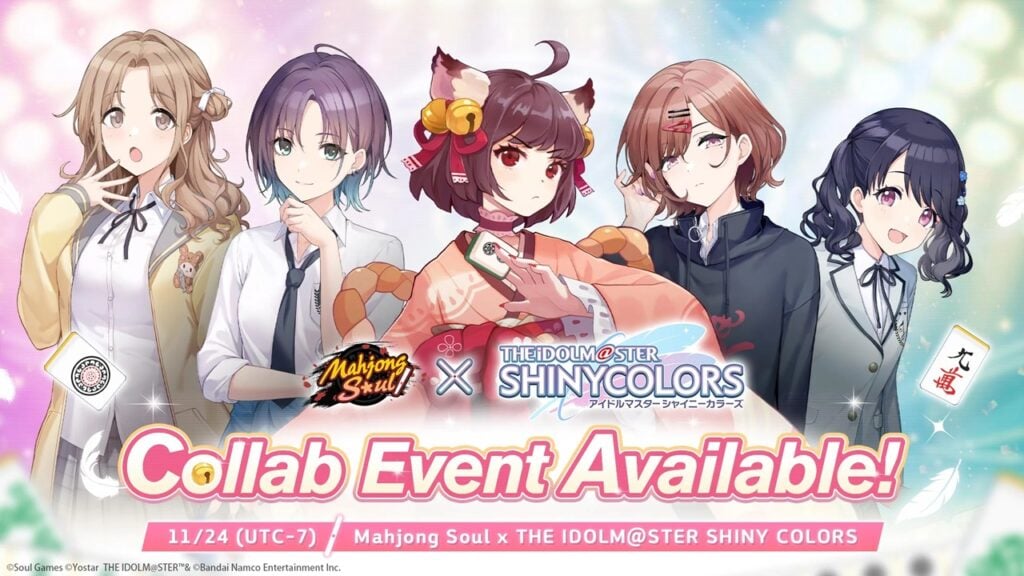 Mahjong Soul, Idolm@ster Shiny Colors Unite in Captivating Crossover
-
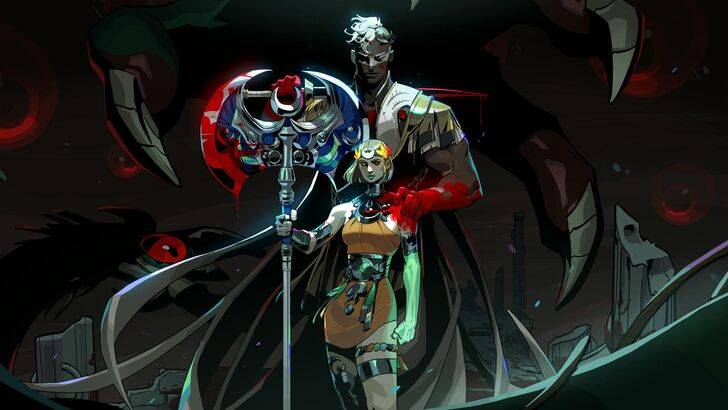 Hades 2 Warsong Update Reintroduces Ares and Brings a New Boss
-
 Fallout-Style Game Last Home Soft Launches On Android
-
 KFC Collaborates with Tekken for Unique Gaming Experience