

Téléportation dans Minecraft : commandes et méthodes
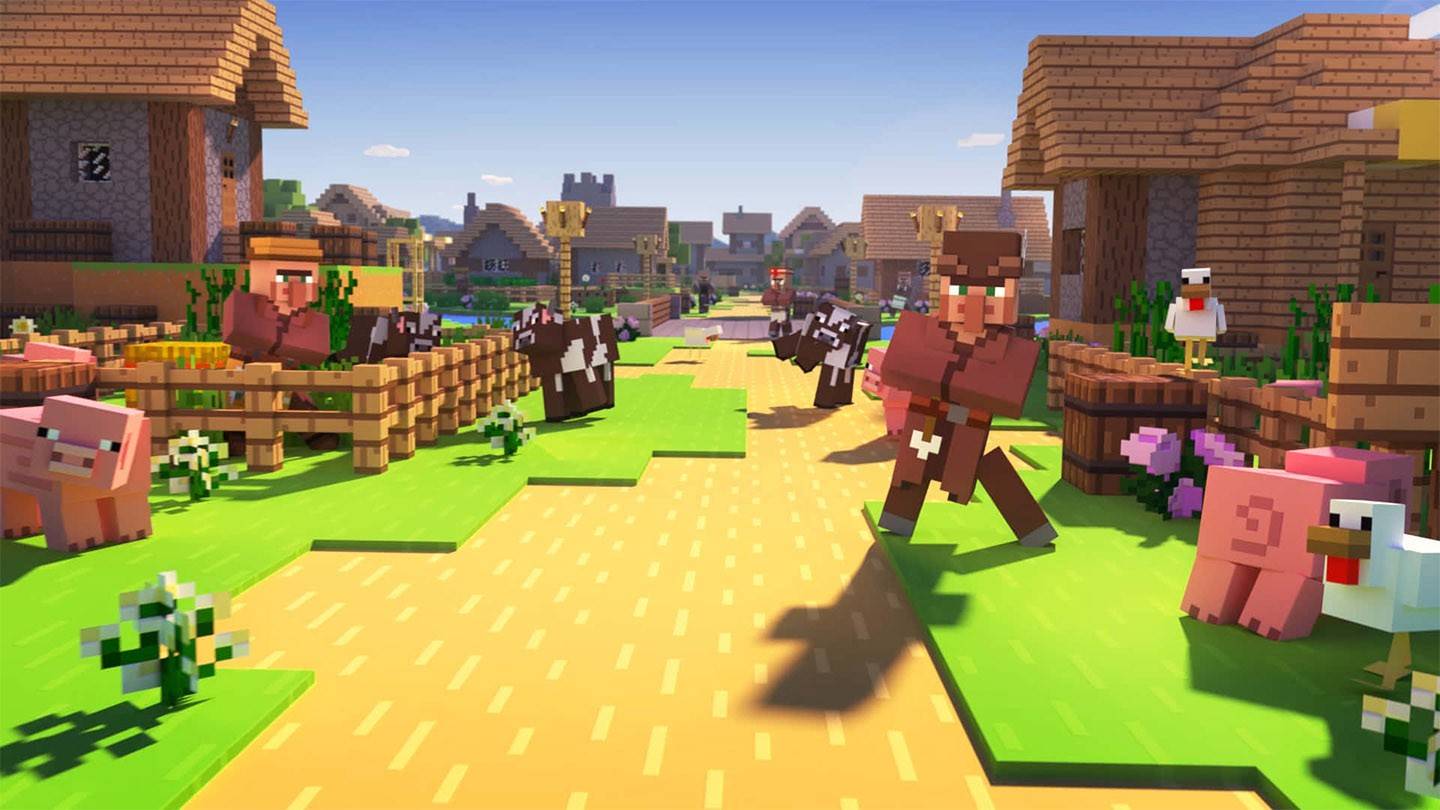
Minecraft Teleportation: A Comprehensive Guide
Teleporting in Minecraft allows for instant movement between locations, a valuable tool for efficient exploration, hazard avoidance, and base management. This guide details various teleportation methods depending on your game version and setup.
General Information on Minecraft Teleportation
The primary command is /tp, offering numerous variations and parameters for precise control. You can teleport to players, specific coordinates, or even control viewing direction. Creature movement is also possible!
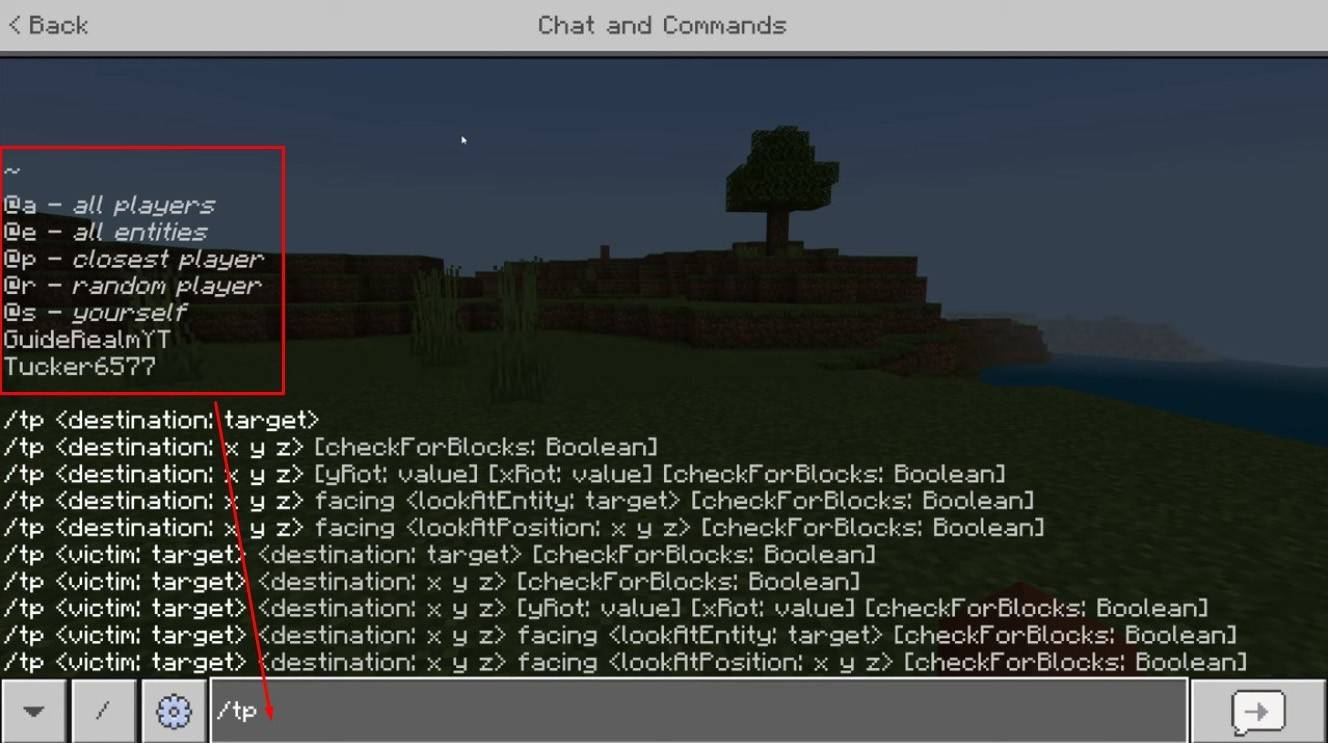 Image: youtube.com
Key Command Functions:
| Command Name | Action |
|---|---|
/tp |
Teleports you to another player. |
/tp |
(Admin/Operator) Moves a player to another location. |
/tp |
Teleports you to specific coordinates. |
/tp |
Teleports and sets viewing direction (yaw = horizontal, pitch = vertical). |
/tp @e[type= |
Teleports all entities of a specified type to given coordinates. |
/tp @e[type=creeper,limit=1] |
Teleports the nearest single entity of a specified type. |
/tp @e |
Teleports all entities (use cautiously, can lag servers). |
Server-side availability depends on player permissions. Operators and administrators have unrestricted access; regular players require authorization.
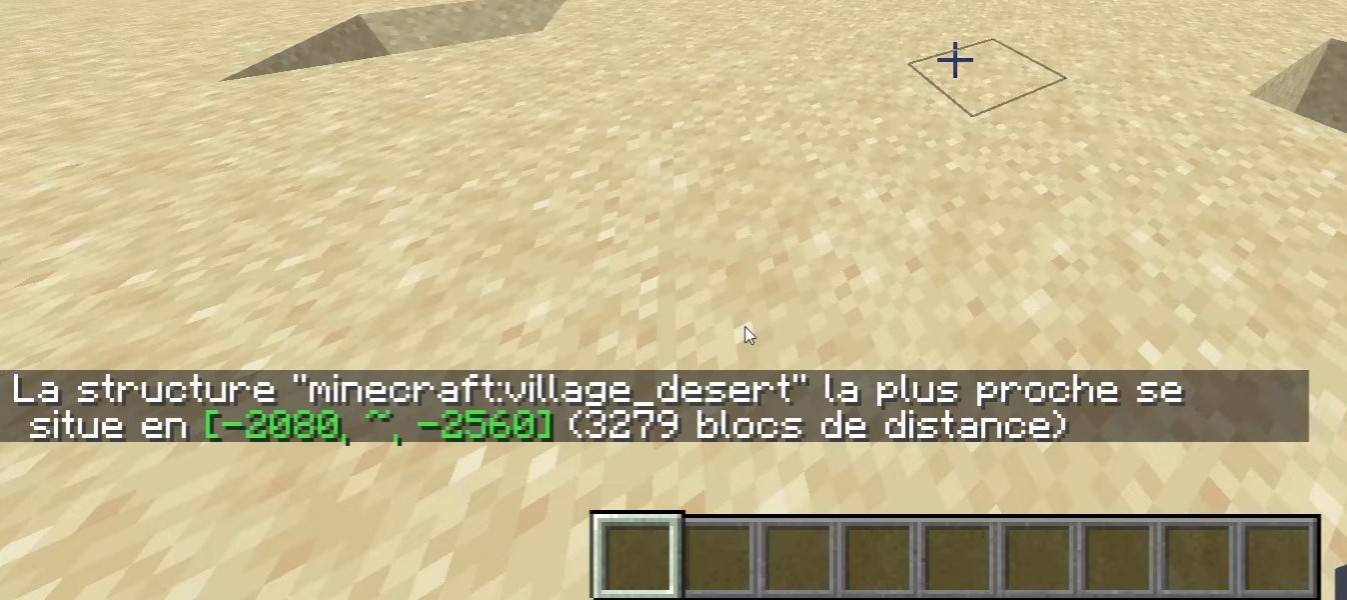 Image: youtube.com
The /locate command is useful for finding structures (villages, strongholds), providing coordinates for efficient /tp usage.
Survival Mode Teleportation
Normally disabled, this can be enabled by activating cheats during world creation, using command blocks, obtaining server admin rights, or installing plugins like EssentialsX.
Command Block Teleportation
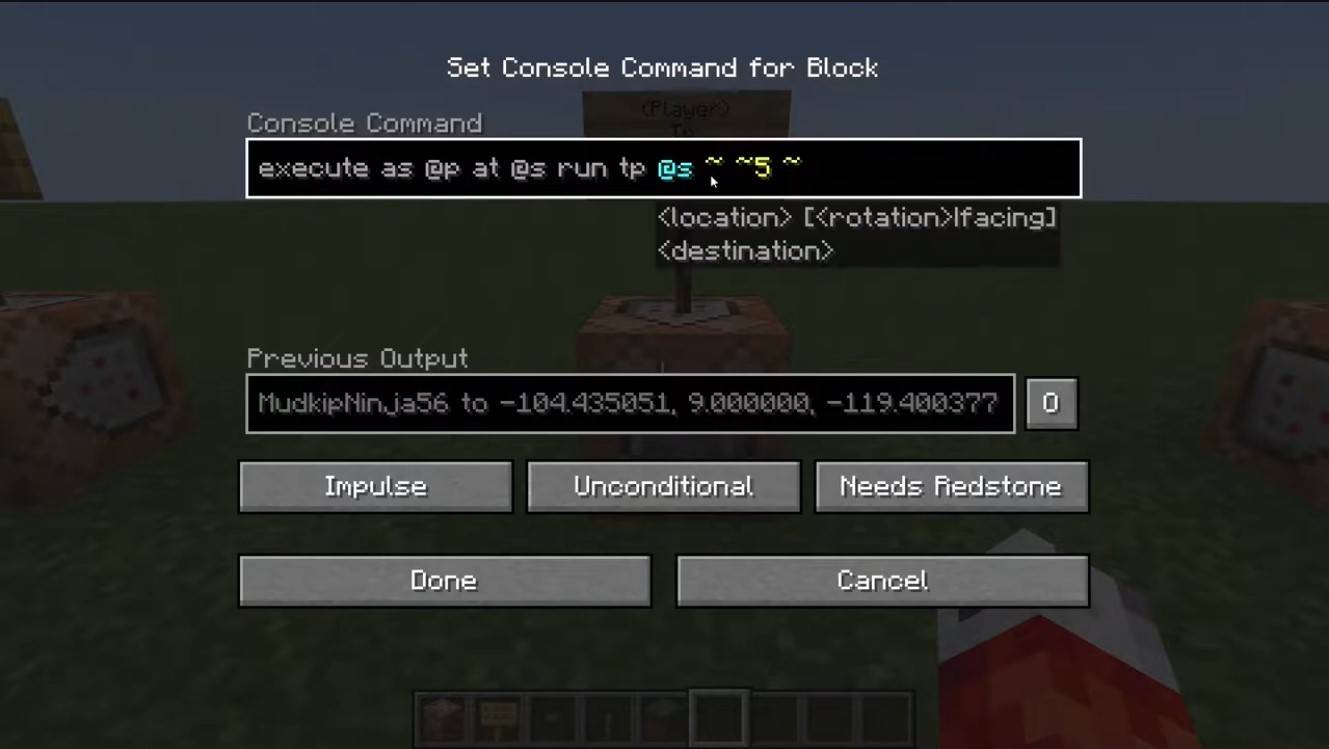 Image: youtube.com
Command blocks automate teleportation. Enable them in multiplayer server settings, obtain the block using /give @p command_block, place it, input the command, and connect a lever or button.
Server Teleportation
Servers often have custom teleportation commands; access depends on your role. Admins, moderators, and donators usually have more options than regular players. Common commands include:
/spawn: Returns you to the server's spawn point./home: Teleports you to your saved home location./sethome: Sets your home location./warp: Teleports to a predefined warp point./tpa: Sends a teleport request to another player./tpaccept: Accepts a teleport request./tpdeny: Rejects a teleport request.
Check server rules before teleporting; some servers restrict teleportation during combat or impose delays/penalties. If a command fails, check your permissions or seek alternative methods.
Common Errors and Solutions
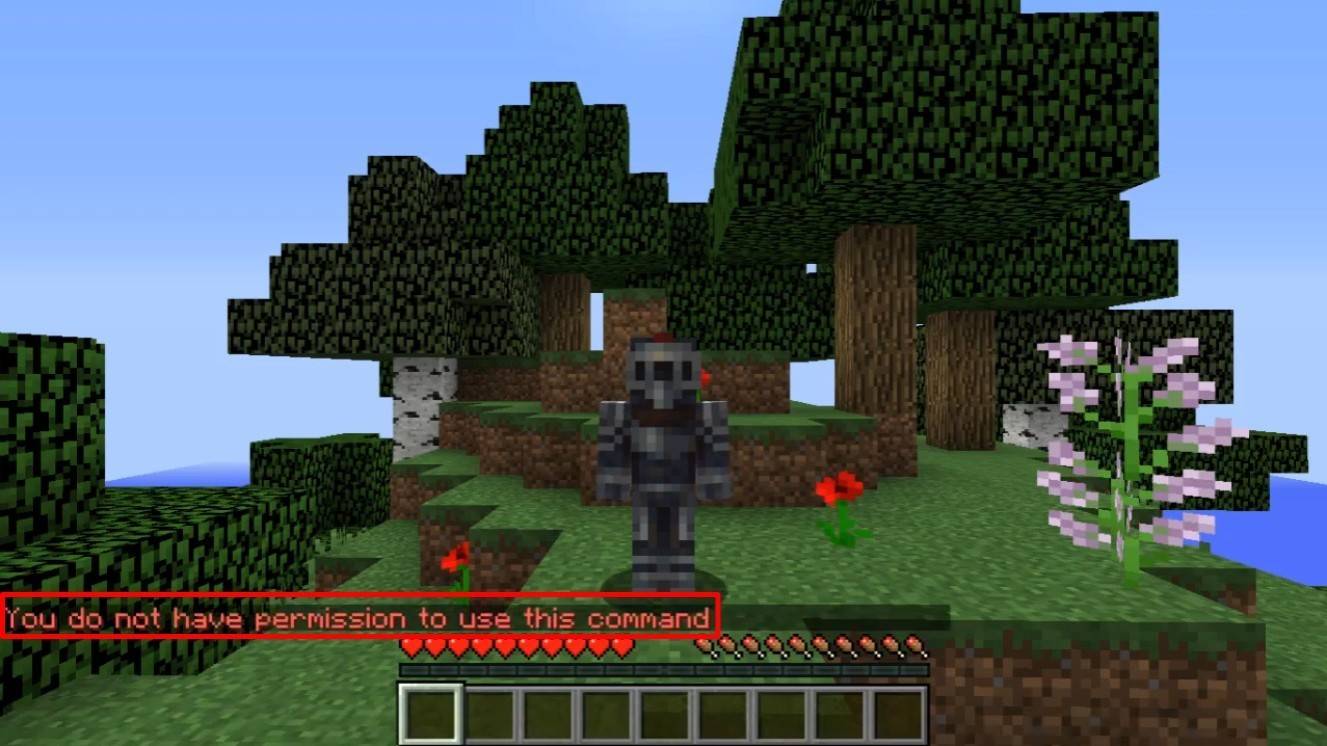 Image: youtube.com
- "You do not have permission": Insufficient permissions; request admin access or enable cheats in singleplayer.
- "Incorrect argument": Check command syntax and arguments for errors.
- Teleporting underground: Ensure the Y-coordinate is high enough (64 or higher is recommended).
- Delays: Server-side settings might intentionally add delays to prevent cheating.
Safe Teleportation Tips
- Verify the destination's safety.
- On servers, use
/tpato avoid accidental teleportation. - Set a return point using
/sethomebefore exploring new areas. - Carry potions or a Totem of Undying when teleporting to unknown locations.
Minecraft teleportation is a powerful tool for efficient gameplay. Command blocks, plugins, and commands provide flexible travel options, but use them wisely to maintain game balance.
Main Image: youtube.com
-
 Hawaiian language packDive into the richness of Hawaiian culture with the Hawaiian language pack app. Install it alongside AnySoftKeyboard to unlock a dedicated Hawaiian keyboard, bringing a tropical vibe to every keystroke. While a built-in dictionary isn't included, yo
 -
 Virtual DroidExperience joy through a virtual android, now enhanced with AI.Welcome to Virtual Droid – your gateway to a virtual metaverse, now featuring AI-powered Bots.- AI-powered bots deliver real-time responses—don't miss the chance to try it yourself.- Disc
 -
 Back WarsJourney a millennium back in time to conquer the world before history unfolds!When a modern army travels a thousand years into the past to dominate the world ahead of schedule, they find their primitive adversaries are full of surprises! Lead a globa
 -
 Fish.IO - Hungry FishRule the Aquarium as Fish King!Enter the narwhal war to become the ultimate Fish King and triumph in fierce aquatic competitions. Dive into Fish.io - Hungry Fish, a thrilling free-to-play io game where you control a deadly baby shark armed with razor
 -
 Campercontact - Camper VanDiscover the perfect travel companion for camper van enthusiasts with Campercontact - Camper Van! Access an extensive database of 50,000+ locations across 58 countries to easily find your next motorhome spot or plan your route. Whether you’re an exp
 -
 Huge Timer Stopwatch TabataMeet your ultimate timing companion: Huge Timer Stopwatch Tabata. Designed to handle all your timing tasks, from workouts and cooking to focused study sessions, this digital app masterfully combines a stopwatch and timer into one intuitive interface




