

Azur Lane on Mac: BlueStacks Air Guide
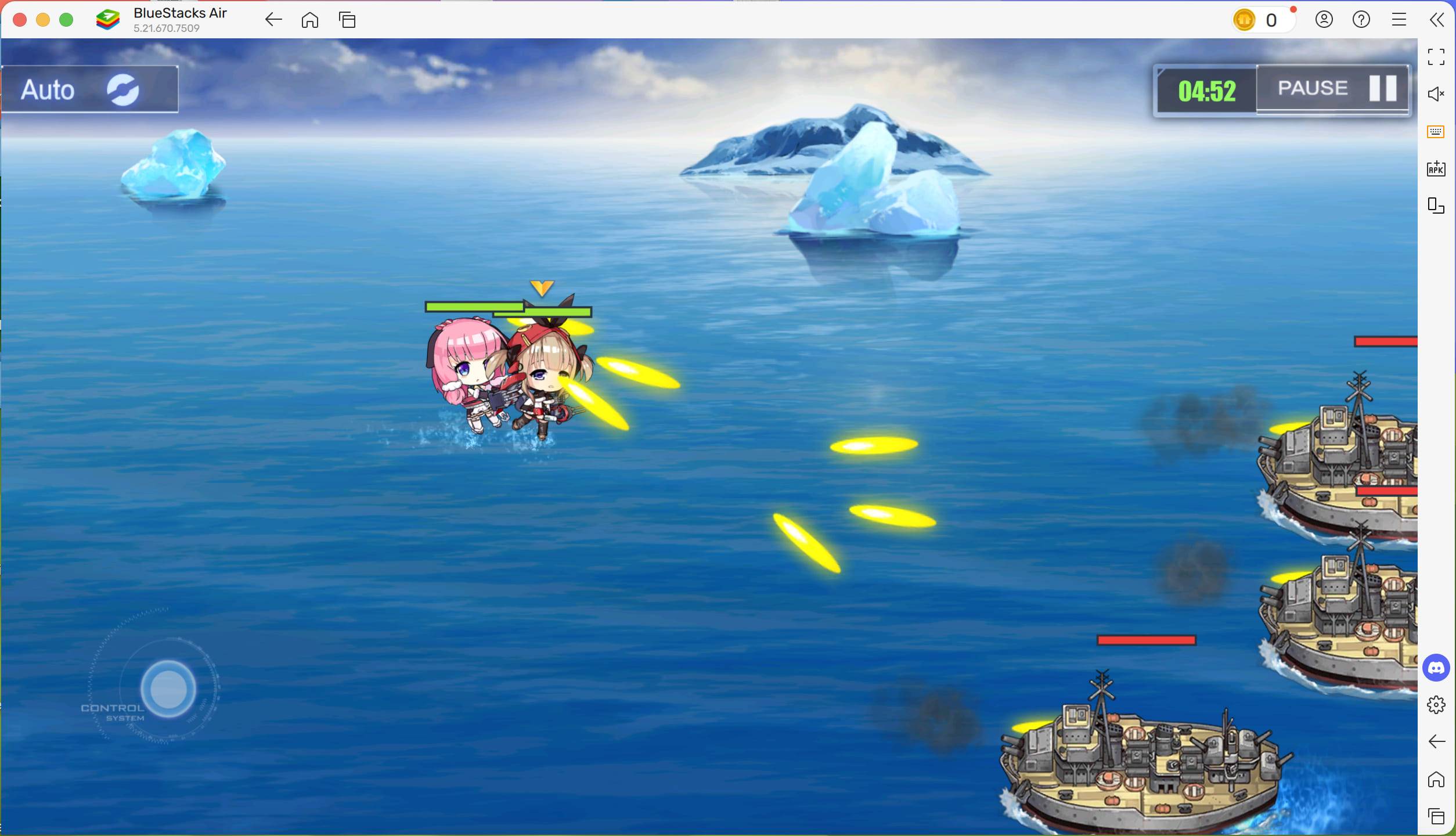
Azur Lane, a captivating blend of naval warfare, RPG mechanics, and anime-style aesthetics, has enthralled players globally. Its vibrant visuals, real-time battles, and extensive customization options provide endless enjoyment for strategy and anime fans alike. For Mac users, BlueStacks Air unlocks a new level of Azur Lane gameplay, offering enhanced performance and controls on a larger screen.
This guide demonstrates how to launch Azur Lane on your Mac using BlueStacks Air.
What is BlueStacks Air?
BlueStacks Air is a revolutionary gaming platform bringing Android games and apps to Mac computers. Unlike other emulators relying solely on local processing, BlueStacks Air's macOS optimization ensures a lightweight installation and seamless gameplay. It leverages your Mac's hardware for an exceptional gaming experience without system strain.
BlueStacks Air lets you enjoy Azur Lane on a larger screen with customizable controls and multitasking capabilities. Whether commanding your shipgirls or refining your strategy, it delivers a smooth, immersive experience.
Why Play Azur Lane on Mac Devices?
Azur Lane uniquely combines side-scrolling shooters, naval warfare, and anime character design. In a world where battleships are personified as alluring and powerful "shipgirls," the game blends strategy, action, and role-playing. Playing Azur Lane on a Mac with BlueStacks Air offers several advantages:
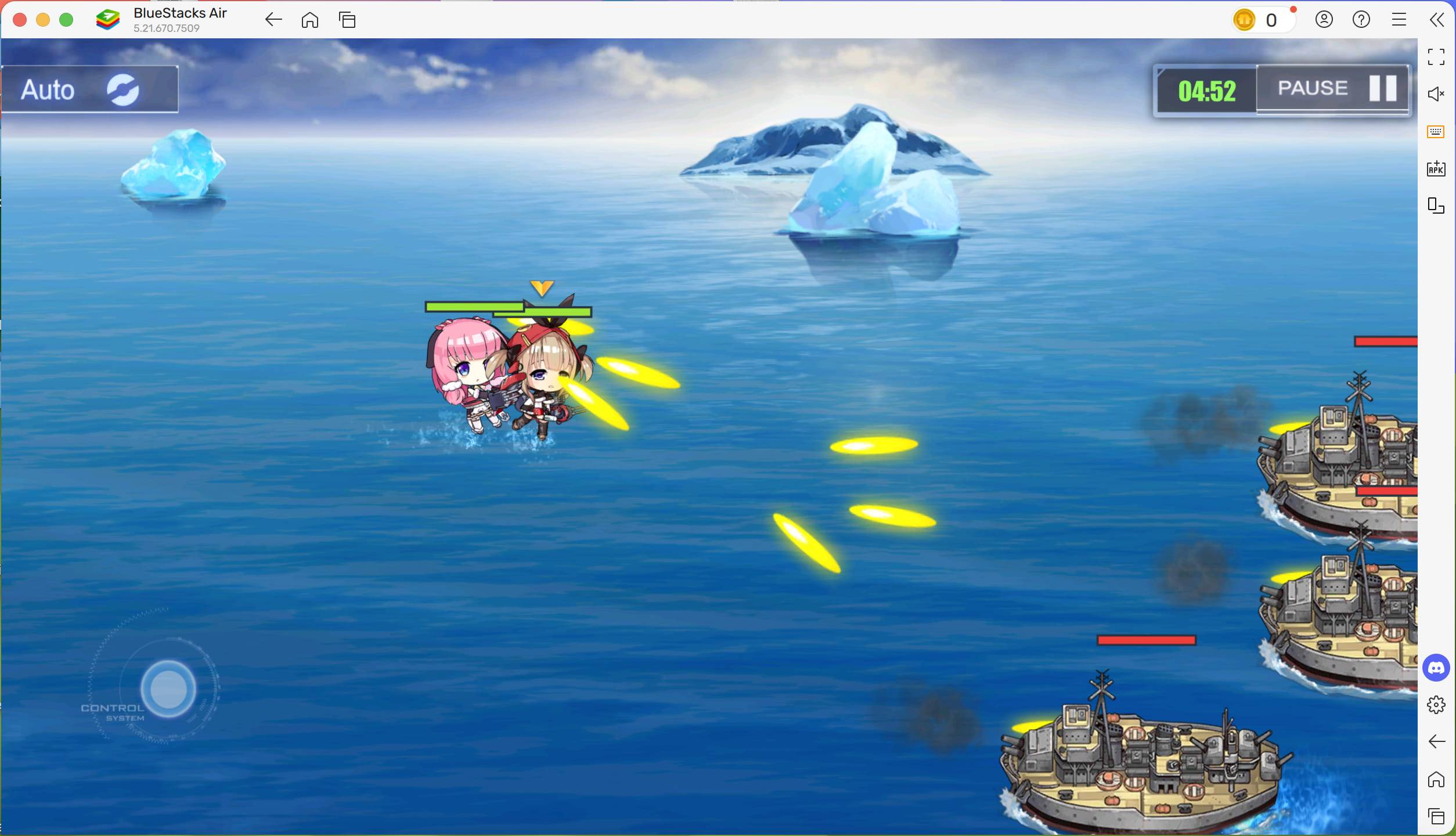
Azur Lane's compelling mix of naval combat, strategy, and RPG elements continues to captivate players worldwide. Playing on your Mac with BlueStacks Air allows full immersion in this exciting world, enhanced by superior visuals, precise controls, and seamless performance. Whether a veteran commander or a newcomer, BlueStacks Air guarantees the optimal Azur Lane experience. Download BlueStacks Air today and begin your adventure, commanding your shipgirls to conquer the seas!
-
 Hawaiian language packDive into the richness of Hawaiian culture with the Hawaiian language pack app. Install it alongside AnySoftKeyboard to unlock a dedicated Hawaiian keyboard, bringing a tropical vibe to every keystroke. While a built-in dictionary isn't included, yo
 -
 Virtual DroidExperience joy through a virtual android, now enhanced with AI.Welcome to Virtual Droid – your gateway to a virtual metaverse, now featuring AI-powered Bots.- AI-powered bots deliver real-time responses—don't miss the chance to try it yourself.- Disc
 -
 Back WarsJourney a millennium back in time to conquer the world before history unfolds!When a modern army travels a thousand years into the past to dominate the world ahead of schedule, they find their primitive adversaries are full of surprises! Lead a globa
 -
 Fish.IO - Hungry FishRule the Aquarium as Fish King!Enter the narwhal war to become the ultimate Fish King and triumph in fierce aquatic competitions. Dive into Fish.io - Hungry Fish, a thrilling free-to-play io game where you control a deadly baby shark armed with razor
 -
 Campercontact - Camper VanDiscover the perfect travel companion for camper van enthusiasts with Campercontact - Camper Van! Access an extensive database of 50,000+ locations across 58 countries to easily find your next motorhome spot or plan your route. Whether you’re an exp
 -
 Huge Timer Stopwatch TabataMeet your ultimate timing companion: Huge Timer Stopwatch Tabata. Designed to handle all your timing tasks, from workouts and cooking to focused study sessions, this digital app masterfully combines a stopwatch and timer into one intuitive interface




